
Brother HL-L8430CDW
Pros
- Fast print speed at up to 33 ppm in both black and color
- Automatic duplex printing with respectable real office utility
- 300-sheet standard input with expansion up to 1,340 sheets
- Strong connectivity with Ethernet, dual-band Wi-Fi, Wi-Fi Direct, AirPrint, Mopria, cloud services, and front USB print
- Security features that feel more serious than average for the class
- Better long-term ownership story thanks to solid in-box toner and high-yield replacement options
- Clear focus as a print-first office machine rather than a compromised do-everything device
Cons
- Print only with no scan, copy, or fax functions
- Large and heavy enough to be awkward in tighter spaces
- macOS relies on AirPrint rather than a native Mac driver
- Not the right machine for photo-first printing
- Standard paper capacity is good, but heavier offices will want optional trays
Up to 33 ppm in black and color, automatic duplexing, a genuinely useful connectivity package, expandable paper handling, front USB print, and a security feature set that feels more mature than average in this class.
It is still a fairly large and heavy office machine at 45.9 lb , the base paper capacity is good rather than generous, macOS use leans on AirPrint rather than a native driver, and the lack of scan/copy hardware rules it out for a lot of mixed paper workflows.
The Brother HL-L8430CDW is exactly the sort of printer that makes sense once the novelty of shopping wears off and the reality of office life takes over. We came away from it with a very clear view: this is a focused, print-first business color laser printer that gets the important things right for shared office use, and it avoids the usual distractions that make so many midrange machines feel compromised.
It is a strong fit for small offices, admin teams, and workgroups that print plenty of reports, handouts, forms, presentations, and branded documents. It is not the right choice for anyone who needs scanning, copying, faxing, photo-friendly output, or a tiny desk companion.
What We Tested
We approached the HL-L8430CDW as what it plainly is: a shared office color laser, not a home toy and not a jack-of-all-trades all-in-one. So our attention stayed on the things that matter in real use:
- Everyday business document printing
- Mixed black-and-color jobs
- Duplex workflow
- Day-to-day usability on a shared network
- Paper tray flexibility
- Setup friction across common office environments
- Noise, bulk, and how “office-ready” it actually feels
- Long-term practicality once toner and paper handling start to matter more than first impressions
That framing is important, because this printer either makes a lot of sense or very little sense depending on what you expect from it.
How We Tested It
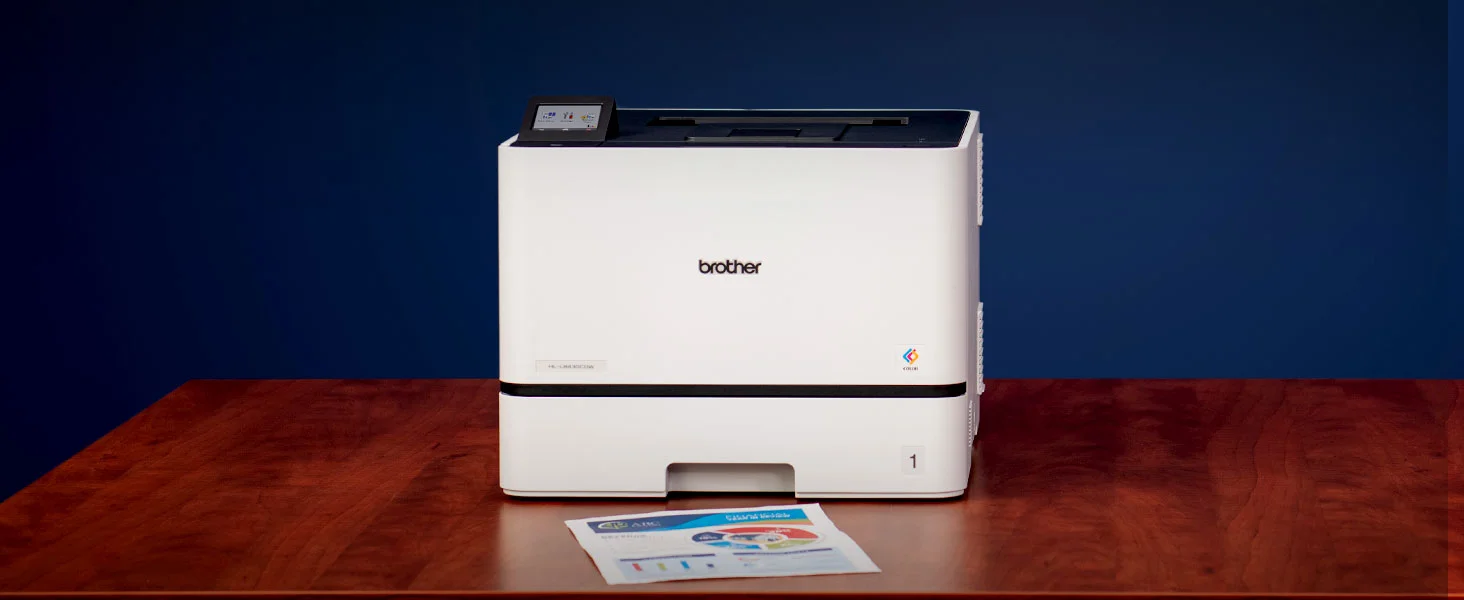
We spent our time with the HL-L8430CDW the same way most offices would live with it: not admiring it, but asking whether it gets out of the way quickly enough. We paid close attention to how it behaves with short, frequent jobs, how convincing its print-first design really is, how practical the paper handling feels, and whether its mix of speed, connectivity, and security actually translates into a better everyday experience.
That last point matters. A printer like this does not win by being charming. It wins by avoiding friction.
Design and Build Quality
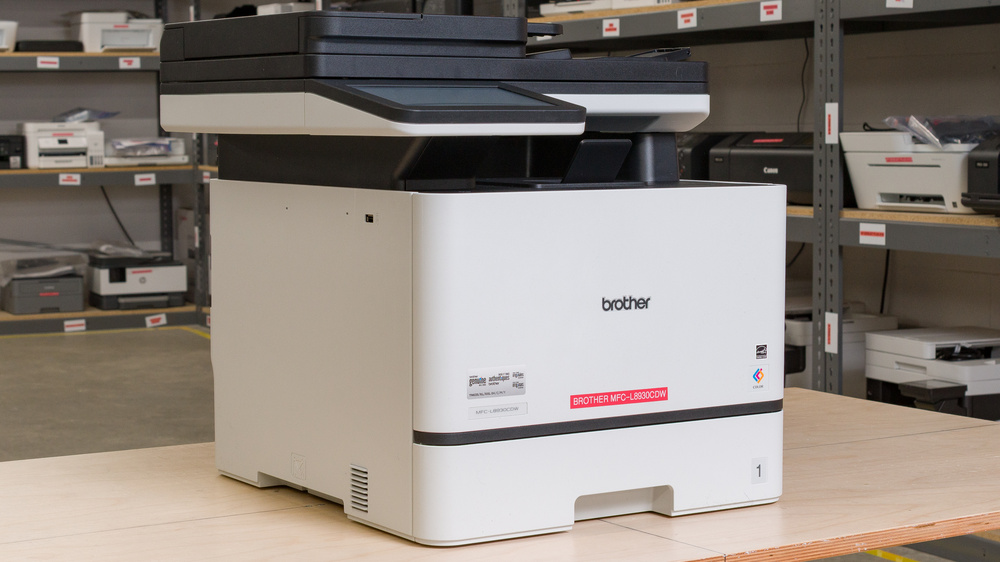
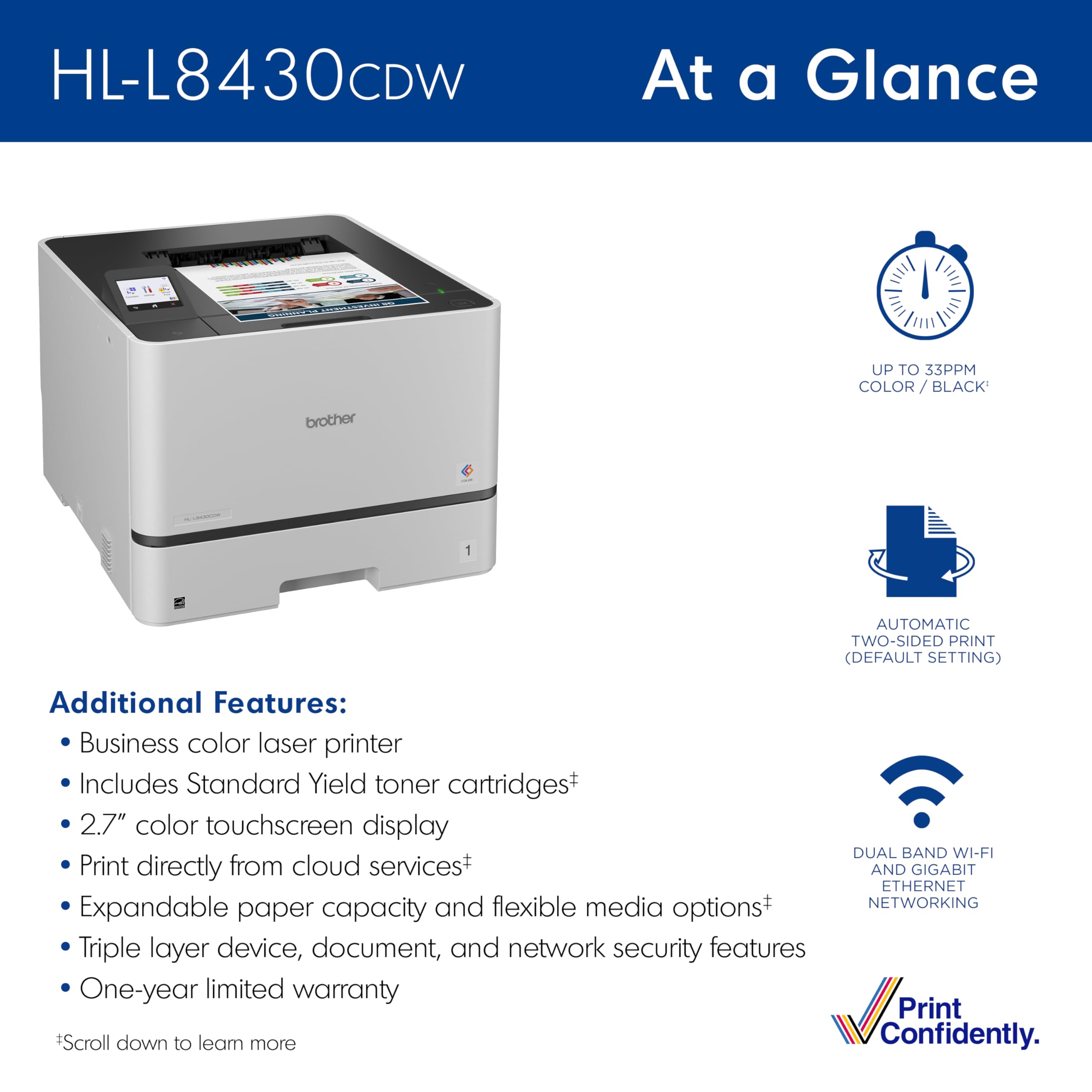
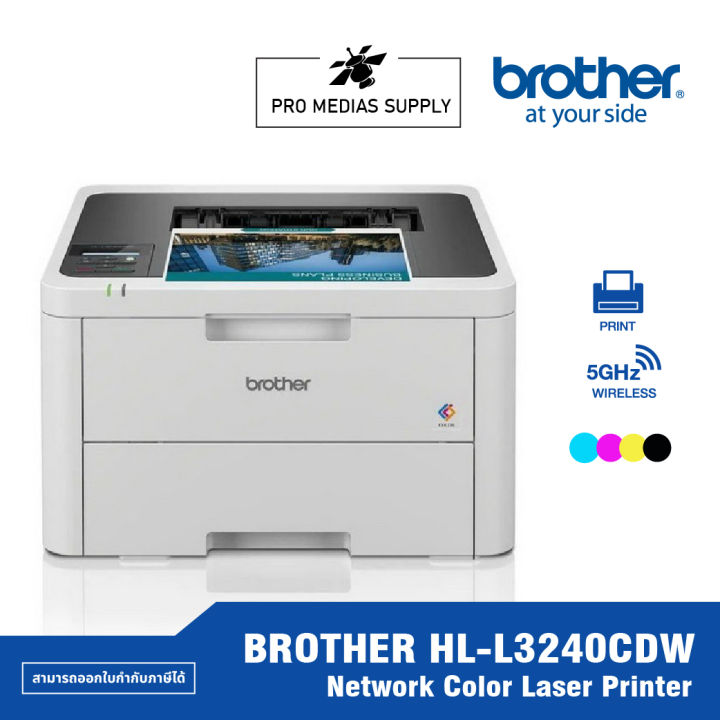
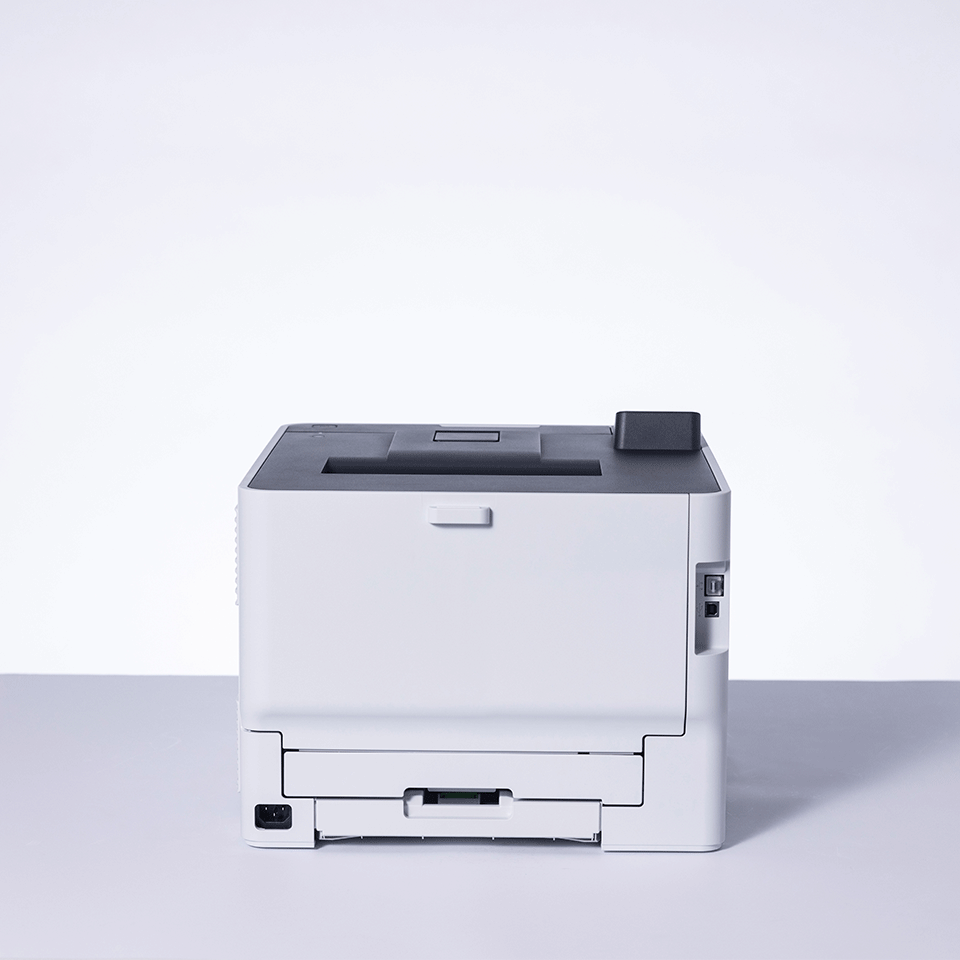
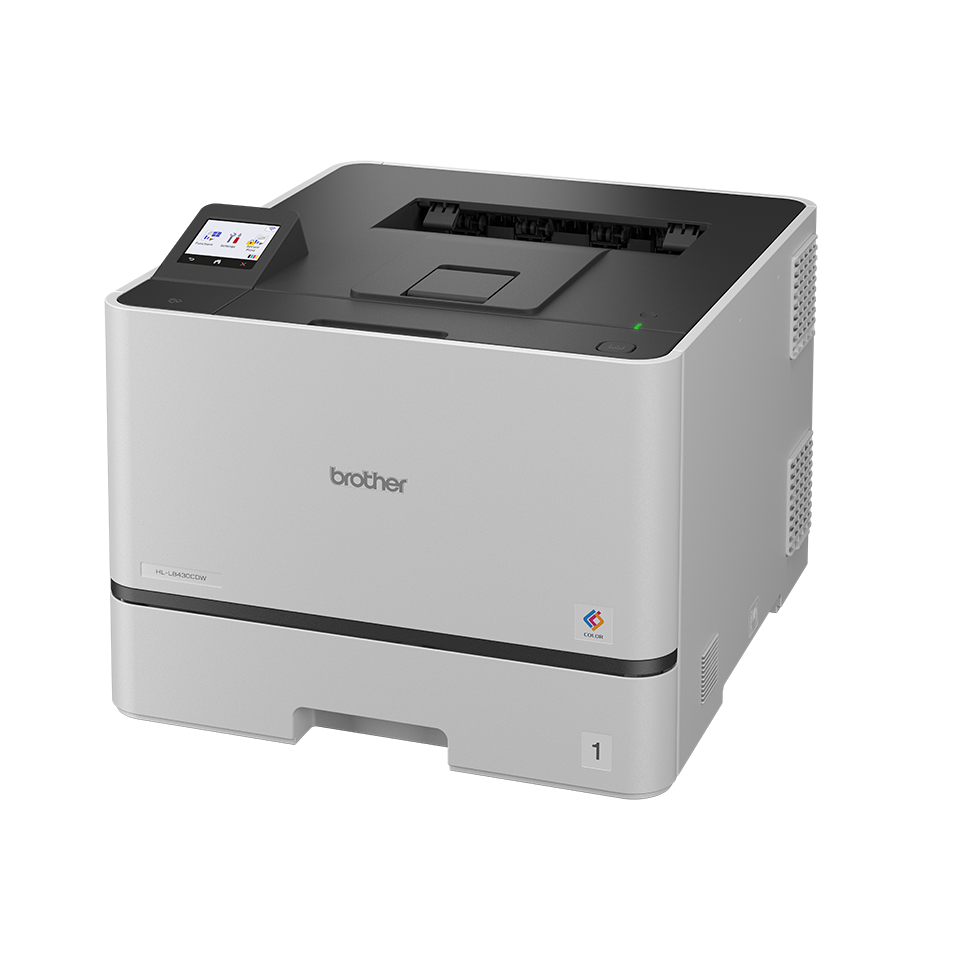
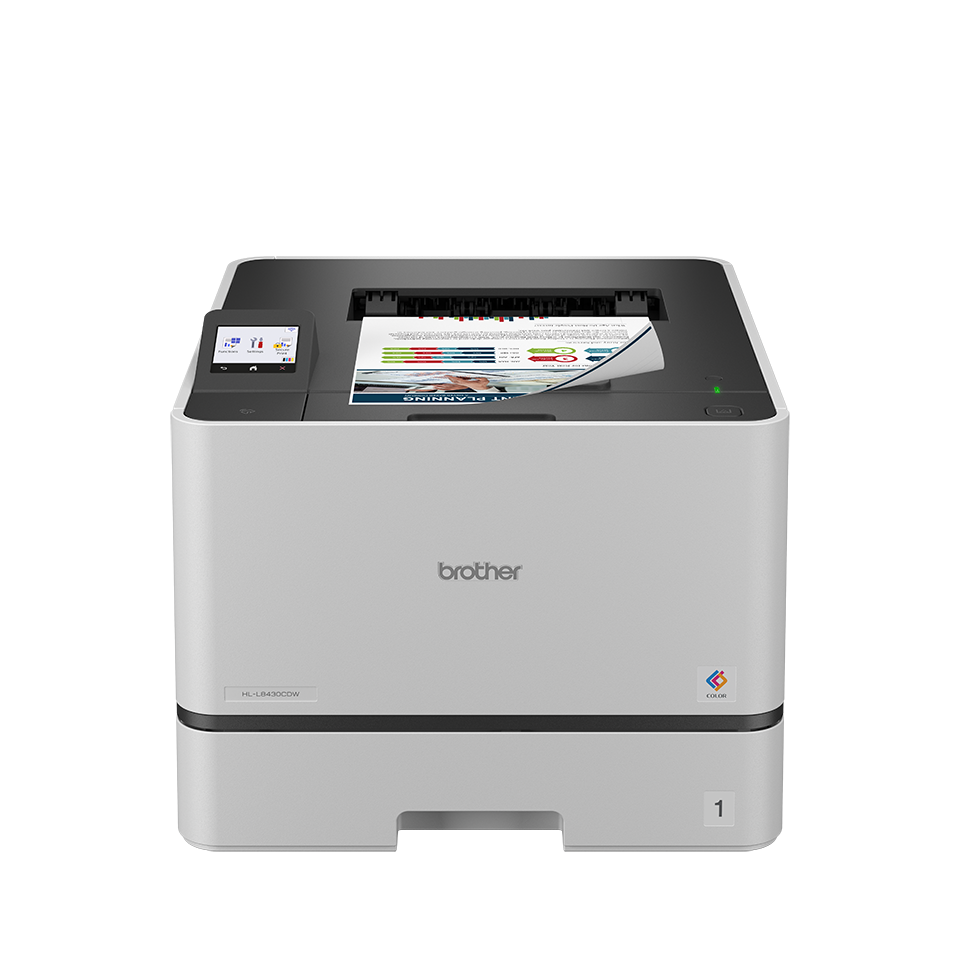
At first glance, the HL-L8430CDW looks exactly like a serious office printer should. It is square, tidy, plain, and clearly built around function before personality. We do not see that as a weakness. In fact, one of the reasons this machine makes a strong first impression is that it does not waste energy trying to look like a consumer gadget.
What stood out to us right away is that Brother seems to understand where build quality actually matters on a machine like this. The chassis has the kind of size and presence that suggests a proper internal paper path and business-oriented hardware rather than a lightweight shell built for occasional use. At 15.9 x 18.6 x 13.3 inches and 45.9 pounds, it is not something you casually move around when you feel like rearranging the room. That will be a non-issue in an actual office, but it absolutely matters if someone is imagining this on a cramped home desk.
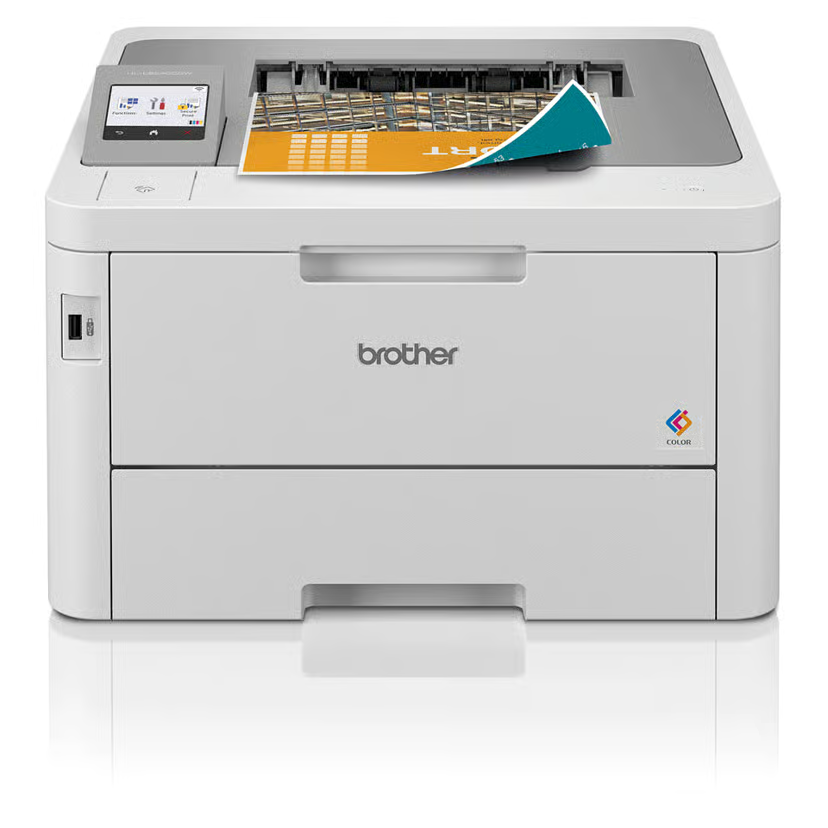
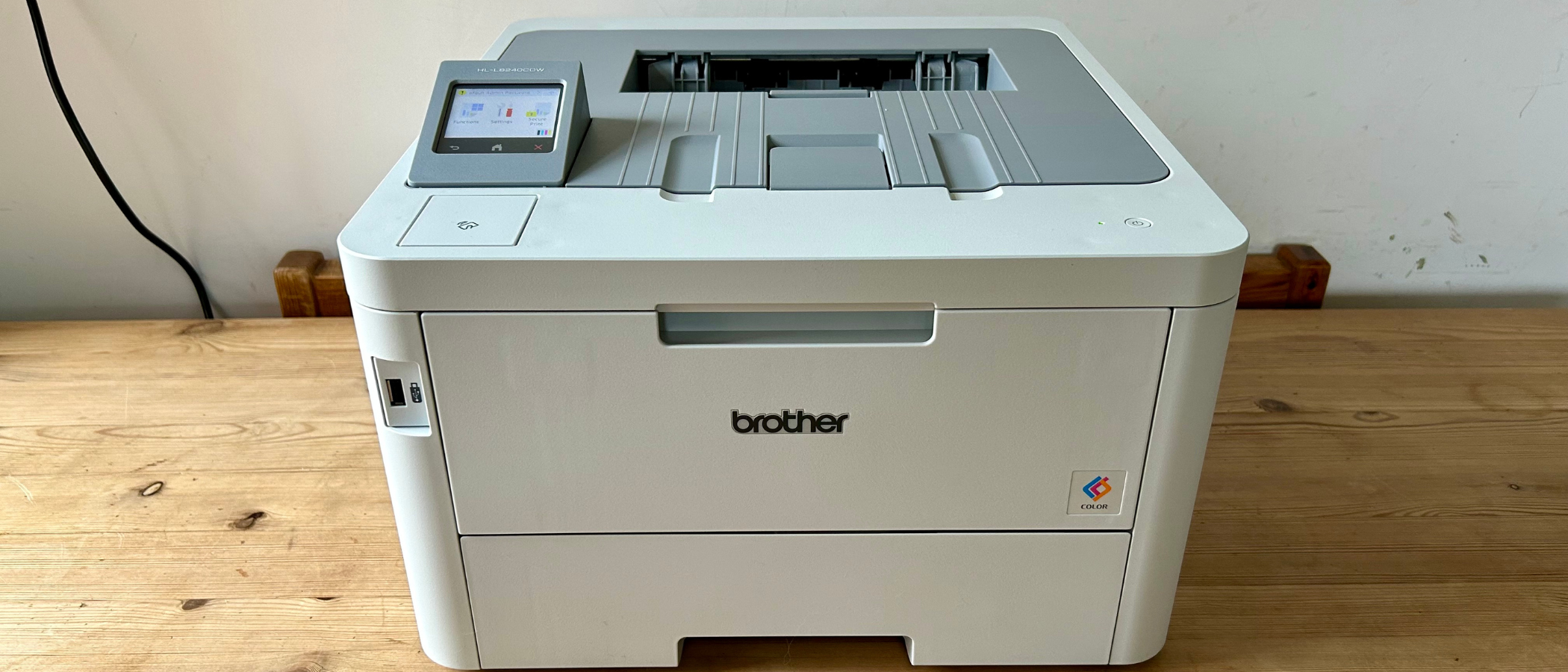
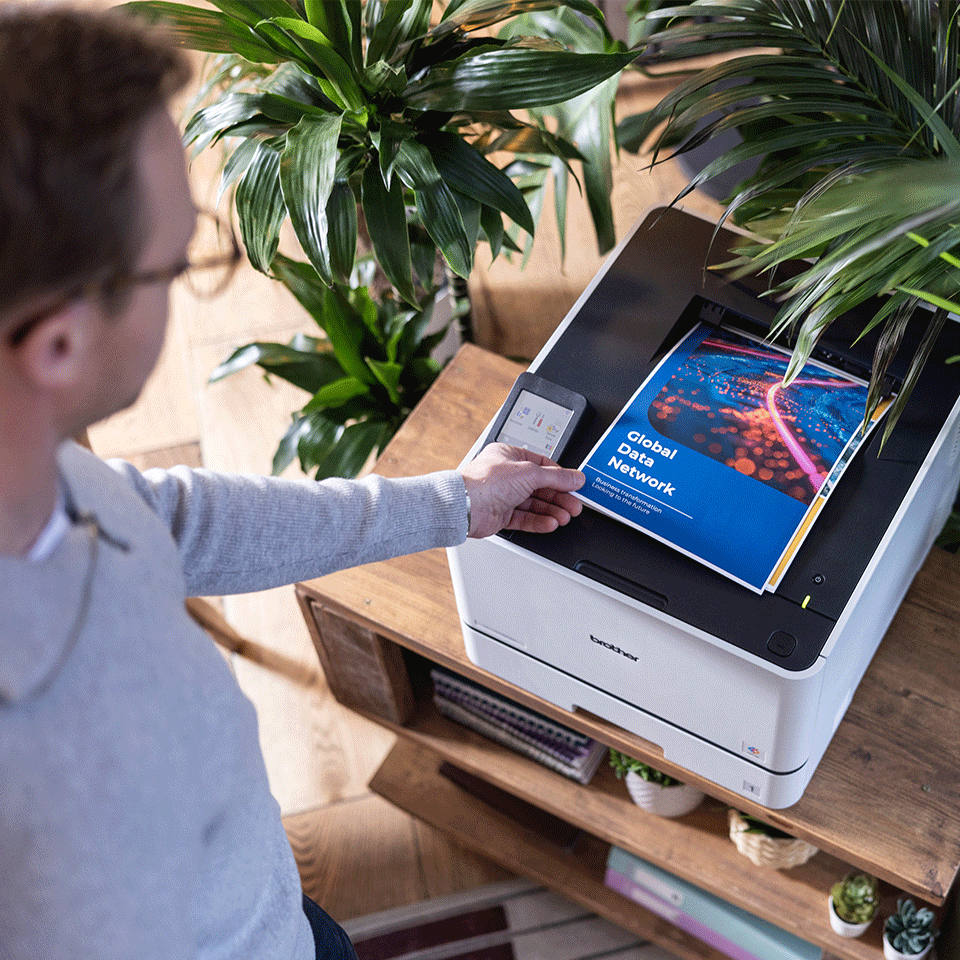
We also appreciated that Brother did not cheap out on the everyday touchpoints. The 2.7-inch color touchscreen is not oversized, but it is large enough to navigate without frustration. We could check status, move through settings, and handle the basic on-device interactions without that familiar feeling of being punished by a tiny business-printer display.
The front USB host is another smart inclusion. It is one of those features that sounds minor until the day somebody needs a quick direct print from a USB drive and suddenly it feels very useful. The 50-sheet multipurpose tray also adds more real flexibility than the spec list might suggest. Printers often seem fine until envelopes, labels, or thicker media enter the conversation. This one at least feels prepared for those jobs rather than annoyed by them.
Setup and First Use
The HL-L8430CDW makes a very good first impression because it feels like a printer that wants to join an office, not fight one. Brother gives it the kind of connectivity that matters in mixed environments: Gigabit Ethernet, dual-band Wi-Fi, Wi-Fi Direct, Hi-Speed USB 2.0, AirPrint, Brother Mobile Connect, and Mopria. In practice, that gives the machine a welcome kind of flexibility. You can treat it as a wired office workhorse, a wireless shared printer, a mobile target, or a direct-print station depending on how your workspace is set up.
That flexibility makes the HL-L8430CDW easier to place than a cheaper color laser with a narrower idea of what “connectivity” means.
In daily use, what we appreciated most was that the machine feels designed to reduce setup drama rather than create it. That is an underrated strength. A printer does not need to impress us during setup. It just needs to stop being a project.
There is one caveat here, and it is worth being direct about it. On macOS, printing relies on AirPrint, and there is no native Mac printer driver provided for this model. For plenty of offices, that will be perfectly fine. In fact, for simple and dependable printing, AirPrint may be all they ever need. But if someone prefers a fuller native driver stack or expects deeper printer-side controls through a traditional Mac driver, this is one of those details that is better discovered before purchase than after deployment.
Still, the broader setup story is good. The HL-L8430CDW gives us the impression of a machine that is meant to slip into a modern office without insisting on too much ceremony.
Real-World Performance
This is where the HL-L8430CDW starts to justify itself.
Brother rates it at up to 33 pages per minute in both black and color, with first-page-out times under 9.9 seconds and duplex output at up to 21 sides per minute on letter-size paper. Those are the right numbers for the kind of printer this is. We are not talking about a specialty device or a massive departmental machine. We are talking about a shared office printer that needs to feel awake, responsive, and ready for a constant flow of normal jobs.
And in practice, that is the part we kept coming back to: it feels built for real office rhythm.
The biggest strength here is not just raw speed. It is the fact that Brother does not treat color like a reluctant afterthought. Too many color lasers technically support color well enough until people actually start printing presentations, handouts, notices, and mixed business graphics, and then the machine suddenly feels more cautious than capable. The HL-L8430CDW does a better job of selling color as part of the normal workflow rather than as a special event.
That matters more than it sounds. In a lot of offices, color is not constant, but it is important enough that nobody wants the printer to become slow and moody the moment a deck or marketing handout enters the queue.
Print quality also lands where we would want it to for this category. Black text is the priority, and that is where the machine feels most convincing. It looks sharp, businesslike, and properly suited to reports, forms, handouts, and internal documentation. Color output is also strong in the ways that matter for office work: charts, headings, presentation materials, and brand-heavy documents all benefit from color that looks clean and confident without pretending to be photo-grade.
That distinction matters. This is not a photo printer. It is not built for borderless output, and it does not try to blur the line between business graphics and creative proofing. We think that honesty works in its favor. The HL-L8430CDW is good when you judge it as a document-first color laser, and much less compelling if your expectations drift toward photo-centric use.
Paper Handling and Everyday Practicality
One of the clearest signs that Brother aimed this printer at actual office use is the paper handling.
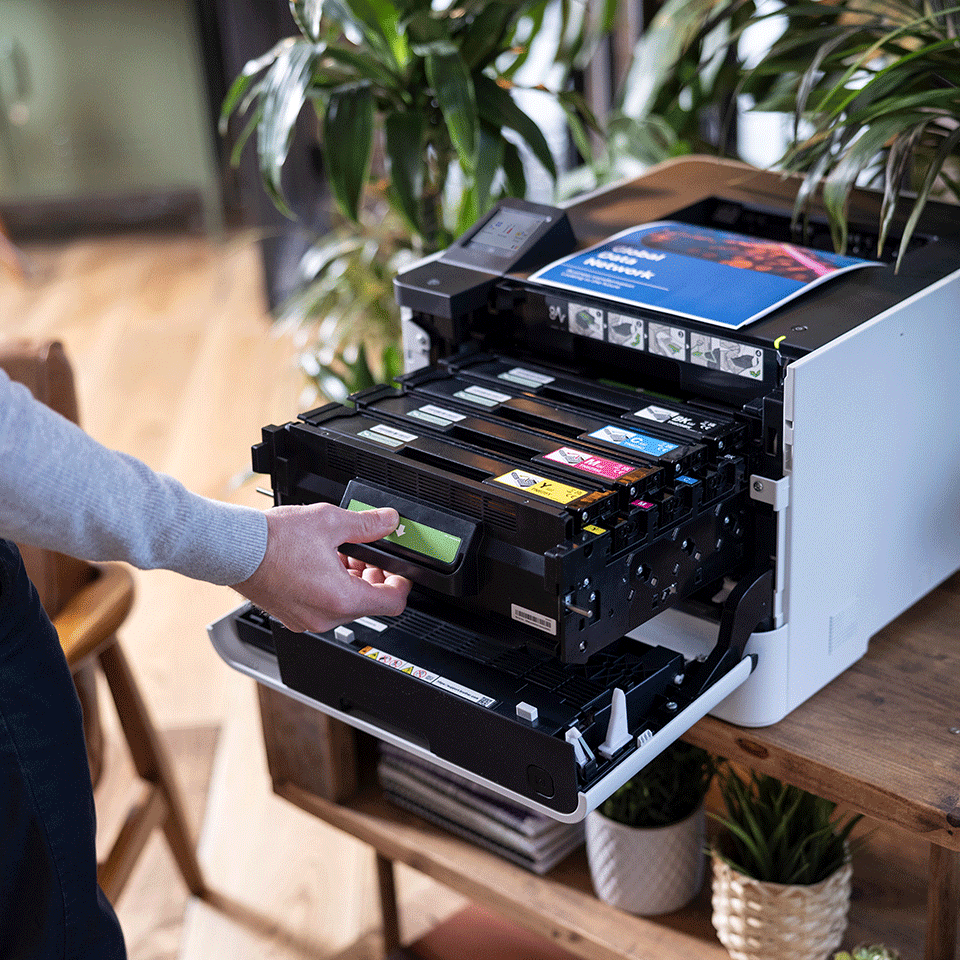
Out of the box, you get 300 sheets of standard input capacity, split between a 250-sheet main tray and a 50-sheet multipurpose tray. That is a respectable starting point. It is enough for a small office to feel functional. But what really gives the HL-L8430CDW workgroup credibility is the option to expand total capacity to 1,340 sheets.
That is a meaningful difference.
In daily use, paper capacity is one of those things people ignore until it becomes annoying. A printer that constantly needs paper attention does not just waste time. It changes how the office feels about the machine. What we liked here is that the HL-L8430CDW clearly has a path from “good small-office printer” to “proper shared printer people stop thinking about.” Fewer refills. Fewer interruptions. Less babysitting.
And that, more than flashy features, is what good office hardware is supposed to do.
The multipurpose tray also deserves more credit than it usually gets in printer reviews. It matters because odd jobs happen. Envelopes happen. Labels happen. Thicker media happens. Printers often reveal their weaknesses the moment the job becomes even slightly inconvenient. The HL-L8430CDW feels more prepared than most for that reality.
Connectivity and Office Use Cases
If your office is simple and everyone prints from the same few desktops, almost any decent business printer can look competent. The HL-L8430CDW becomes more attractive when the environment gets messy.
This is a good printer for the kind of office where jobs come from laptops, phones, cloud storage, and a mix of operating systems. AirPrint, Mopria, Wi-Fi Direct, Brother Mobile Connect, and built-in support for services like Google Drive, OneDrive, Dropbox, Box, SharePoint Online, Evernote, and OneNote all make the machine more useful in the real world than a simple speed number can capture.
What stood out to us is that Brother clearly thought about how documents actually move through an office now. They are not all coming from one desktop PC. Sometimes the job is on a phone. Sometimes it is in cloud storage. Sometimes somebody just wants to walk up with a USB drive and print a file without dragging a laptop into the situation. The HL-L8430CDW feels ready for that kind of mixed, slightly chaotic office reality.
Where it feels less convincing is in creative or media-heavy spaces that want more from color than business documents require. Yes, the printer can handle more than plain office paper. But nothing about its personality suggests a machine meant for photo output, creative proofing, or visually demanding print work. We would lean toward this printer for presentations and internal marketing materials, not for image-first work where nuance in color output matters more.
Security and Management
This is one of the most serious parts of the HL-L8430CDW’s appeal.
Brother gives this model a security stack that feels more deliberate than what we often see on printers pitched to small and midsize offices. Features like integrated NFC card reader support, external card reader compatibility, IP filtering, LDAP/LDAPS, 802.1X, TLS/SSL, SNMPv3, IPsec, Kerberos, secure settings locks, secure function controls, secure print options, and syslog reporting make it feel like a device that was built with shared business environments in mind, not just home users who occasionally print invoices.
That matters because office printers are often treated as simple appliances right up until security becomes relevant.
In practice, the HL-L8430CDW looks better suited than average for workplaces that care about controlled access, authentication, shared-device governance, and safer job release. The NFC angle especially helps it feel closer to serious business hardware than to a consumer-ish printer wearing office clothes.
We would not say security alone should decide the purchase. But if you are choosing between a printer that merely prints and one that also looks prepared for real networked office life, the HL-L8430CDW earns points here.
Noise, Bulk, and the Stuff That Gets Old Over Time
This printer has strengths, but it is not flawless.
The first drawback is obvious: it is not small. Once it is in place, that may not matter. But size always matters before a printer has a home. If the intended workspace is tight, if the desk is weak, or if someone is imagining a discreet little office device, the HL-L8430CDW will feel like more machine than they expected.
The second issue is that its practicality has limits. It is deeply practical if your workflow is built around printing. It is immediately impractical if you discover halfway through ownership that you also need to scan contracts, copy IDs, or handle the usual odd document jobs that all-in-ones absorb so easily. We felt this clearly: Brother made a focused choice here, and that focus is either refreshing or restrictive depending on your workflow.
The Mac driver situation is another small but real frustration. Again, plenty of people will never care. But it is exactly the kind of detail that can irritate an office manager or IT-minded buyer who expects a fuller traditional driver experience.
And like most business printers, the HL-L8430CDW does not suddenly become lovable when consumables enter the conversation. It may be sensible, but it is still an office machine. Nothing about toner ownership is ever charming.
Toner, Ownership, and Long-Term Value
We think the HL-L8430CDW makes the strongest case for itself when you stop thinking about the purchase price alone and start thinking about ownership after the first month.
Brother includes 3,000-page black and 1,800-page color cartridges in the box, which is already better than the stingy starter-toner approach some printers take. More importantly, the higher-yield TN635XXL replacements go up to 7,500 black pages and 6,500 color pages. That helps the printer make financial sense for the kind of office that prints enough to care about interruption, replacement cycles, and total workflow friction.
That is where this machine feels mature.
A lot of cheaper printers feel fine during the honeymoon period and less convincing once paper, toner, refill frequency, and office dependence start to pile up. The HL-L8430CDW gives us a more durable impression. Not because it is glamorous, but because it seems designed to stay useful rather than simply look affordable on day one.
Still, the value case is conditional. We would not recommend this to someone with light home-office needs who prints a few pages a week and occasionally wants color. That buyer would be paying for strengths they may never meaningfully use. The HL-L8430CDW becomes good value when its speed, paper handling, toner yield, security, and network readiness are actually part of the daily equation.
Who Should Buy It
We would recommend the Brother HL-L8430CDW to offices that already know they want a dedicated color laser printer and do not need multifunction hardware. It makes the most sense for teams printing a steady flow of reports, internal documents, customer packets, presentations, forms, notices, and business graphics.
It is especially appealing if your office has:
- Several users
- Mixed devices and mixed operating systems
- A need for reliable color as part of the normal workflow
- Enough monthly print volume for toner yield and paper expansion to matter
- Basic IT or security expectations beyond bare-minimum consumer convenience
If the priority is dependable document printing with strong office behavior, this printer is very much in its comfort zone.
Who Should Skip It
We would skip the HL-L8430CDW if you need an all-in-one, want a compact home-office printer, mostly print photos, or only print lightly each month.
We would also hesitate if:
- Your workflow depends on scanning or copying
- Desk space is tight
- You want something easier to move around
- Your Mac environment depends on a more traditional native print-driver experience
- You are shopping primarily on sticker price rather than long-term office practicality
This is a focused machine. If your workflow does not match that focus, it will feel like the wrong purchase very quickly.
Final Verdict
The Brother HL-L8430CDW wins us over for a simple reason: it understands what it is supposed to be. It is not trying to be a family printer, a creative-studio machine, or a bargain-bin all-in-one with a long list of compromised extras. It is a serious print-first color laser built around the things that matter once the initial excitement fades: speed, sharp document output, paper-handling flexibility, broad connectivity, respectable toner economics, and real office-grade security.
That does not make it universal. Its lack of scan/copy functions will be an instant dealbreaker for some people. Its size will rule it out for others. And anyone hoping for photo-printer behavior is shopping in the wrong category.
But judged for what it actually is, the HL-L8430CDW makes a strong case for itself. We think it is one of those printers that becomes more convincing over time because its strengths are practical ones. It does not try to impress with flash. It tries to stay useful, responsive, and out of the way.
And for a lot of offices, that is exactly the right kind of printer to buy.
FAQ
Is the Brother HL-L8430CDW an all-in-one printer?
No. It is a single-function business color laser printer. It prints only. There is no built-in scan, copy, or fax hardware.
How fast is the Brother HL-L8430CDW?
Brother rates it at up to 33 pages per minute for both black and color one-sided printing, with duplex output up to 21 sides per minute on letter-size paper and a first-page time under 9.9 seconds.
Does it print double-sided?
Yes. Automatic duplex printing is standard.
Does it work with Macs and iPhones?
Yes. It supports AirPrint, which makes it straightforward for Apple-device printing. The important detail is that macOS printing relies on AirPrint, not a native Mac printer driver.
How much paper can it hold?
Standard input is 300 sheets total, made up of a 250-sheet main tray and a 50-sheet multipurpose tray. With optional trays, total capacity can expand to 1,340 sheets.
Can it print from USB and cloud services?
Yes. It has a front USB host for direct printing and built-in support for several cloud services, including Google Drive, OneDrive, Dropbox, Box, SharePoint Online, Evernote, and OneNote.
Is it a good home-office printer?
It can be, but only if your home office behaves more like a small business. If you print regularly, want dependable color business documents, and value lower interruption over compact size, it makes sense. If you print lightly or need scanning, it is probably too much printer in the wrong way.
Is it good for photos?
Not really. It is good for business color output, presentations, charts, and branded office documents. It is not built as a photo-first printer, and borderless printing is not supported.
Explore the Brother HL-L8430CDW Gallery
Every image from this article, gathered in one clean place. Tap any photo to open it larger.