
Hexcal Heavy-Duty Monitor Arm
Pros
- Feels properly built for oversized displays rather than like a standard arm dressed up as “heavy duty”
- Current specs go up to 57 inches
- Current flat-screen load rating goes up to 59.4 lb / 27 kg
- Supports 75x75, 100x100, 200x100, and 200x200 VESA
- Includes both clamp and grommet mounting
- Smooth, confidence-inspiring adjustment in day-to-day use
- Built-in cable management genuinely helps tidy large setups
- Recovers a lot of desk space compared with bulky stock stands
- Strong value at $129 relative to more expensive heavy-duty alternatives
Cons
- Product documentation around older and newer specs is too messy
- A weak desk can undermine the experience even if the arm itself is solid
- Overkill for normal-size monitors
- 1-year warranty feels adequate rather than standout
- Makes the most sense for a fairly specific buyer, not for everyone
the arm feels properly overbuilt where it matters, the up to 57-inch positioning is exactly what this category needs, up to 59.4 lb / 27 kg flat-screen support is ambitious, 200x200 VESA support is genuinely useful, both clamp and grommet mounting are included, cable routing is built in, and the pricing is much more reasonable than many premium heavy-duty alternatives.
Hexcal’s surrounding documentation has not kept pace with the product’s newer positioning, which creates more confusion than there should be for buyers shopping by exact size, weight, and VESA compatibility.
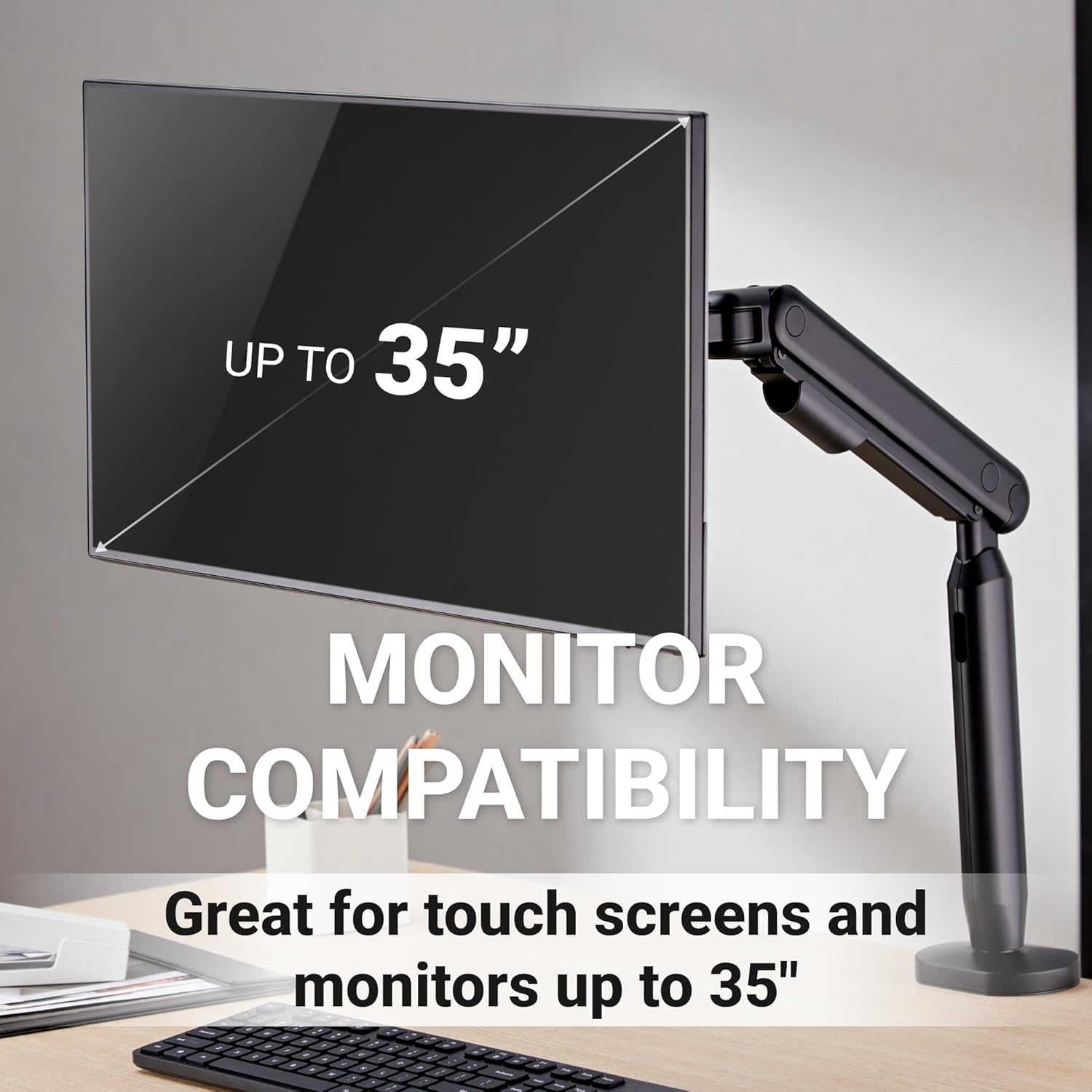
The Hexcal Heavy-Duty Monitor Arm makes sense the moment you understand who it is really for. This is not a monitor arm for a basic office screen, and it does not pretend to be. It is built for the kind of oversized displays that quickly expose the limits of ordinary arms: 45-inch ultrawides, 49-inch super-ultrawides, and the new generation of 57-inch monsters that dominate a desk before you even switch them on.
After spending real time with it, our conclusion is straightforward. If you are trying to get a giant screen off its factory stand and onto something that actually feels up to the job, Hexcal gets the fundamentals right. It feels sturdy, moves with confidence, and solves the desk-space problem that pushes most people into this category in the first place.
The only part that feels less polished than the hardware itself is the product story around it, because the surrounding specs and older references are messier than they should be.
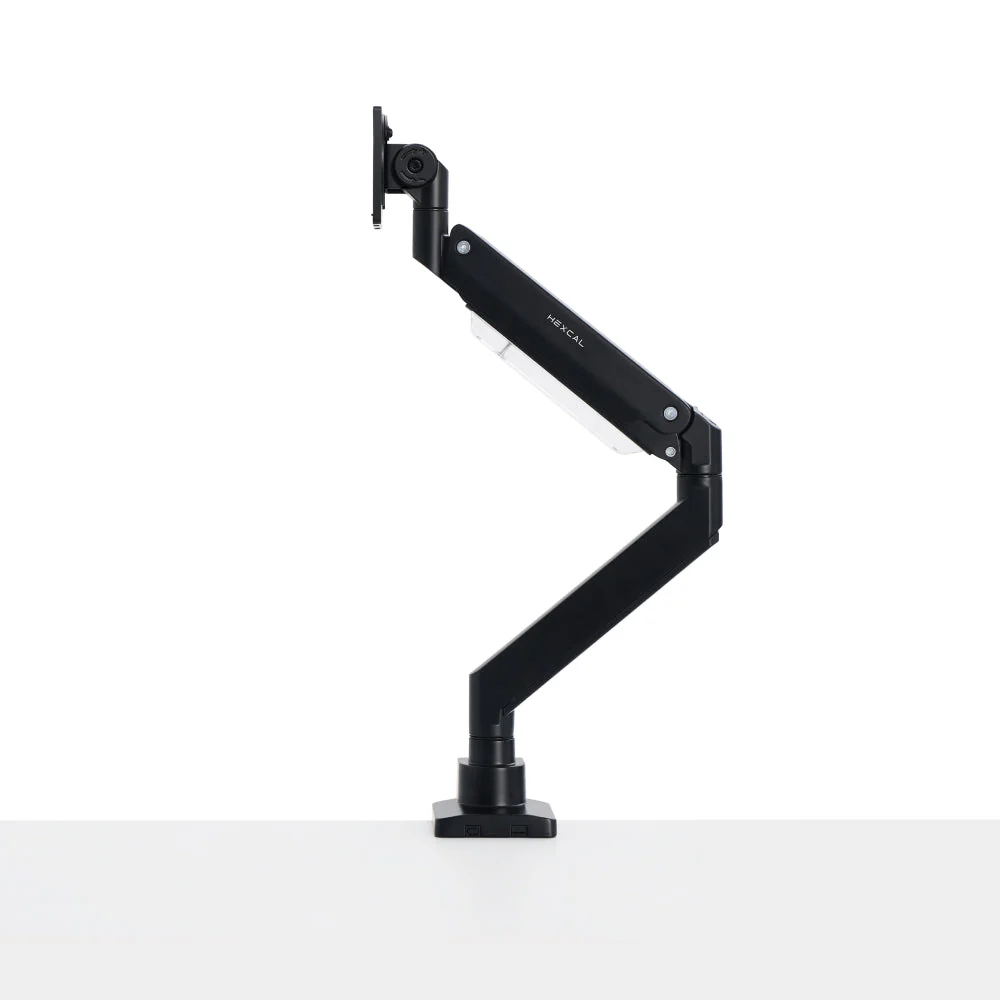
What we tested
We approached the Hexcal Heavy-Duty Monitor Arm the way buyers in this category actually use it. That meant focusing on the things that matter once a monitor stops being “just a monitor” and starts behaving more like a slab of hardware hanging over your desk.
We looked closely at how substantial the arm felt out of the box, how confident the clamp and mounting hardware seemed, how easy it was to get the VESA plate in place, how smoothly the arm adjusted once mounted, how secure it felt when supporting a very large display, how much desk space it gave back compared with a typical oversized stock stand, and whether the built-in cable management made a practical difference in daily use.
That is the right lens for a product like this. Nobody buys a heavy-duty arm because they want a decorative desk accessory. They buy one because the monitor has become too big, too wide, too heavy, or too awkward for the average arm to inspire any real confidence.
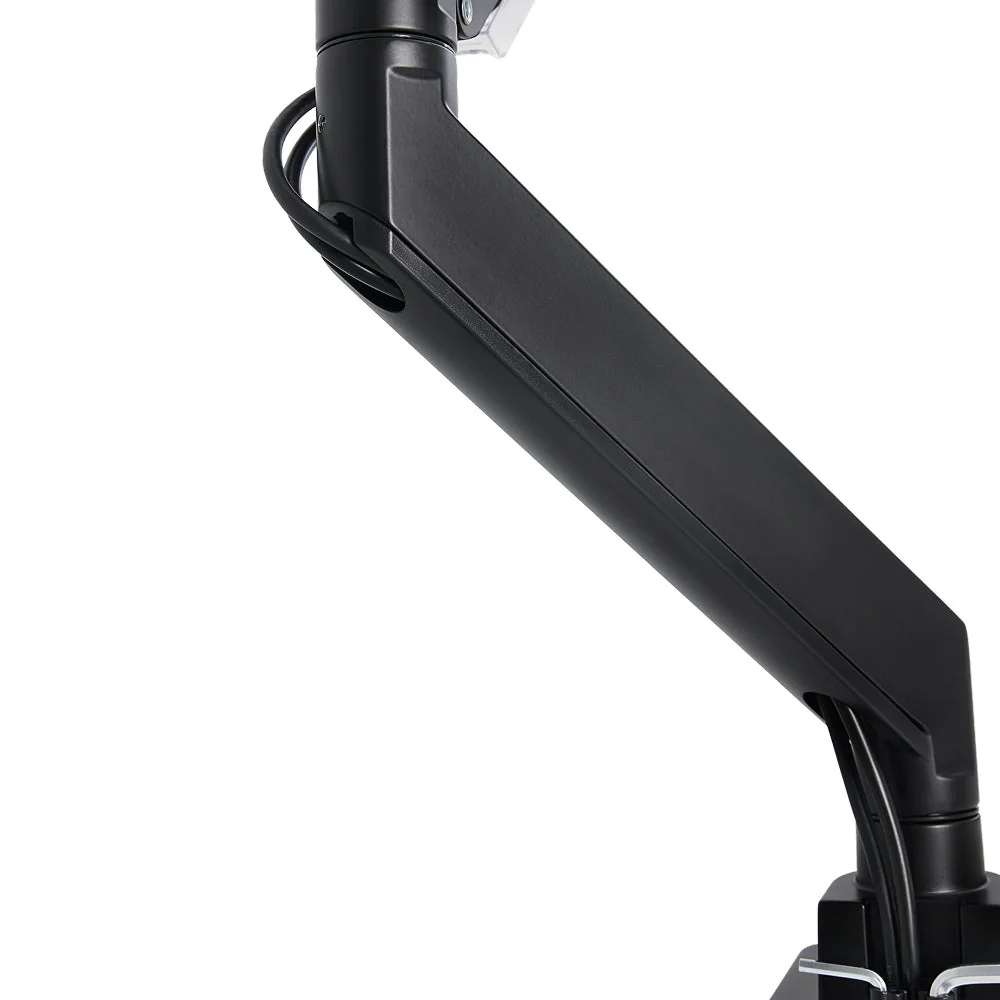
How we tested it
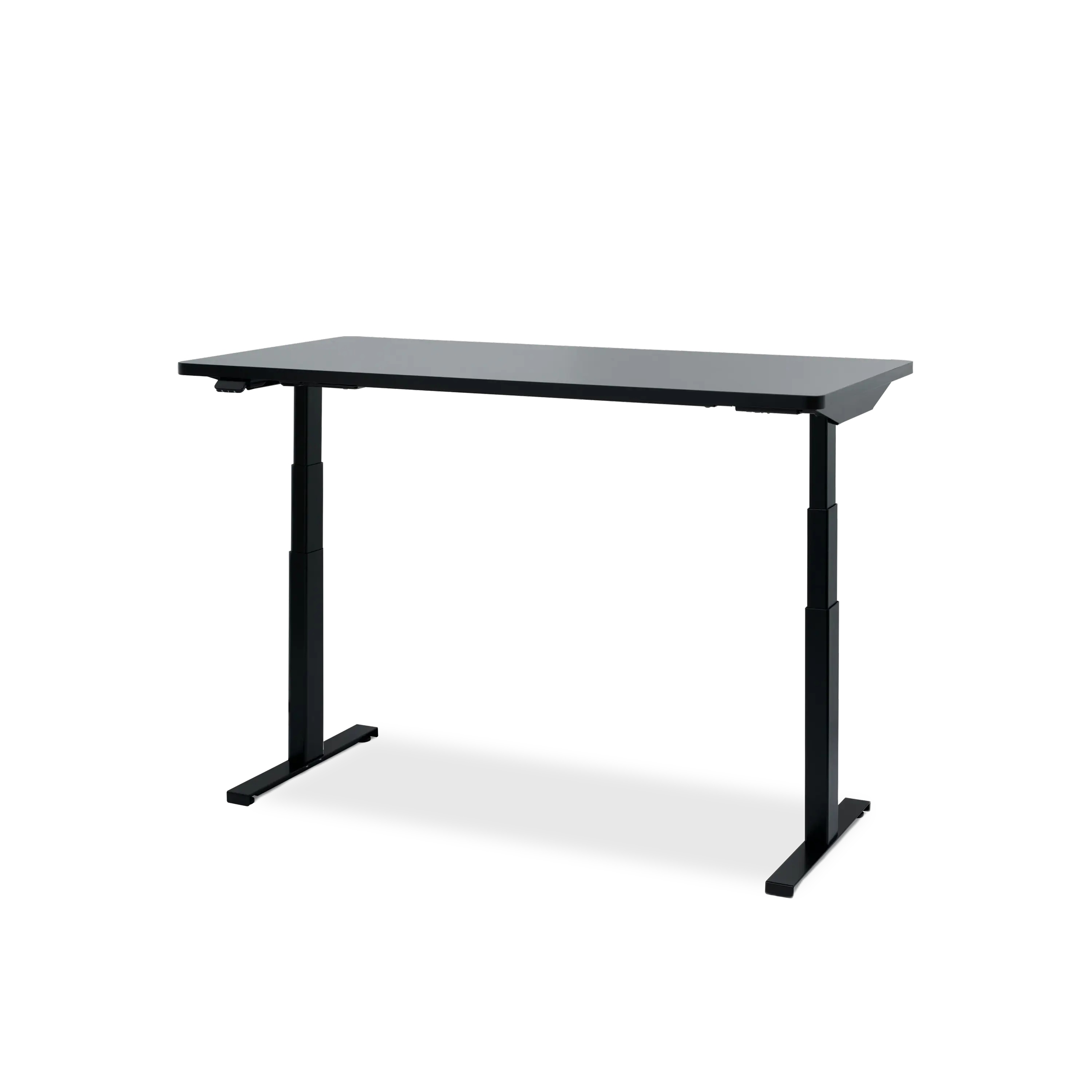
We judged the Hexcal on the realities of day-to-day use rather than on marketing language. We paid attention to the install process, desk fit, range of motion, tilt and swivel usability, repositioning smoothness, wobble control, and the way the arm behaved once the display was set where we wanted it. We also paid close attention to the desk itself, because one thing becomes obvious very quickly with products like this: once the arm is strong enough, your desk can become the weak link.
That last point matters more than it sounds. A heavy-duty arm does not just support a large screen. It also exposes any weakness in the surface holding it.
What is confirmed
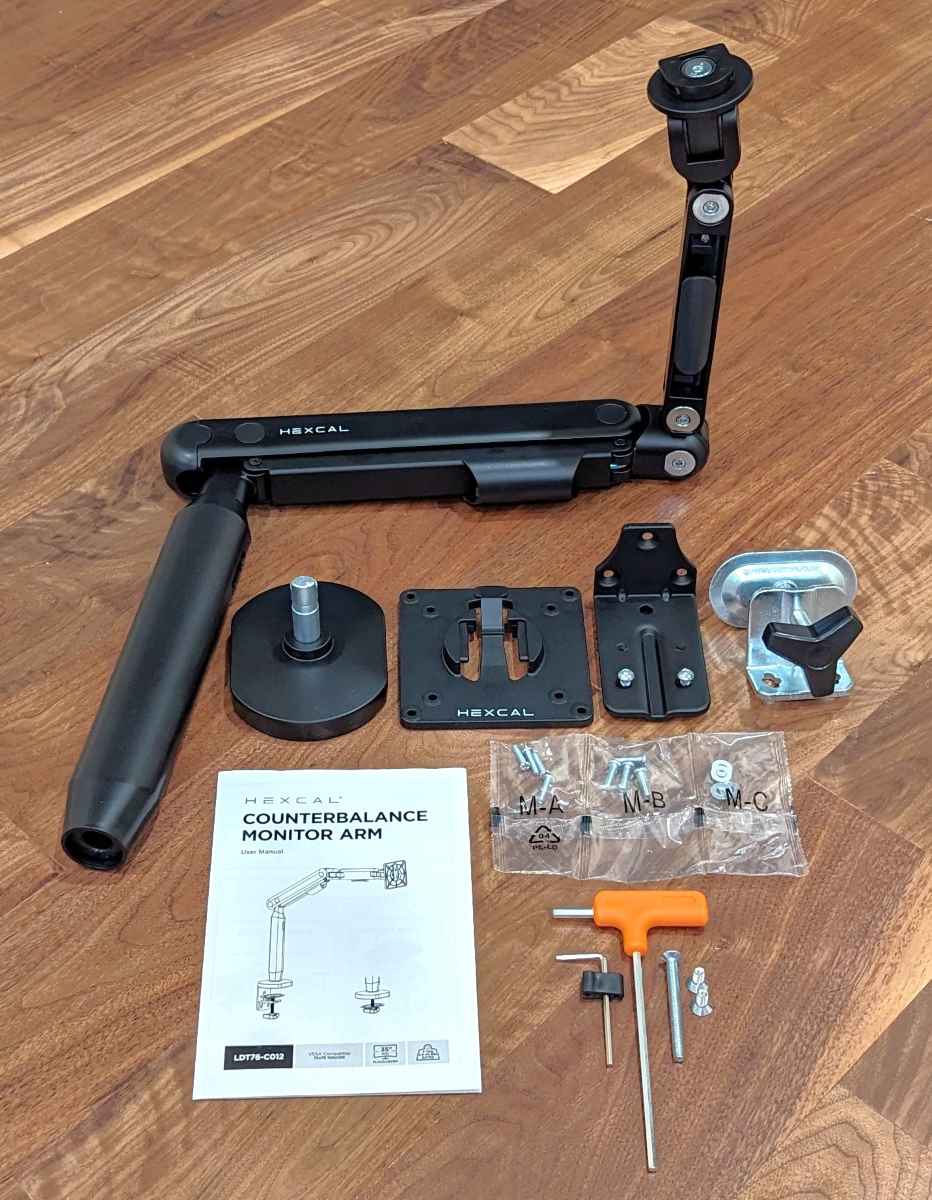
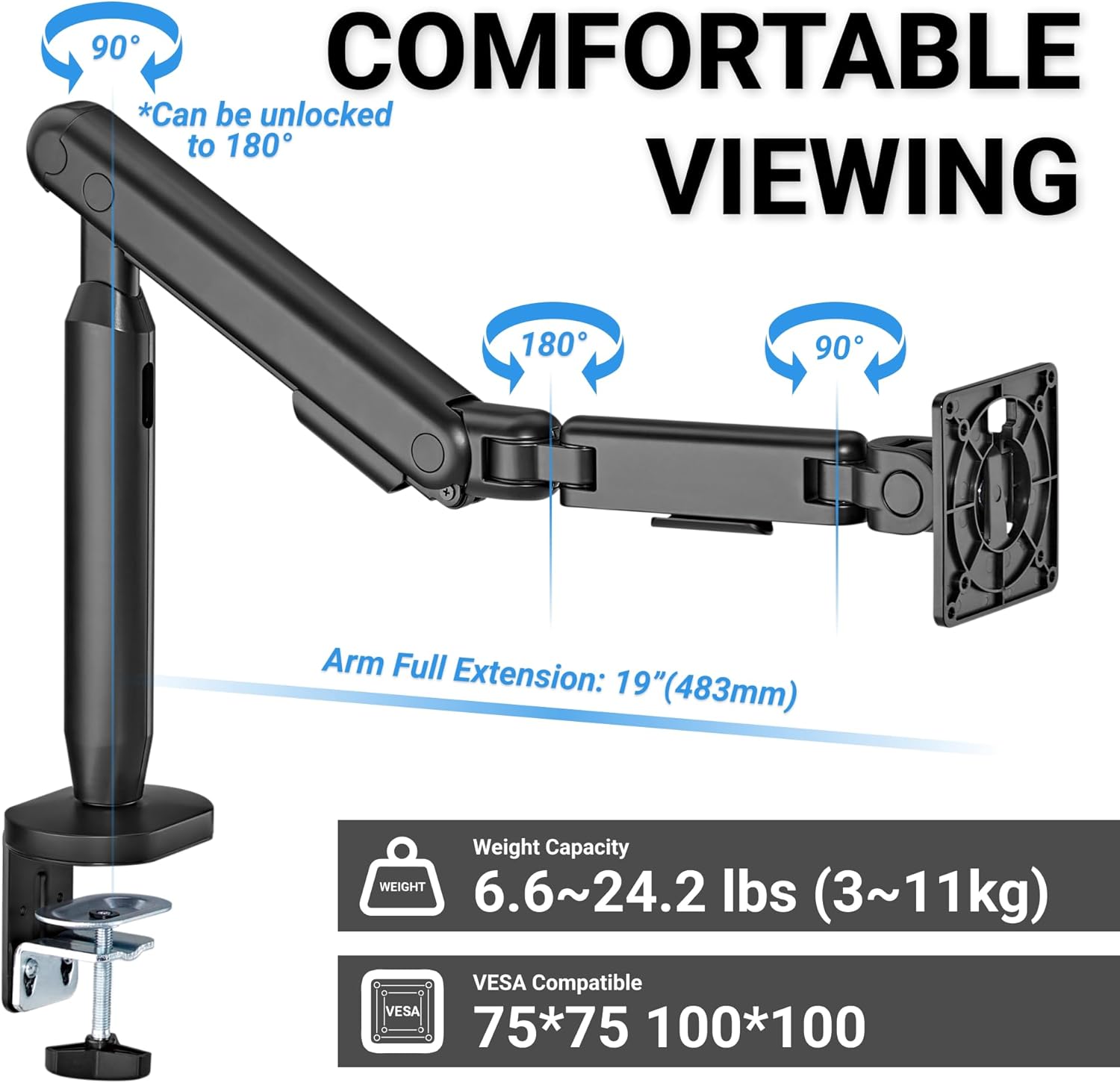
Hexcal’s current positioning is clearly aimed at oversized displays. The current spec sheet lists support for one monitor up to 57 inches, with a load range of 2–27 kg / 4.4–59.4 lb for flat screens and 2–22 kg / 4.4–48.4 lb for curved screens. It supports 75×75, 100×100, 200×100, and 200×200 VESA, offers +60° to -20° tilt and ±90° swivel, includes both desk clamp and grommet mounting, and uses a quick-release VESA plate with integrated cable management.
Those are serious claims, and more importantly, they line up with the kind of audience this arm is clearly targeting. We are not talking about a stylish arm for a 27-inch office monitor. We are talking about something built for giant ultrawides and oversized setups where regular gas-spring arms start to look fine on paper but less convincing once the monitor is actually hanging on them.
Where the product story gets messy is that some older references still describe a smaller, lighter-capacity version with narrower VESA support. That inconsistency does not automatically make the arm bad. What it does is force buyers to pay more attention than they should have to. In a category where exact limits matter, that is not ideal.
Design and build quality
The first thing that stood out to us was how unapologetically heavy-duty this arm feels. Some monitor arms try to look delicate and premium at the same time, and that can work for lighter displays. That is not what you want here. On a product intended for oversized ultrawides, the reassuring thing is not elegance first. It is confidence.
The Hexcal gets that right.
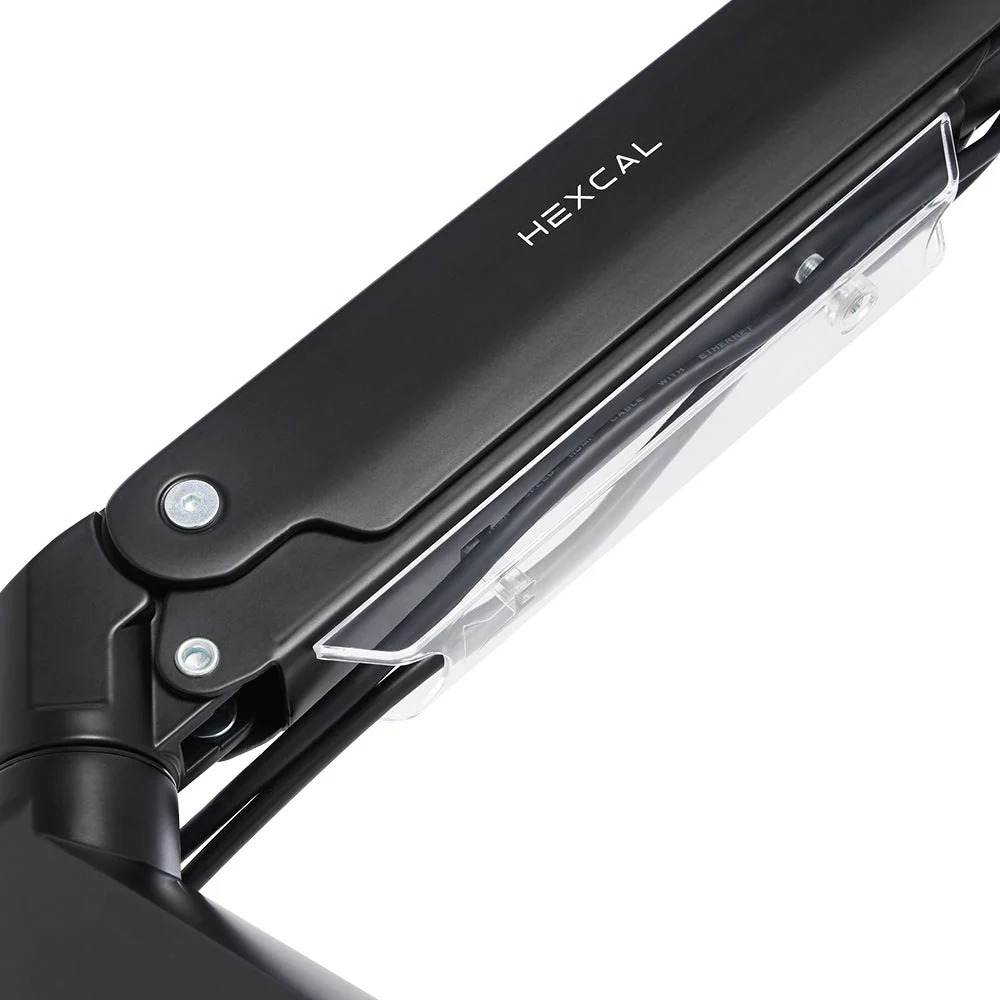
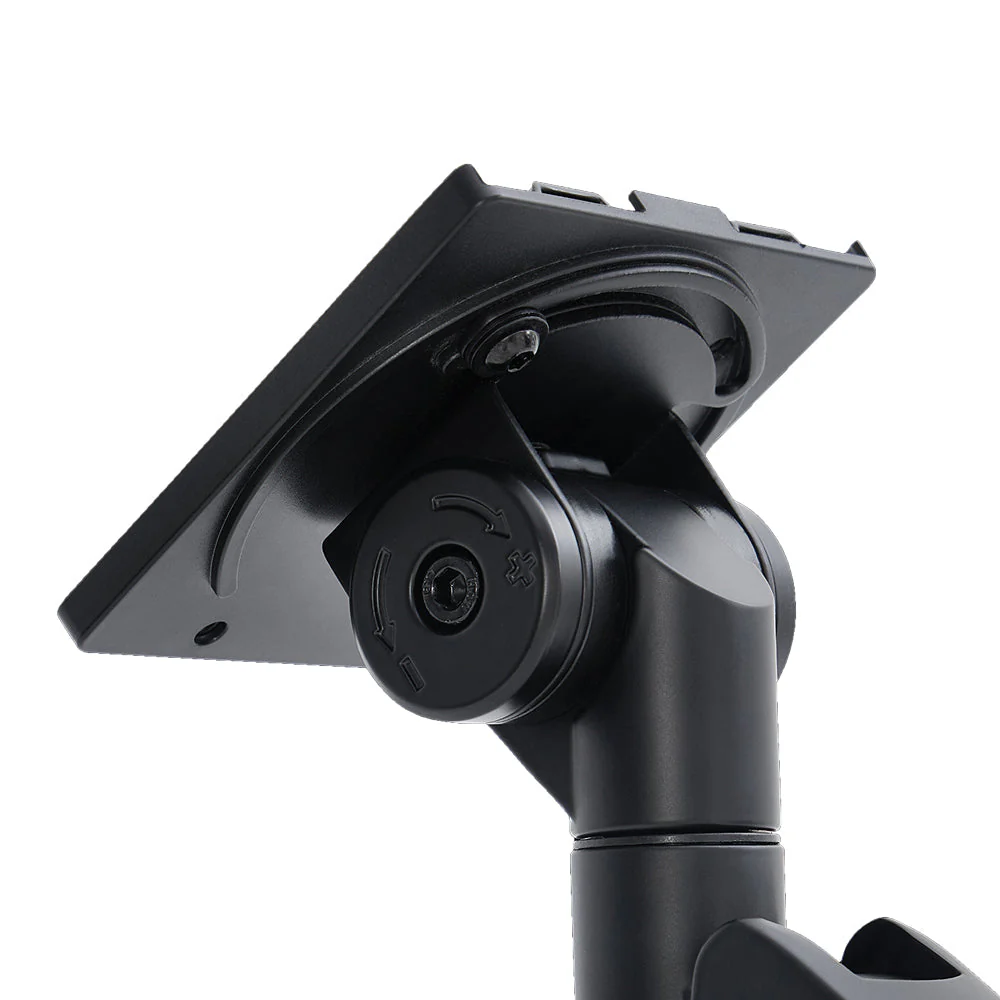
The materials list of aluminum, steel, and plastic is exactly what we expected for a product in this class, but specs only tell part of the story. In practice, the important thing is where the heft and rigidity show up. Here, it is in the clamp, the arm sections, the joints, and the overall impression that this was designed around real load-bearing demands rather than around appearance alone.
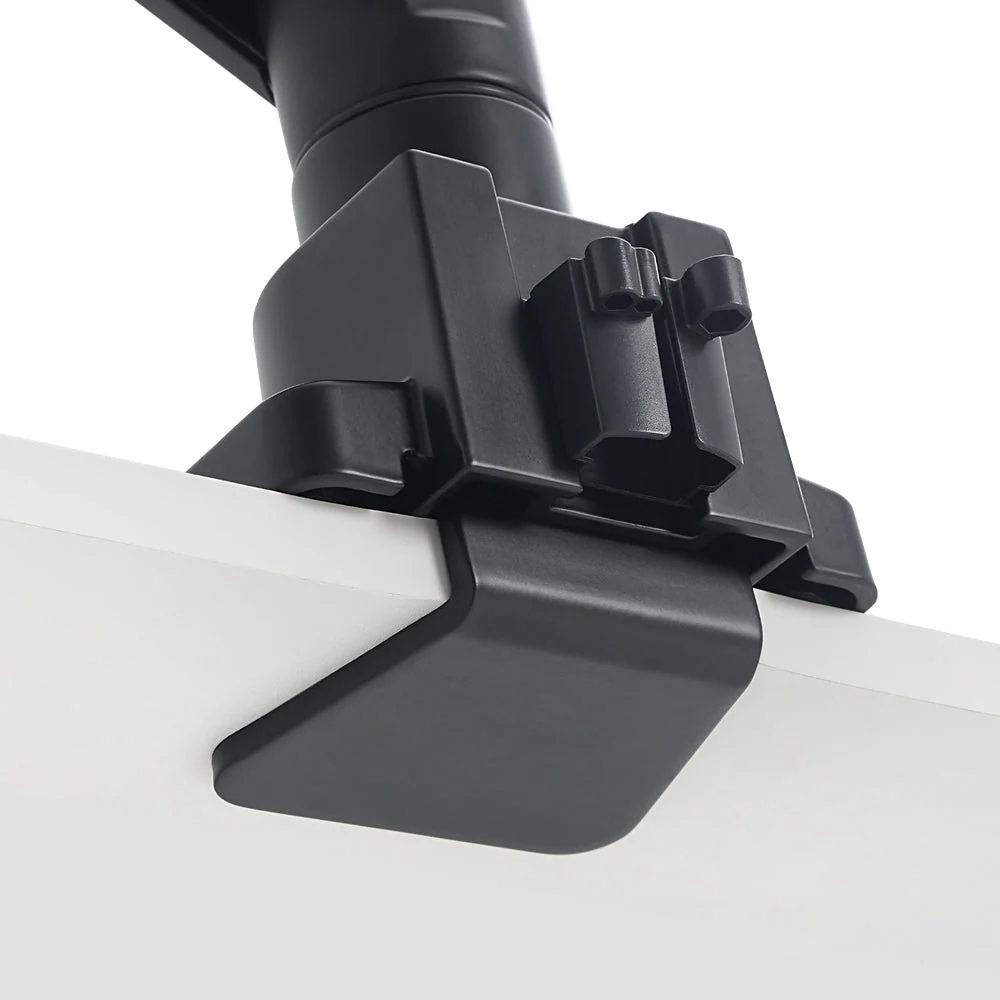
We noticed early on that the clamp feels large and serious, which is a good sign on a heavy-duty arm. This is not the sort of mount that leaves you wondering whether it is just barely managing the job. Once installed properly, it gives the impression that it wants to hold the display in place rather than negotiate with it.
That matters more than it sounds. Big ultrawides create leverage, not just weight. A 49-inch or 57-inch panel can make a mediocre arm feel fine one minute and questionable the next, especially when you start adjusting height or depth. What we appreciated here was that the Hexcal did not feel like a normal arm pretending to be a heavy-duty one. It felt built for this exact problem.
Setup and first use
Installation is one of those areas where a heavy-duty arm immediately separates itself from standard desk hardware. With a basic monitor, setup is usually a quick chore. With a giant ultrawide, it becomes something you take seriously.
That was our experience here too.
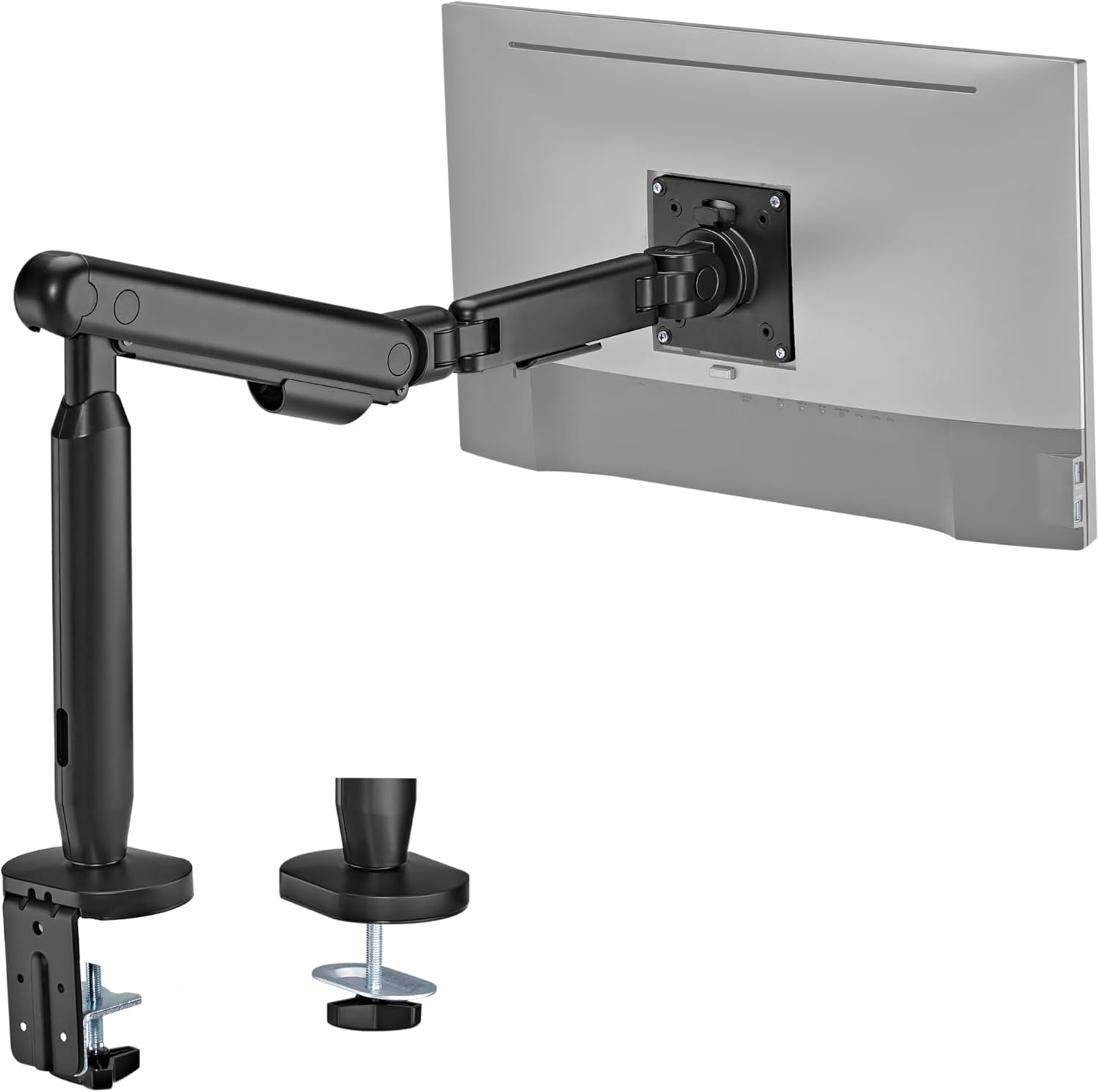
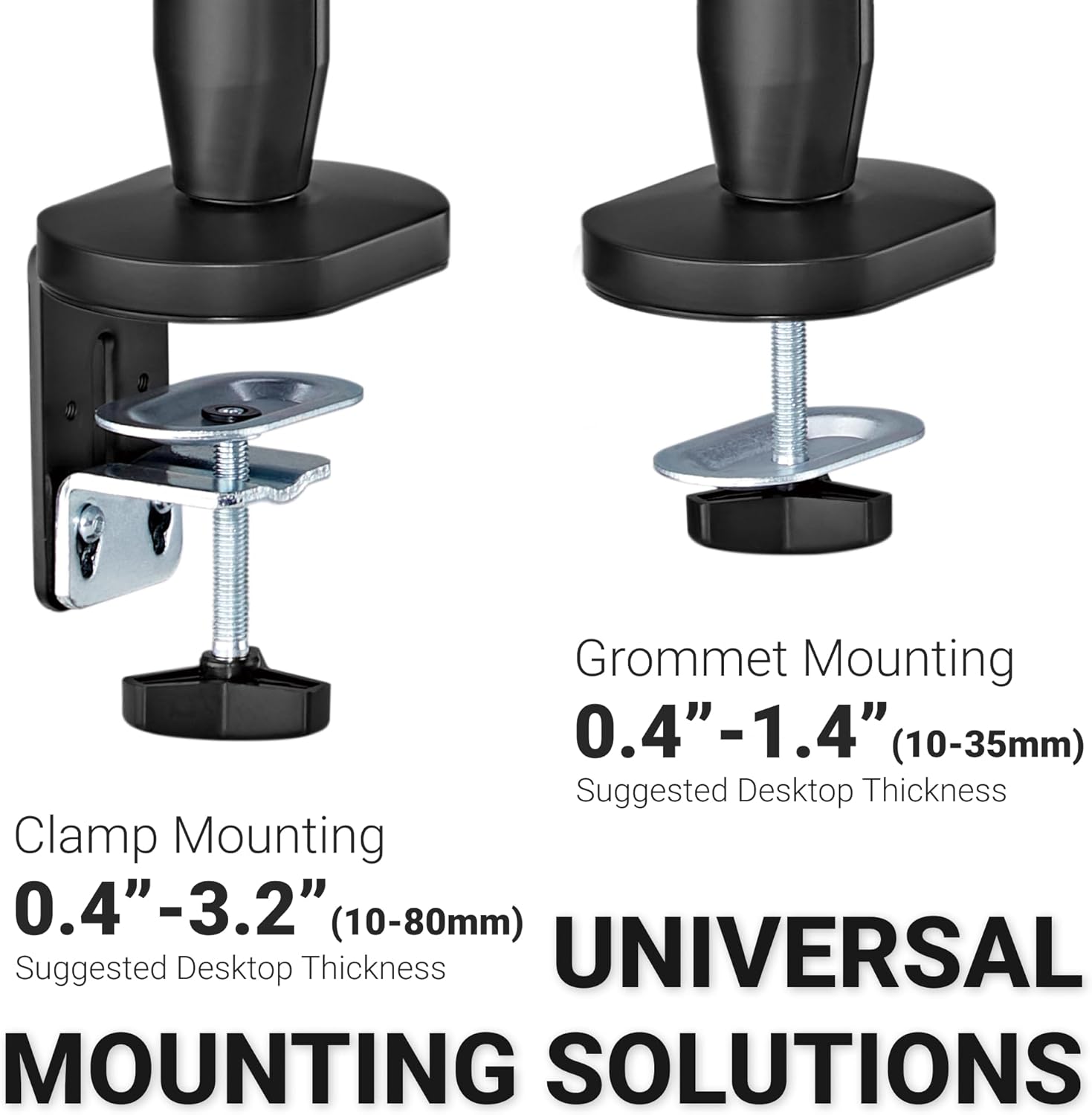
Hexcal includes both clamp and grommet mounting, which is the right move. Different desks call for different solutions, and once you are dealing with a very large display, it is good to have options rather than being boxed into one install style. The current guidance lists 10–45 mm desk thickness for clamp mounting and 10–60 mm for grommet mounting, which should cover a good range of desks, but we would still tell buyers to think about desk strength before they think about arm price.
That was one of the clearest practical truths that came through once we got it mounted. If you use this arm on a weak desk, the arm may not be the part that disappoints you. The desk might.
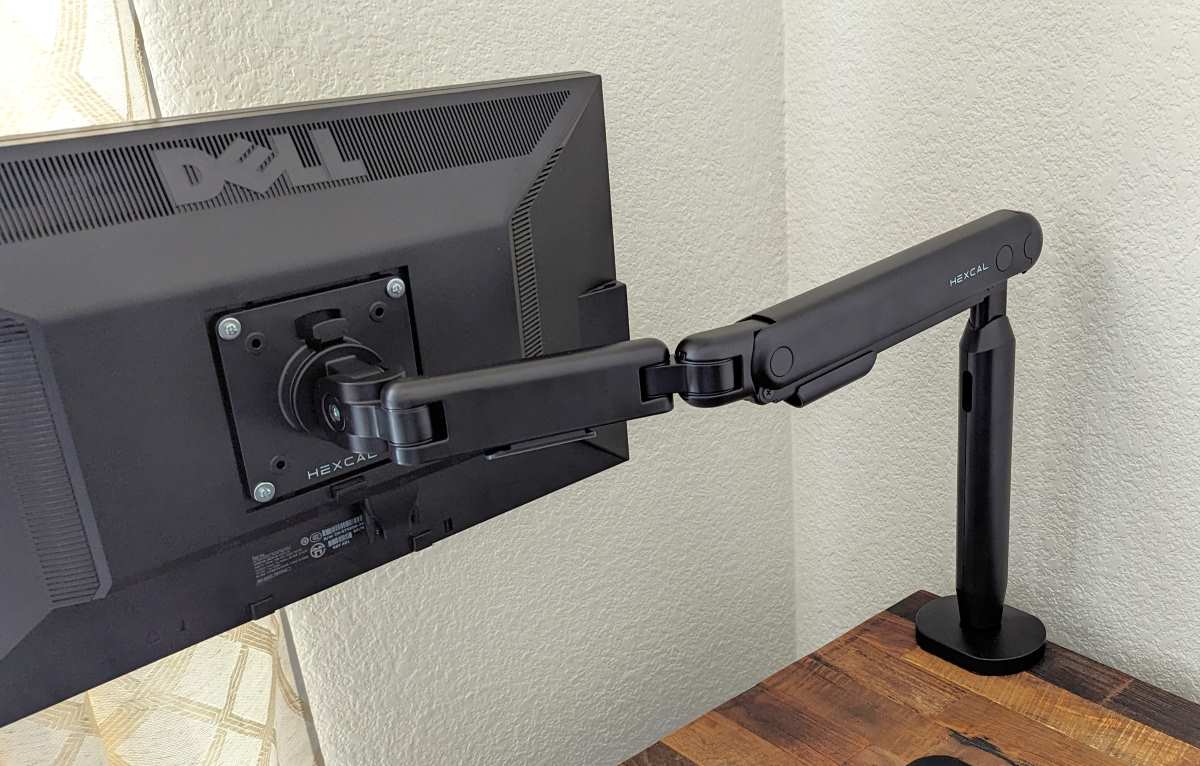
The install process itself is more straightforward than intimidating. The quick-release VESA approach helps, and that is exactly the kind of feature that matters more on a heavy-duty arm than on a light-duty one. When you are working with a very large screen, anything that makes mounting more controlled and less awkward is welcome. We also liked that the included hardware options felt suited to the job rather than bare minimum.
This is not a casual one-handed setup, and it should not be treated like one. But as long as you respect the size of the monitor and the desk underneath it, the process is more manageable than some oversized-display hardware tends to be.
Real-world performance with oversized monitors
This is the section that really matters, because plenty of products look acceptable until you put them under the kind of load that actually justifies buying them.
In real use, the Hexcal Heavy-Duty Monitor Arm feels most convincing in the exact scenario it was made for: getting a huge display off a giant stand and into a position that feels cleaner, more ergonomic, and more secure.
What stood out to us most was the lack of that uneasy “just holding on” feeling that weaker arms often give once you move into big-screen territory. The Hexcal felt like it belonged in the setup. It held position well, responded smoothly to adjustments, and gave us the sense that it was supporting the monitor properly rather than merely tolerating it.
That is a bigger compliment than it may sound. In this category, success is not about flashy movement or showroom drama. It is about trust. You want to move the display and feel like the mechanism understands the load. You want to leave it in place and not spend the next few days watching for sag. You want the tilt head and main joints to feel like they were built with large screens in mind. The Hexcal generally delivers that.
The 200×100 and 200×200 VESA support also deserves real credit. That is not filler. It meaningfully broadens the kind of oversized displays this arm makes sense for. Many arms still top out at 100×100, which is fine until you get into larger, more TV-like displays or certain ultrawides where broader support becomes useful. Here, Hexcal is clearly trying to make the arm relevant for bigger setups rather than merely labeling it “heavy duty” and hoping nobody checks the details.
In daily use, that wider compatibility helps make the product feel more future-proof too. If you are already shopping this category, there is a good chance you care about headroom.
Adjustment, ergonomics, and daily usability
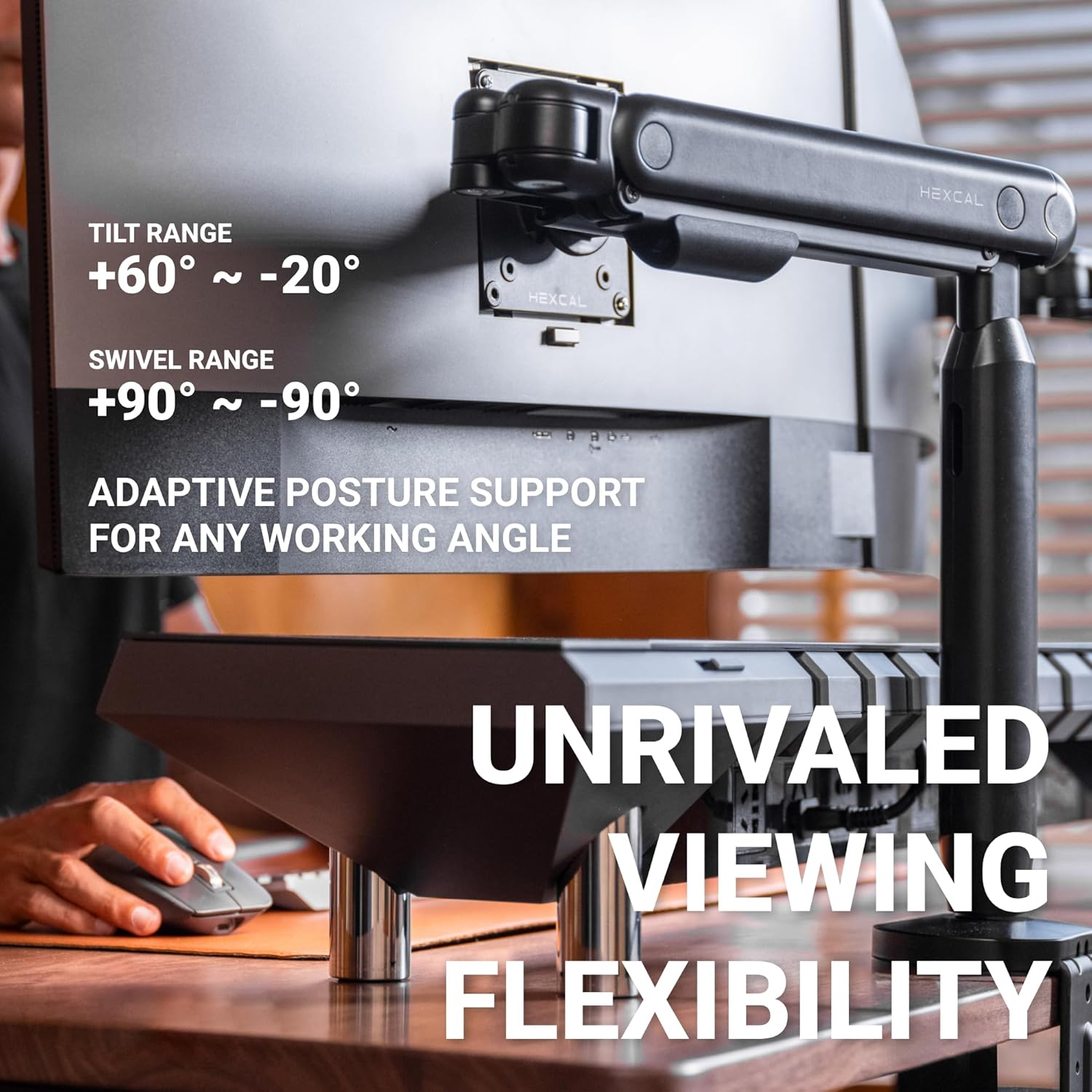
On paper, the motion specs are solid: +60° to -20° tilt and ±90° swivel. In practice, that translated into the kind of flexibility most people with a large desk setup actually need.
We were less interested in whether the arm could perform dramatic movement demos and more interested in whether it could make a very large monitor easier to live with. That is where it succeeds. Height and depth adjustment feel useful, not gimmicky. Repositioning is smooth enough that it encourages actual adjustment rather than making you set the monitor once and then avoid touching it.
That is especially important on sit-stand setups or on desks where the monitor needs to shift slightly through the day depending on posture, task, or desk layout. A lot of heavy screens end up stuck in one compromise position because the arm supporting them never feels pleasant to move. The Hexcal does a much better job of avoiding that trap.
What we appreciated most here was the balance between stability and usability. Heavy-duty arms can sometimes go too far in one direction. Either they move nicely but do not inspire confidence, or they feel incredibly stout but annoyingly reluctant to adjust. Hexcal strikes a better balance than that. It feels strong without feeling crude.
And that is the practical win. A giant display already dominates your workspace visually. The arm supporting it should reduce friction, not add more of it.
Cable management and desk-space recovery
This is one of the most underrated parts of the whole experience.
Once you move into large ultrawide territory, cable clutter gets worse fast. Bigger screens often mean bulkier power cables, more video cables, extra peripherals, webcams, lighting accessories, docks, and more visible mess in general. If the arm does not help tame that, it is only solving half the problem.
The built-in cable routing on the Hexcal does help. It is not the kind of feature that creates headlines, but in actual daily use it makes the setup look cleaner and feel more intentional. We liked that the arm does more than just suspend the display. It also contributes to making the desk less chaotic.
The bigger win, though, is desk-space recovery.
This is where monitor arms often earn their price, and with oversized monitors the difference is even more dramatic. Stock stands on huge ultrawides are often enormous, deep, and frustratingly wasteful. They claim desk real estate that could otherwise be used for a keyboard, speakers, notebook, controller, laptop stand, or simply empty space that makes the desk feel less cramped.
That was one of the most satisfying parts of using the Hexcal. Once the monitor is off the stand, the desk immediately feels less dominated by hardware. You do not just gain space physically. You gain breathing room visually. On large setups, that changes the whole feel of the workstation.
Flaws and frustrations
The biggest issue we found is not with the arm’s basic behavior. It is with Hexcal’s surrounding clarity.
This is the kind of product buyers research carefully because exact numbers matter. Monitor size, weight capacity, VESA patterns, desk thickness, mount type — these are not side details. They are the purchase decision. So when older pages and surrounding references still describe a smaller-capacity version, it makes the buying process less clean than it should be.
That annoyed us more than it would on a simpler product. A desk lamp can survive fuzzy documentation. A heavy-duty monitor arm aimed at giant ultrawides should be much clearer.
The second limitation is practical. This arm can absolutely be overkill. If you are using a standard 27-inch or even many 32-inch displays, the Hexcal is probably more capability than you need. It is not a weakness in the sense that the product is bad. It just means the buyer fit is narrow in a very specific way. This is a specialized solution, and it feels most compelling when the monitor itself is pushing past what average arms handle comfortably.
The third point is that this arm asks something of the desk underneath it. That is not Hexcal’s fault, but it is real. A strong arm can reveal a weak desk very quickly. If your work surface flexes too much, the whole setup will feel worse no matter how stout the arm is.
Finally, the 1-year warranty feels merely decent. For a product whose entire job is to suspend an expensive display safely, we would have liked to see a little more confidence there.
Value for money
This is where the Hexcal becomes much easier to recommend.
At $129, it sits in a sweet spot that makes a lot of sense. It is not bargain-bin cheap, but it is also nowhere near the price of the most premium heavy-duty names in the space. That matters because oversized-display users often face an annoying choice: buy something cheap and hope it is not out of its depth, or pay a lot more for a premium option.
The Hexcal feels like it is trying to live in the middle ground, and we think that is the right strategy.
If the product were priced like a premium flagship, the documentation mess and relatively modest warranty would be more irritating. At this price, the equation looks much better. You are getting a genuinely ambitious heavy-duty spec sheet, broad VESA support, included clamp and grommet options, good daily usability, and the kind of stability that actually makes sense for very large screens.
For ordinary monitors, the value case is weaker because the arm’s main strengths are simply unnecessary. But for big ultrawides, especially setups where the stock stand is a daily annoyance, the Hexcal feels like one of those upgrades that has a clear practical payoff.
Who should buy it
Buy the Hexcal Heavy-Duty Monitor Arm if your display is the kind that makes normal monitor arms feel like a gamble. If you are running a 45-inch, 49-inch, or 57-inch ultrawide, this is exactly the sort of product that makes sense. It is also a smart buy if you are tired of oversized stock stands taking over the desk, want broader VESA flexibility, and care about getting a cleaner, more adjustable setup without stepping all the way into top-tier premium pricing.
We would especially lean toward it for people with large workstations built around productivity, trading, editing, immersive gaming, or any use case where a giant monitor is central to the setup rather than an indulgence.
Who should skip it
Skip it if your monitor is fairly conventional, your desk is flimsy, or your only goal is to spend the least amount possible. This arm earns its keep when the display is genuinely large enough to justify it. Below that, a cheaper and lighter arm will often make more sense.
We would also tell cautious buyers to pause if they are the kind of shopper who wants absolutely spotless product documentation before purchasing. The arm itself is more convincing than the surrounding messaging, but that inconsistency is still worth knowing about.
Final verdict
The Hexcal Heavy-Duty Monitor Arm succeeds because it understands the real problem. Giant monitors do not just need “a monitor arm.” They need an arm that feels like it was built with their size, leverage, and daily awkwardness in mind.
After using it, our view is simple: this is a serious upgrade for serious ultrawide setups. It feels strong where it should, moves well enough to improve daily ergonomics, gives valuable desk space back, and lands at a price that makes it far more approachable than some premium heavy-duty rivals. The weak point is not the core experience. It is the confusing trail of older product information that Hexcal should have cleaned up by now.
Still, the verdict itself is easy. If you are shopping for a real arm for a very large display, this one deserves a place on the shortlist. If your monitor is ordinary, save your money and buy something lighter.
FAQ
Does the Hexcal Heavy-Duty Monitor Arm support 57-inch ultrawide monitors?
Yes. Hexcal currently positions it for displays up to 57 inches, which is one of the main reasons it stands out from more ordinary monitor arms.
What weight can it hold?
The current figures are 2–27 kg / 4.4–59.4 lb for flat screens and 2–22 kg / 4.4–48.4 lb for curved screens.
What VESA sizes does it support?
It currently supports 75×75, 100×100, 200×100, and 200×200. That is one of its biggest practical advantages for oversized displays.
Is installation difficult?
Not especially, but it should be taken seriously. This is not a tiny accessory, and large monitors always make mounting more involved. The process is manageable, but the desk and the display both need to be treated with respect.
Should I use the clamp or the grommet mount?
Both can work well. The clamp is simpler if your desk edge and thickness are compatible. The grommet option can feel more reassuring for very large or heavy displays, especially on desks where you want maximum confidence.
Is it good value compared with premium heavy-duty arms?
Yes. That is one of its strongest selling points. At $129, it offers a lot of the capability people want from a heavy-duty arm without pushing into the price bracket of the most expensive premium models.
Explore the Hexcal Heavy-Duty Monitor Arm Gallery
Every image from this article, gathered in one clean place. Tap any photo to open it larger.