
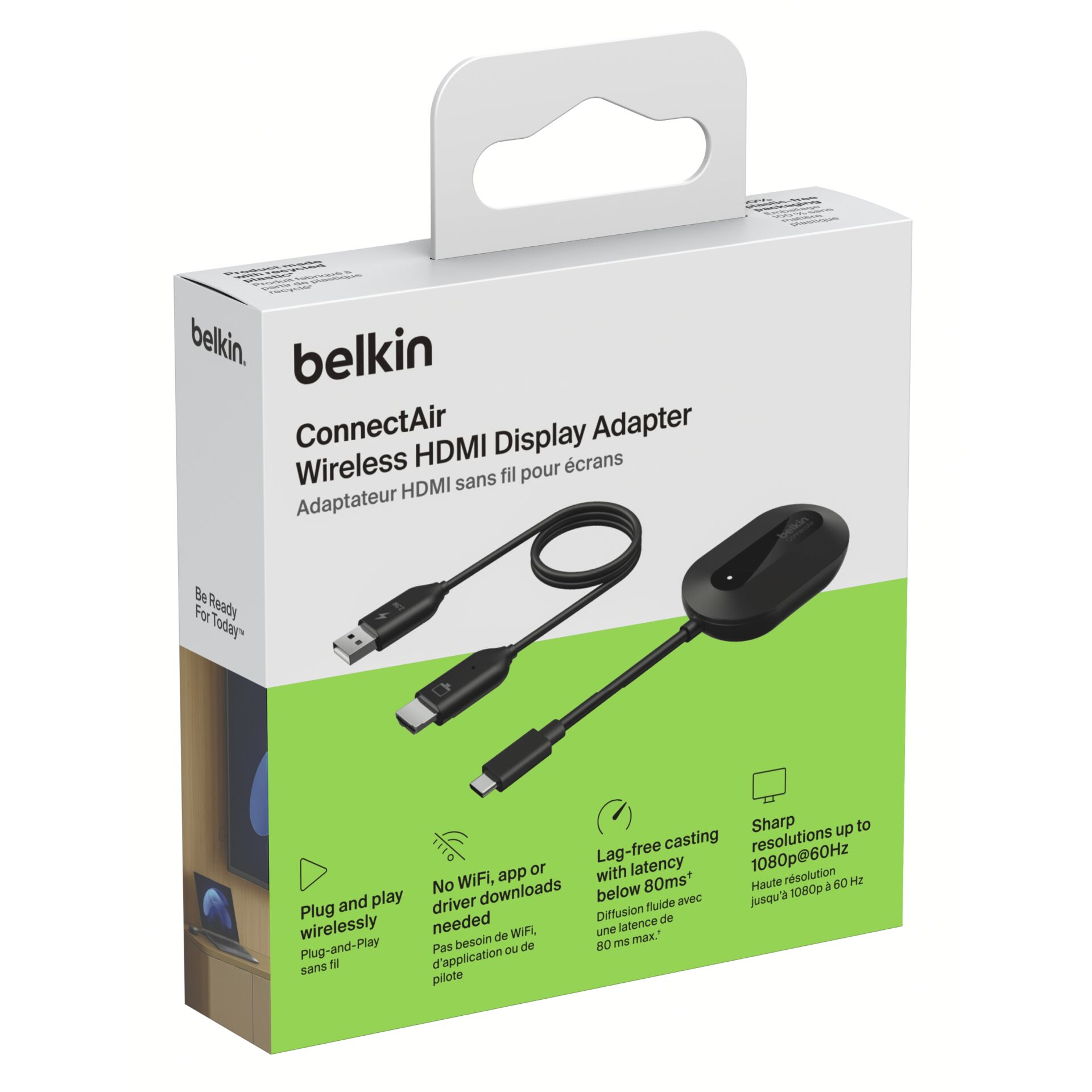
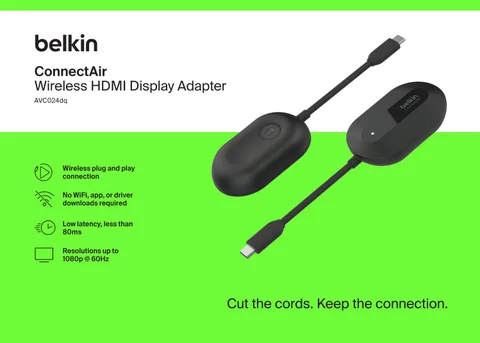
The Belkin ConnectAir Wireless HDMI Display Adapter sounds like a cleaner, more modern answer to a very ordinary problem: getting what is on your phone, tablet, or laptop onto a bigger screen without dragging a cable across the room.
But the product it really competes with is not always another wireless adapter.
For most buyers, the obvious alternative is simpler, cheaper, and brutally reliable: a USB-C to HDMI cable or compact HDMI hub.
That is the real decision.
Not “wireless versus another wireless thing.”
Not “Belkin versus a random dongle.”
The honest choice is this:
Do you want a cleaner setup with less physical friction, or do you want the most dependable display connection possible for the least money?
That is where the Belkin ConnectAir becomes interesting — and also where the cable starts fighting back harder than expected.
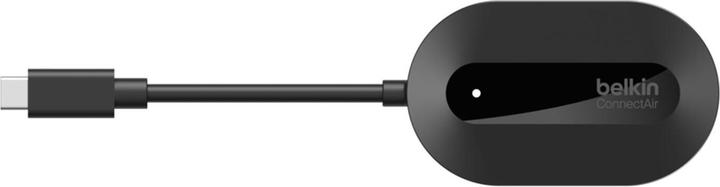
The Real Alternative: A Simple USB-C to HDMI Cable
A USB-C to HDMI cable is not exciting. It does not feel futuristic. It does not clean up the table. It does not make your setup look smarter.
But it works.
You plug one side into your device, the other side into the TV or monitor, and the screen appears. No pairing mood swings. No wireless interference. No wondering whether the room, device, network, or display is the reason something feels slightly off.
The Belkin ConnectAir Wireless HDMI Display Adapter is for people who hate that physical tether.
The HDMI cable is for people who hate uncertainty.
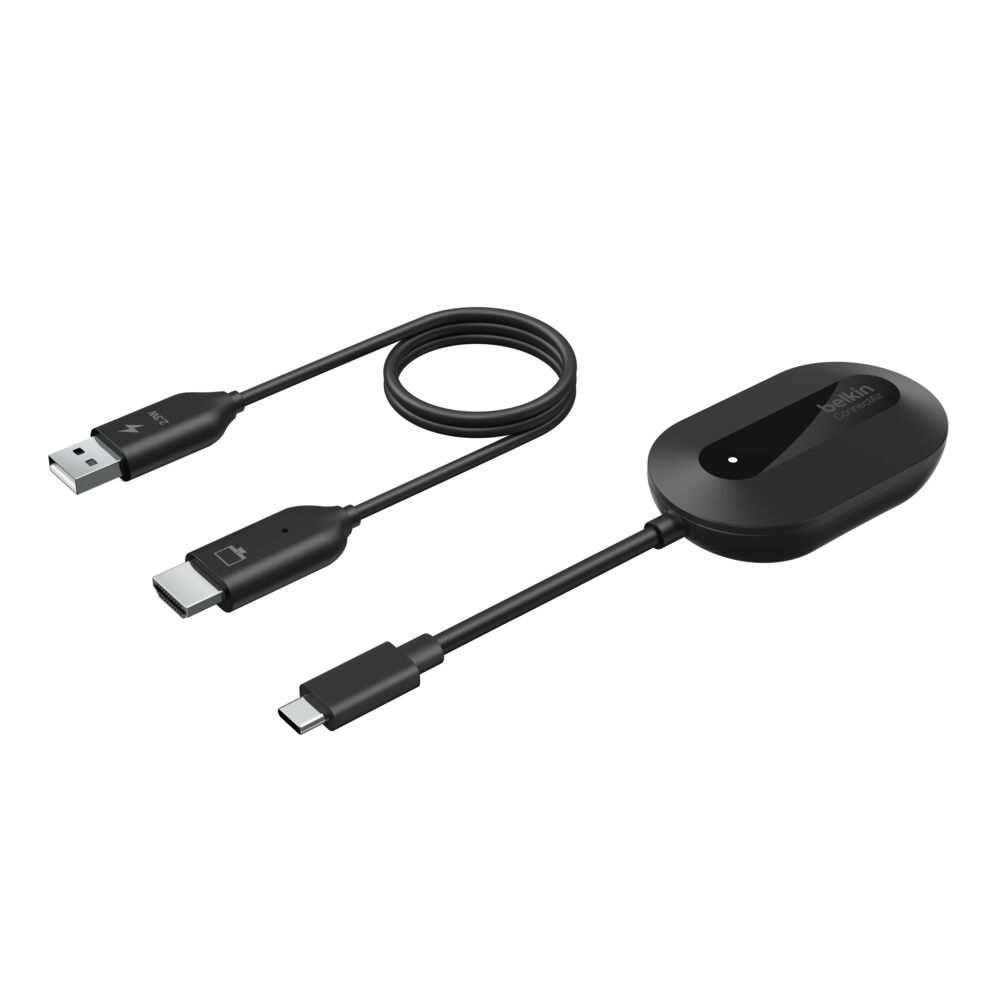
Belkin ConnectAir vs HDMI Cable: The Decision in One Table
| Buyer Priority | Better Choice | Why It Matters |
|---|---|---|
| Clean desk or meeting table | Belkin ConnectAir | No cable stretched across the space |
| Lowest cost | USB-C to HDMI cable | Cheaper and more direct |
| Maximum stability | USB-C to HDMI cable | Wired display output is still the dependable baseline |
| Casual screen sharing | Belkin ConnectAir | Easier when multiple people need to present |
| Long sessions | USB-C to HDMI cable | Less worry about delay, dropouts, or wireless behavior |
| Travel convenience | Depends | Belkin is cleaner; cable is more universal |
| Premium-feeling setup | Belkin ConnectAir | Feels more intentional and modern |
| Zero-learning setup | USB-C to HDMI cable | Plug in, switch input, done |
| Living room use | Belkin ConnectAir | Better when the device stays in your hand |
| Workstation use | USB-C to HDMI cable | Better for repeated daily productivity |
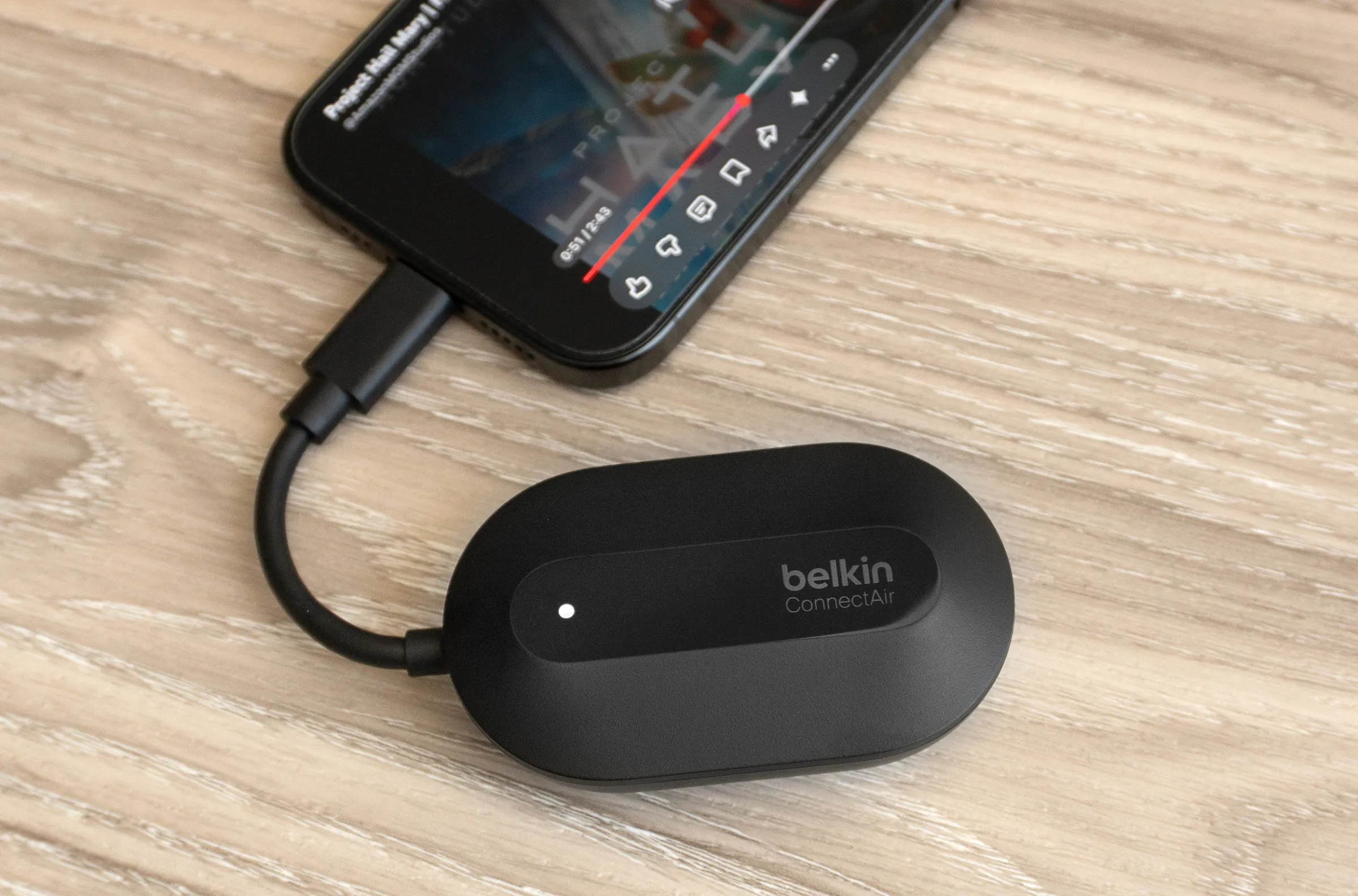
Why These Two Products End Up in the Same Decision
At first, they look like different categories.
One is a wireless HDMI display adapter.
The other is a basic cable.
But the buyer’s question is exactly the same:
“How do I get my device onto a larger screen with the least annoyance?”
That is why they compete.
The Belkin ConnectAir tries to remove the visible inconvenience. The cable removes the technical uncertainty.
The Belkin answer is cleaner. The cable answer is colder, cheaper, and harder to argue with.
And that is the entire tension.
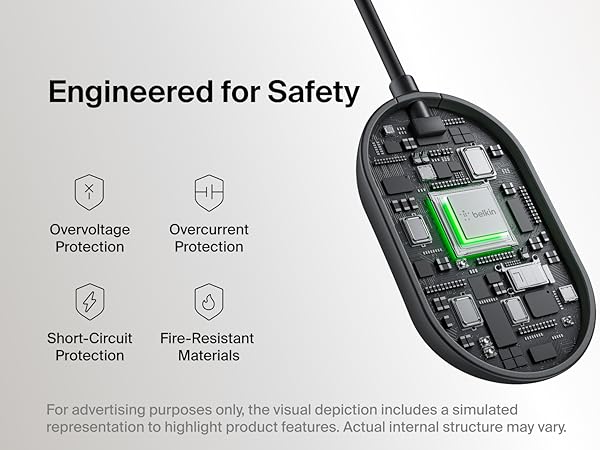
The Philosophical Difference: Freedom vs Certainty
The most important difference is not the format, the brand, or the look of the adapter.
It is the philosophy.
Belkin ConnectAir is about freedom
You can keep your device in your hand. You can sit away from the screen. You can share content without physically parking your laptop beside the display. It suits rooms where presentation matters as much as connection.
A USB-C to HDMI cable is about certainty
The cable does not care about wireless conditions. It does not ask you to trust the room. It does not try to be elegant. It simply prioritizes the connection.
That makes the Belkin feel better when convenience matters.
It also makes the cable feel better when failure would be embarrassing.
Which One Feels Smarter for Budget-Focused Buyers?
For budget-focused buyers, the cable wins.
Not by a little.
By common sense.
A good USB-C to HDMI cable or compact adapter usually costs less, takes less explanation, and solves the core problem without adding another wireless layer. If the buyer only needs to connect a laptop to a monitor, a tablet to a TV, or a phone to a projector occasionally, the cheaper option may be enough.
If your main priority is “show my screen on that display without spending much,” the cable is the smarter buy.
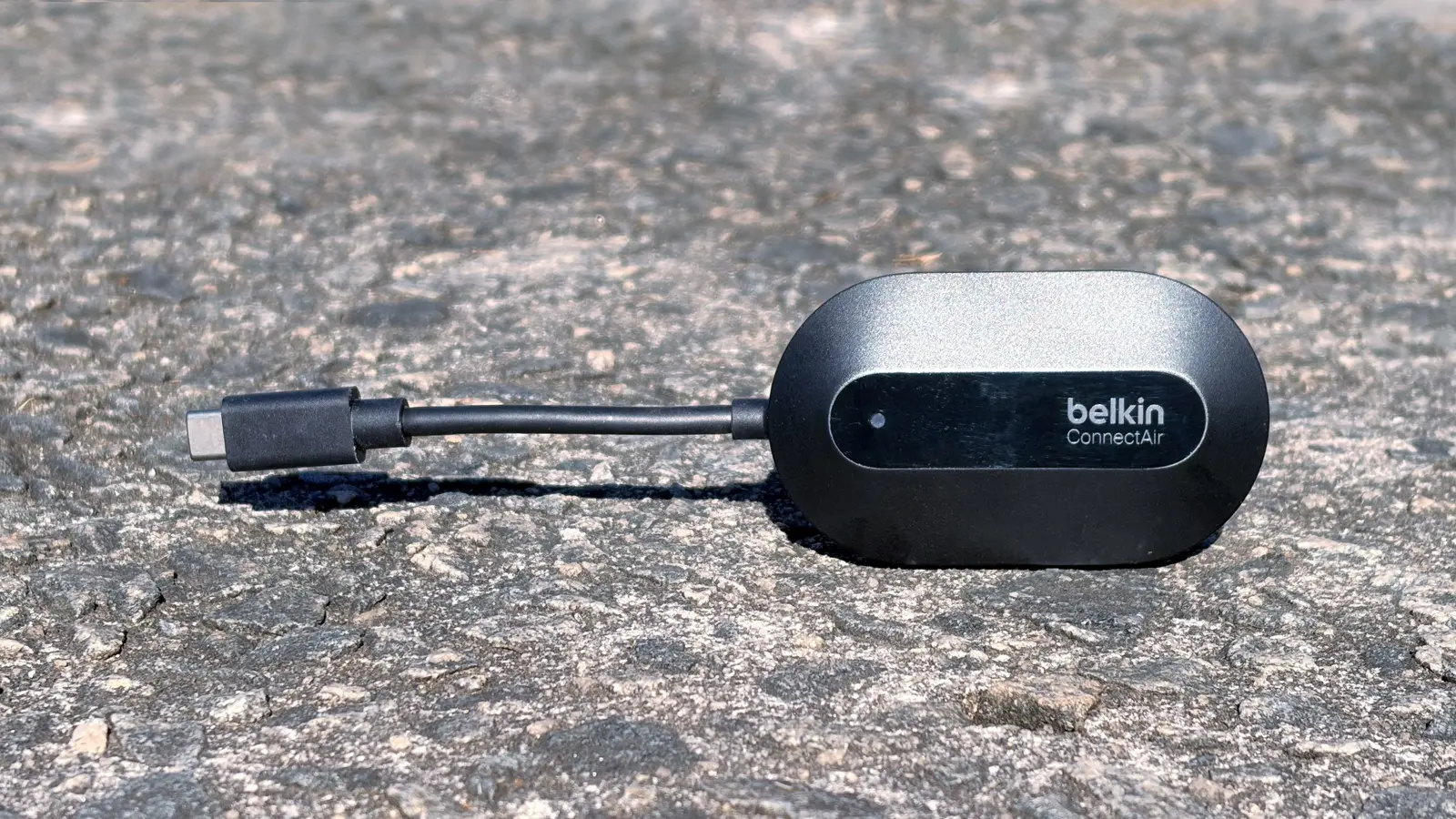
The Belkin ConnectAir only starts making sense when the wireless part has real value.
Not imagined value.
Not “nice to have” value.
Real value.
That means shared rooms, presentations, living room use, classrooms, client setups, or spaces where cable clutter becomes part of the problem.
Which One Feels Smarter for Quality-Focused Buyers?
This depends on what “quality” means to you.
If quality means connection stability, the cable still feels superior.
If quality means a cleaner experience, the Belkin has the stronger appeal.
The mistake is assuming that “premium” always means “wireless.” It does not. Sometimes premium means the thing never creates doubt.
For a workstation, editing desk, trading screen, or long productivity setup, the wired option can feel more professional because it disappears technically. You connect it once and stop thinking about it.
But in a meeting room or shared display environment, the Belkin ConnectAir can feel more premium because the experience is more graceful.
No one has to lean awkwardly toward the TV.
No one has to pass around a cable.
No one has to rearrange the room just to show something.
Belkin wins the quality argument when the room experience matters. The cable wins it when signal confidence matters more than elegance.
The Simpler Setup: Cable, Obviously
There is no need to fake drama here.
A cable is simpler.
Plug it in. Choose HDMI input. Done.
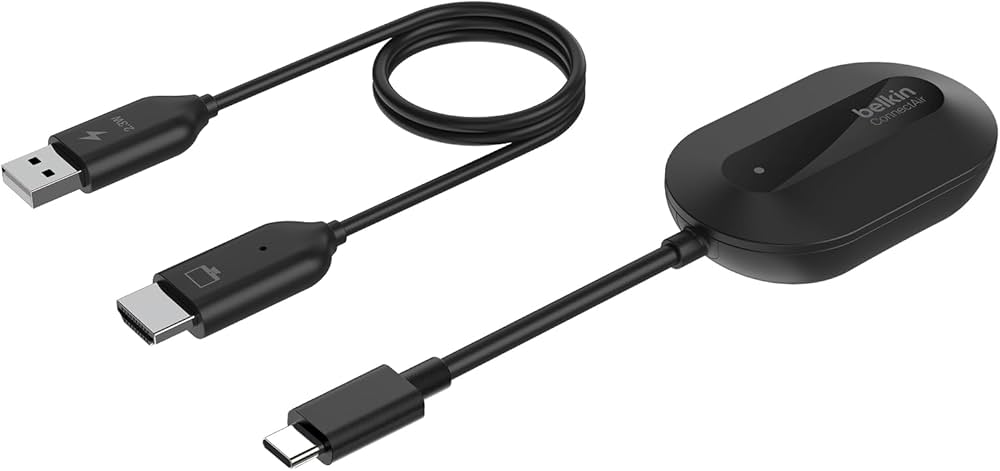
The Belkin ConnectAir is still simple in concept, but wireless always introduces more variables. Device compatibility, mirroring behavior, display settings, power, range, interference, and setup flow all matter more than they do with a basic cable.
That does not make Belkin difficult. It just means the cable has fewer ways to annoy you.
Choose the cable if you want:
- The least setup possible
- A predictable display connection
- No pairing or wireless troubleshooting
- A backup that works almost anywhere
- A cheap solution you can leave in a bag
Choose Belkin ConnectAir if you want:
- A cleaner room
- Wireless screen sharing
- Less physical movement around the display
- A setup that feels more modern
- A better experience when people take turns presenting
The cable is simpler technically.
The Belkin is simpler socially.
That difference matters.
Which One Makes More Sense for Demanding Use?
For demanding use, the wired option is still the safer recommendation.
If you are presenting something important, running a long session, using a monitor for productivity, or relying on the display for work where timing matters, the cable has fewer weak points.
Wireless display adapters are best when the task tolerates a little imperfection. Showing slides, sharing photos, displaying a web page, putting a document on a TV, or letting someone present from across the room — these are friendly use cases for Belkin ConnectAir.
But for gaming, precision work, fast visual response, or hours of uninterrupted display output, a wired HDMI connection is the calmer choice.
Demanding use rewards boring reliability. That is where the cable quietly becomes the adult in the room.
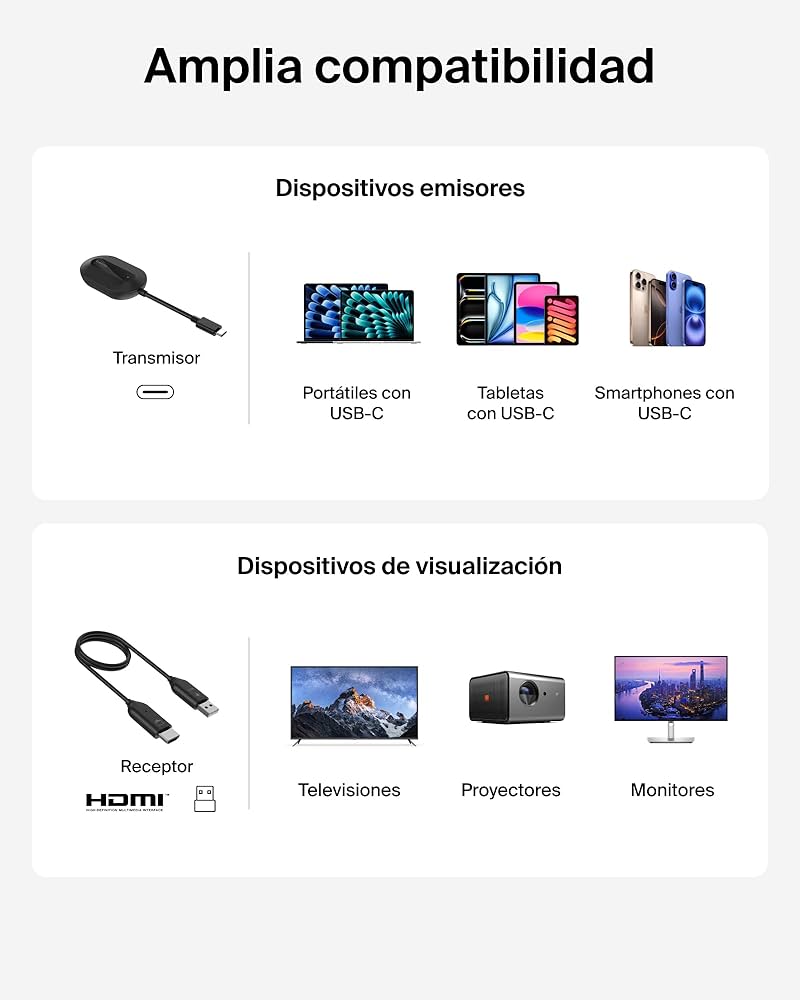
Where Belkin ConnectAir Wins Clearly
Belkin wins when the physical cable is the thing making the experience worse.
That happens more often than people admit.
In a living room, a cable can look messy.
In a meeting room, a cable can make people move around awkwardly.
In a classroom, a cable can lock the presenter near one spot.
In a client setup, a cable can make the whole interaction feel less polished.
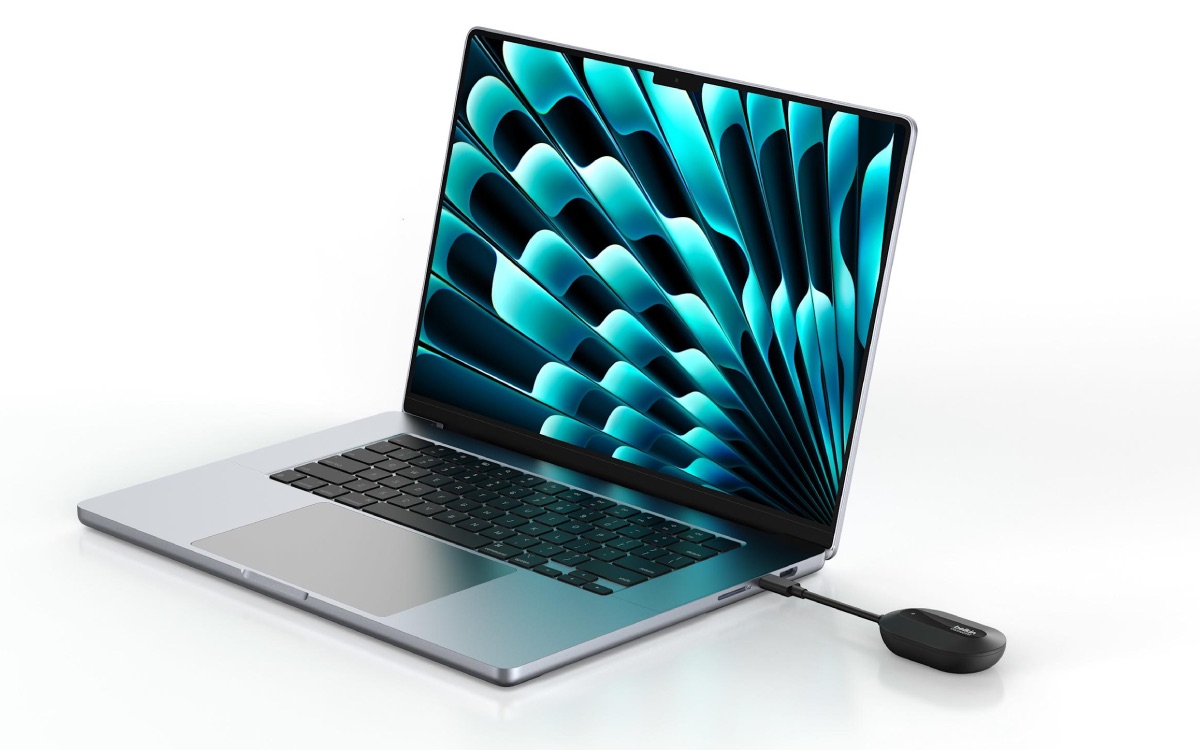
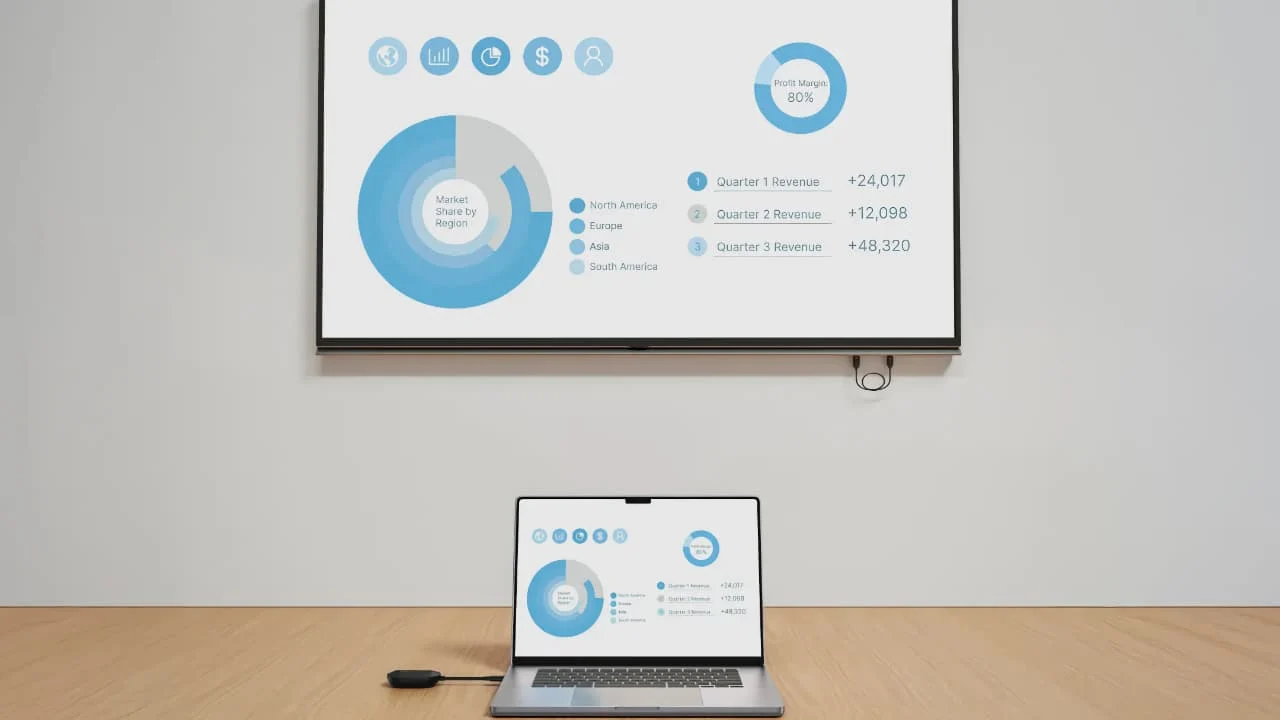
The Belkin ConnectAir gives you flexibility. You can stay where you are, keep the device with you, and use the display without turning the room into a cable puzzle.
This is where it earns its place.
Belkin ConnectAir feels better when:
- The display is across the room
- People need to share from different seats
- The setup is visible to guests or clients
- You want fewer cables on the table
- The device should stay in your hand
- The room layout makes wired HDMI awkward
That is the Belkin advantage.
Not raw performance.
Not price.
Not universal practicality.
Convenience with dignity.

Where the HDMI Cable Quietly Offers Better Judgment
The cable does not win because it is exciting. It wins because it makes fewer promises.
That is sometimes better judgment.
A wired HDMI cable is the correct choice when you do not need wireless. That sounds obvious, but it is the mistake many buyers make. They buy the more elegant solution when the uglier one would have served them better.
If the display is close to the device, the wireless advantage shrinks.
If the same laptop always connects to the same monitor, wireless feels unnecessary.
If the setup is for daily work, the cable becomes the more mature choice.
The cable is not the cooler product. It is the product that refuses to create a problem while solving one.
And for many buyers, that is exactly what they should want.
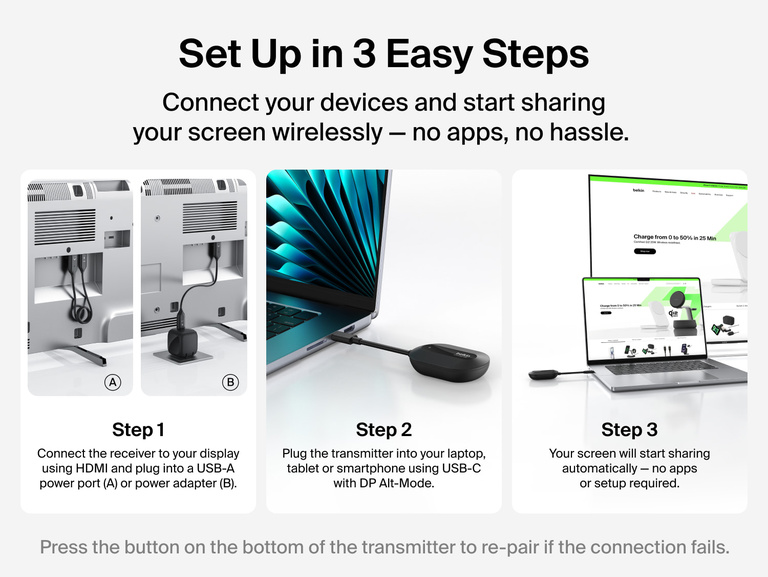
Differences That Matter — and Differences That Barely Matter
Not every comparison point deserves equal weight.
Some differences will affect daily use. Others only look important on a product page.
| Difference | Actually Important? | Our Take |
|---|---|---|
| Wireless vs wired | Very important | This changes the entire experience |
| Setup cleanliness | Important | Belkin has a real advantage here |
| Latency/response feel | Important for some buyers | Cable is safer for fast-response use |
| Brand trust | Moderately important | Belkin helps versus random wireless dongles |
| Price gap | Very important | Cable is hard to beat for value |
| Portability | Depends | Both can travel well, but cable is more predictable |
| Premium feel | Moderately important | Belkin feels more polished in shared spaces |
| Spec-sheet obsession | Often overrated | Real use matters more than checklist theater |
The biggest practical difference is not whether one looks smarter in a photo.
It is whether you value wireless freedom enough to accept the tradeoffs that come with wireless behavior.
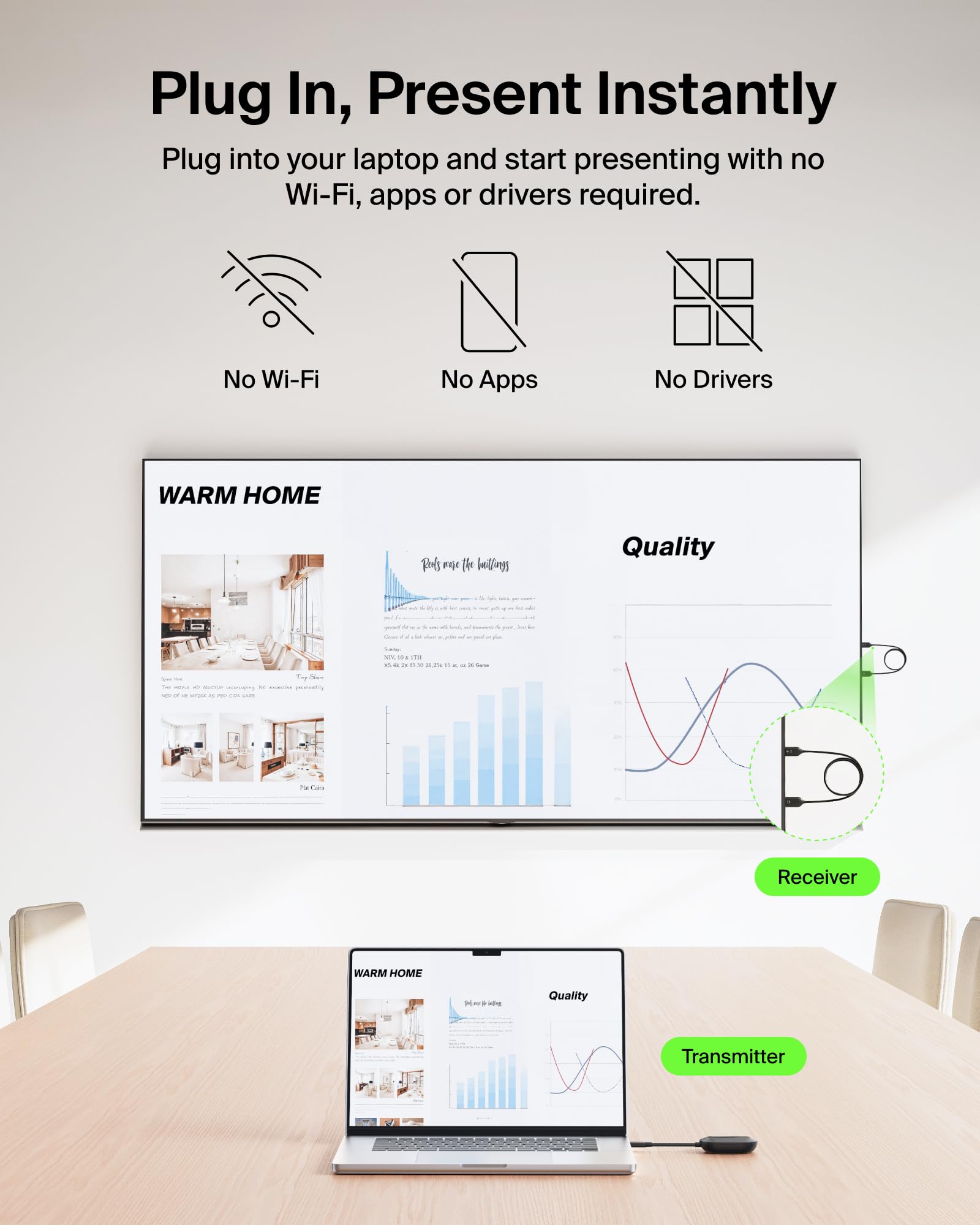
How the Decision Changes by Buyer Priority
This is not a one-size-fits-all choice. The better option changes depending on what problem you are actually trying to solve.
If your priority is price
Buy the cable.
If your priority is a clean room
Buy the Belkin ConnectAir.
If your priority is reliability
Buy the cable.
If your priority is presentation comfort
Buy the Belkin ConnectAir.
If your priority is travel
Carry a cable first. Add Belkin if you often present wirelessly.
If your priority is daily monitor use
Use a cable or hub.
If your priority is casual living room sharing
Belkin makes more sense.
This is why the Belkin ConnectAir should not be judged like a cheap adapter replacement. It should be judged as a convenience upgrade.
And convenience upgrades only make sense when the convenience is used often.
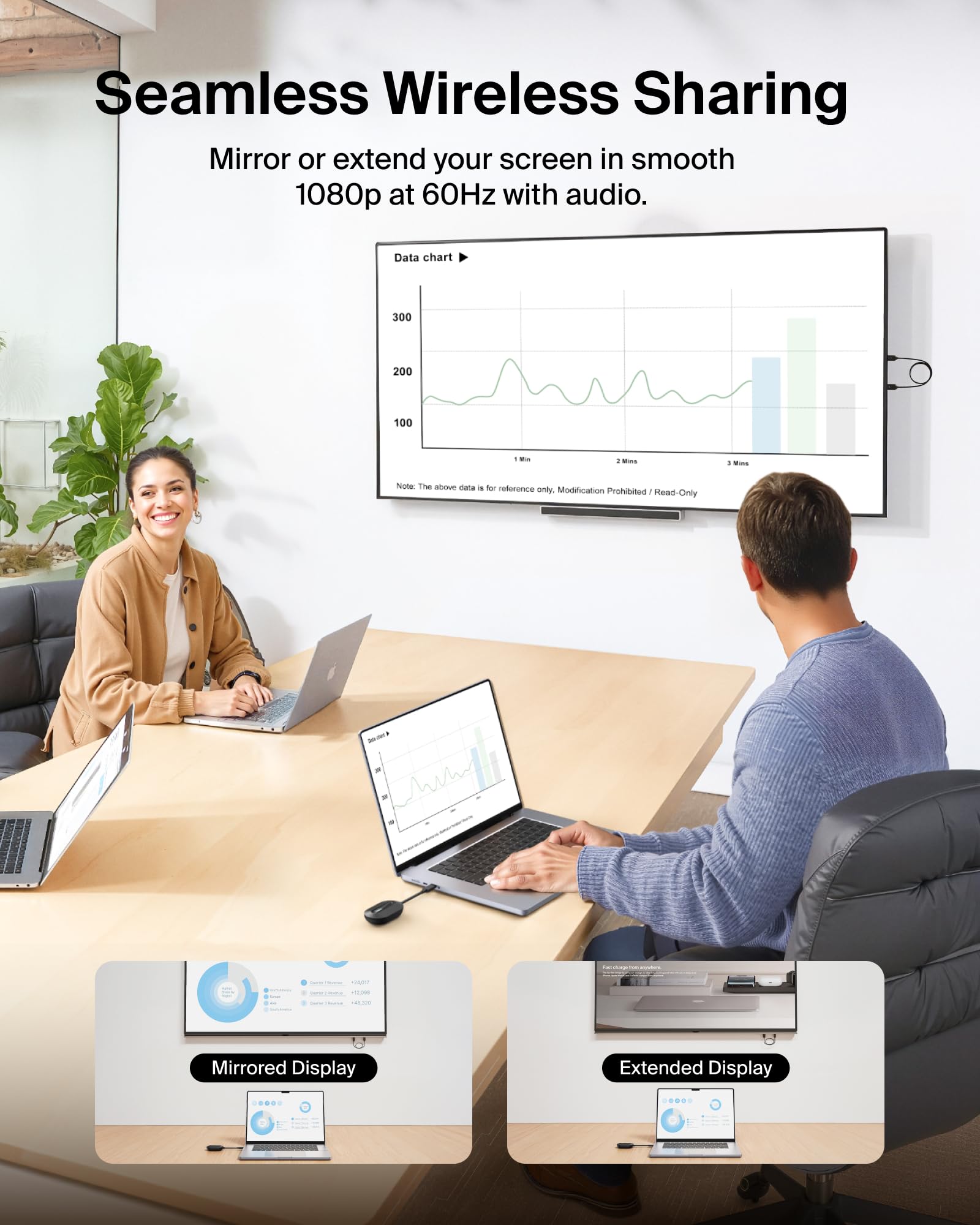
Is the Cheaper Option Actually Enough?
For many people, yes.
A cable is enough if your setup is close, your use is occasional, and your patience for wireless troubleshooting is low.
A cable is enough if you mostly connect one device to one display.
A cable is enough if your priority is simply making the screen appear.
That is the uncomfortable truth for Belkin.
The cheaper option is enough when the cable itself is not the problem.
If the cable does not bother you, Belkin has to work harder to justify itself.
But when the cable does bother you — when it ruins the room, interrupts the flow, limits where people sit, or makes presenting awkward — then the cheaper option is not really solving the full problem.
It is only solving the display output.
Does the Pricier Wireless Option Earn Its Extra Cost?
The Belkin ConnectAir earns its extra cost when it changes the way the space works.
Not when it merely replaces a cable.
That distinction is important.
If you buy it expecting the same certainty as wired HDMI but with no tradeoffs, you may be judging it unfairly. Wireless display products are not magic cables. They are convenience tools.
The extra cost makes sense when:
- You frequently share screens in groups
- You dislike visible cable clutter
- Your TV or display is not near your seat
- You want a cleaner presentation setup
- You value brand confidence over cheap generic wireless adapters
- You use multiple devices with one display
The extra cost feels weaker when:
- You only connect one laptop to one monitor
- The display is within arm’s reach
- You need the most stable connection
- You are buying mainly to save money
- You dislike managing another small powered device
The Belkin ConnectAir does not need to beat the cable at everything. It only needs to solve the specific problem the cable creates.
Who Is Better Served by Each Option?
Belkin ConnectAir is better for:
- People who present from couches, meeting tables, classrooms, or shared rooms
- Buyers who care about a cleaner visual setup
- Homes where the display is across the room
- Users who want to keep the phone, tablet, or laptop in hand
- Small teams that casually share content on a screen
- Buyers who prefer a known brand over random wireless dongles
A USB-C to HDMI cable is better for:
- Budget buyers
- Daily desk users
- People who need maximum reliability
- Anyone using the display for long work sessions
- Users who hate wireless setup friction
- Buyers who want the simplest possible solution
- People who need a dependable backup in their bag
Neither product is automatically smarter.
The smarter choice is the one that matches the room, the routine, and the level of risk you can tolerate.
The Final Recommendation: Choose Based on the Annoyance You Actually Have
The Belkin ConnectAir Wireless HDMI Display Adapter makes sense when the annoyance is physical: cables, room layout, shared presenting, awkward seating, or messy setups.
A USB-C to HDMI cable makes sense when the annoyance is technical: delays, dropouts, setup uncertainty, or anything that might interrupt the connection.
That is the cleanest way to decide.
Buy Belkin ConnectAir if you want the display connection to feel cleaner and more flexible. Buy the cable if you want it to feel invisible because it simply works.
For most budget-focused buyers, the cable is still the better first purchase.
For buyers building a cleaner living room, presentation area, classroom, or shared screen setup, the Belkin ConnectAir becomes much easier to justify.
The right choice is not the product with the more modern idea.
It is the product that removes the bigger irritation from your actual life.
Explore the Belkin ConnectAir Wireless HDMI Display Adapter Gallery
Every image from this article, gathered in one clean place. Tap any photo to open it larger.