
HP LaserJet Enterprise 6000 Series
Pros
- Fast monochrome print performance of up to 57 ppm makes it well suited to busy shared-office environments.
- Very strong duplex scanning, rated up to 200 ipm, gives the series real document-processing credibility beyond simple printing.
- Workflow features such as Editable OCR, Automated Guided Redaction, and scan-focused tools feel genuinely useful for paper-heavy offices.
- Enterprise-grade security is a major strength, with HP Wolf Enterprise Security and a stronger protection story than many office printers offer.
- Built with uptime and serviceability in mind, making it a smarter fit for managed fleets and departments that cannot afford printer downtime.
Cons
- Overkill for small offices or lighter users who only need straightforward black-and-white printing.
- The best value depends heavily on whether your office will actually use the advanced scanning, workflow, and management features.
- Public pricing was not clearly posted at launch, which makes the value proposition harder to judge immediately.
- It is limited to A4 monochrome, so it is the wrong fit for offices that need color output or A3 capability.
- The smartest parts of the platform make the strongest case in MFP-style, document-heavy deployments rather than in simpler print-only setups.
excellent throughput, strong scan speed, a more practical workflow story than most “AI” printer pitches, serious security features, and an emphasis on uptime and serviceability that actually matters in the real world.
public pricing was not clearly posted at launch, the full value depends heavily on how much your office actually uses advanced workflow features, and the smartest parts of the platform make the most sense in MFP-centered deployments rather than simple print-only setups.
The HP LaserJet Enterprise 6000 Series is the kind of office printer that makes sense the moment you stop thinking about printers as simple output machines and start treating them as infrastructure. After spending real time with this lineup, that was the point that kept coming back to us.
This is not a casual black-and-white laser for light office duty, and it is not trying to be. It is a serious A4 monochrome enterprise platform built for organizations that print constantly, scan even more, and need a device that fits into a larger IT, security, and document-management environment without becoming a bottleneck. For the right office, it feels impressively focused. For the wrong one, it feels like too much machine.
What makes the 6000 Series stand out is not just raw print speed, although up to 57 pages per minute is obviously part of the appeal. The bigger story is how much of the product is built around document flow rather than paper output alone. The fast duplex scanning, the workflow features, the push toward editable files and guided redaction, the serviceability angle, and the unusually aggressive security positioning all point in the same direction. HP is not selling this as “a good office printer.” It is selling it as a document-processing hub for busy offices that cannot afford friction.
That positioning works. In daily office reality, printing is only half the job. The other half is turning piles of contracts, records, invoices, forms, and internal paperwork into something searchable, shareable, secure, and less annoying to deal with. That is where the 6000 Series feels more modern than a lot of monochrome office printers that still act like the main goal is just spitting out pages quickly.
Still, this is a specialized product family. If your needs are simple, the 6000 Series will likely feel oversized, overbuilt, and harder to justify. If your office runs on paper-heavy workflows and expects serious scanning, centralized management, and stronger security controls, this lineup makes a much clearer case for itself.
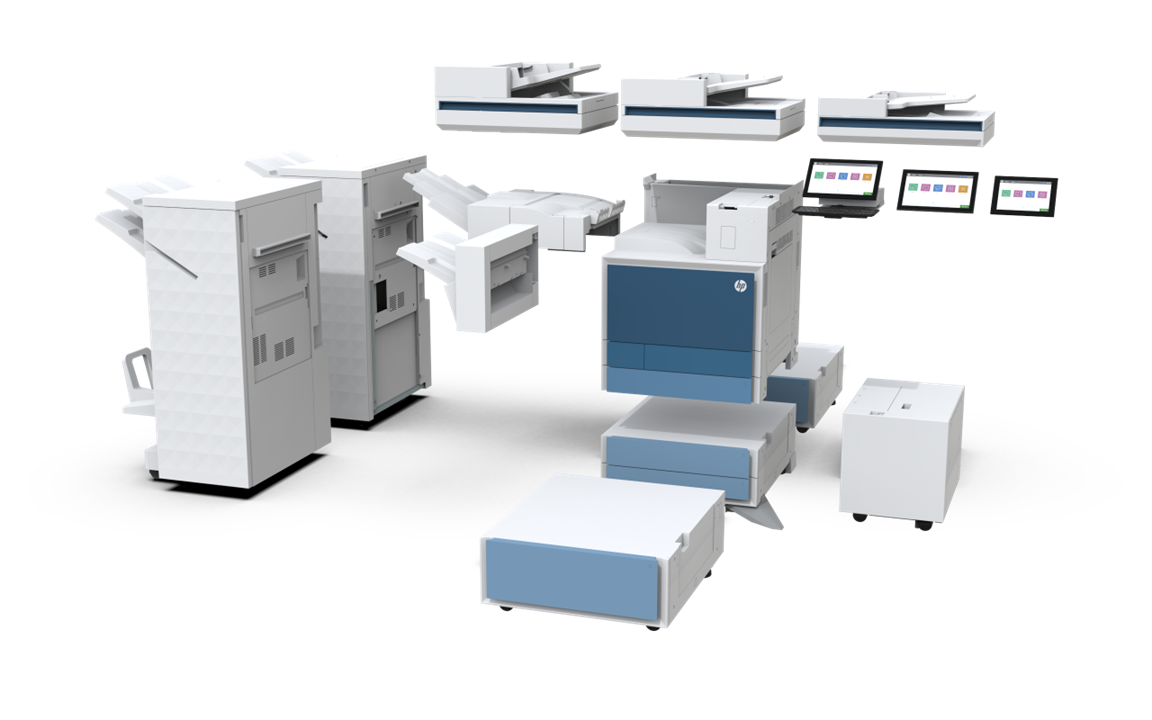
What this series really is
One of the easiest mistakes with a printer like this is judging it like a standard office laser. That misses the point. The HP LaserJet Enterprise 6000 Series is not a “good general-purpose printer” in the usual sense. It is a purpose-built enterprise A4 monochrome family designed for environments where large workgroups, constant document handling, and policy-driven deployment are normal.
That becomes obvious as soon as you look at the balance of the product. Yes, the print engine is fast. Yes, the numbers are strong. But what stood out to us more was how much attention HP has put into everything around the print engine. The scanning speed, the workflow layer, the fleet-management angle, the security language, the serviceability claims, and the broader fit inside managed environments all matter just as much as the page-per-minute figure.
That makes the 6000 Series feel less like a printer you buy for one department manager and more like a shared office asset that needs to keep working for a lot of people every day. That distinction matters. Once a machine becomes shared infrastructure, the priorities change. Ease of service matters more. Monitoring matters more. Downtime matters more. Security matters more. And document intake suddenly matters almost as much as output.
HP seems to understand that very well here. The 6000 Series is clearly designed for offices that still run on documents, even if those documents are meant to become digital as quickly as possible.
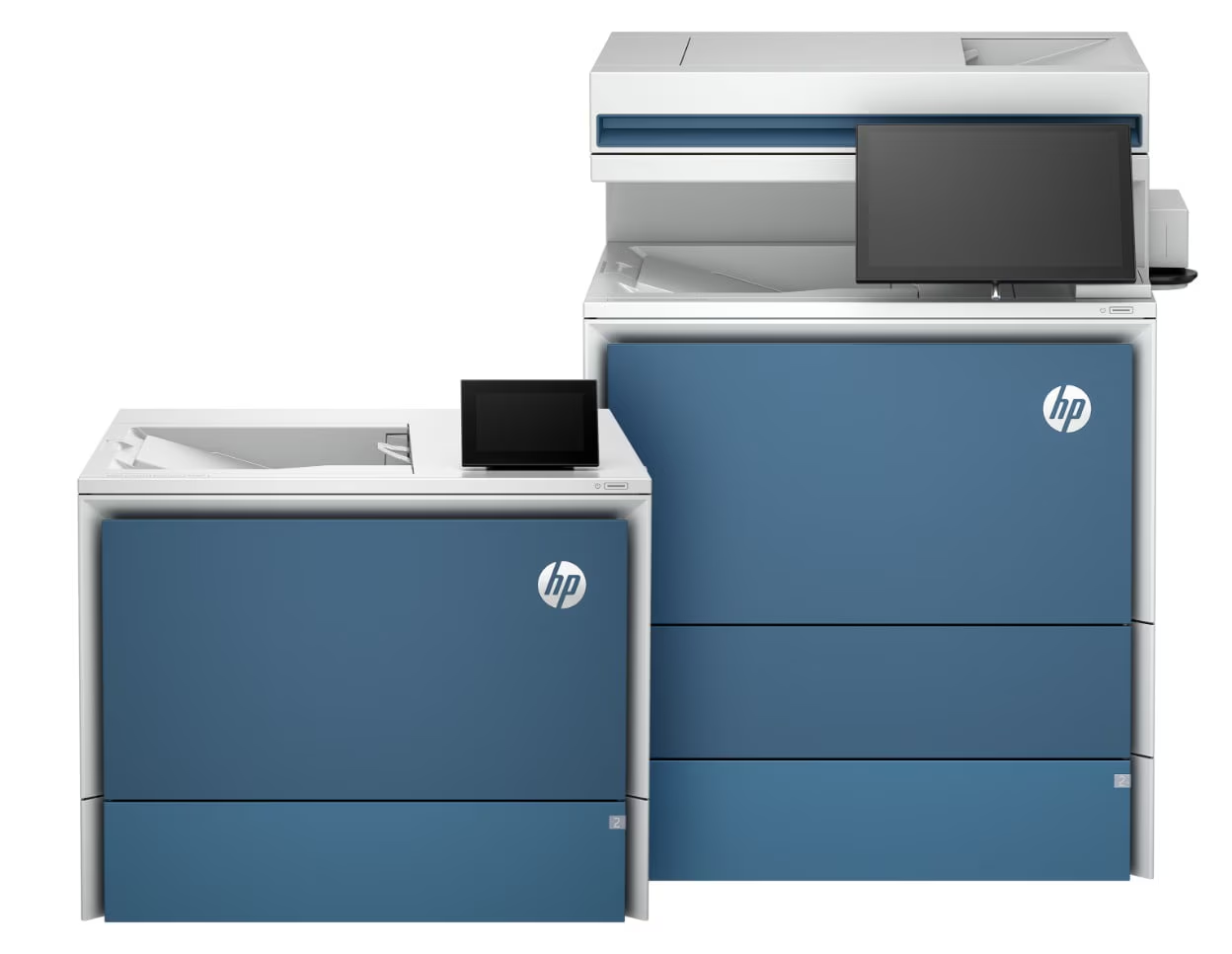
Design and build quality
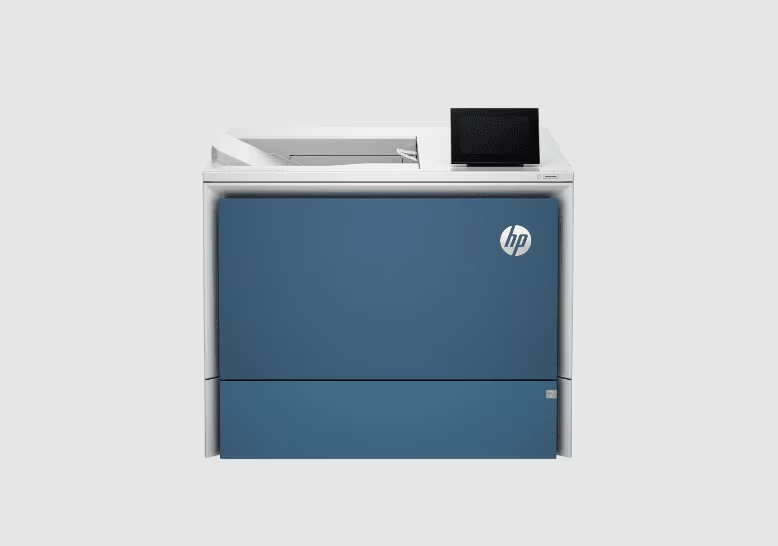
No one is going to describe the LaserJet Enterprise 6000 Series as stylish, and honestly that is part of why it works. It looks like office infrastructure. It looks like a machine that expects to be used all day, shared by multiple people, and kept in service rather than admired. For this category, that is exactly the right tone.
What we appreciated most is that HP has not tried to soften the identity of the product with home-office language or lifestyle styling. This is enterprise gear. It feels enterprise in how it is framed, how it is equipped, and what problems it is trying to solve. There is a functional seriousness to the whole package that makes sense the moment you think about it living in a busy admin corridor or a shared copy room.
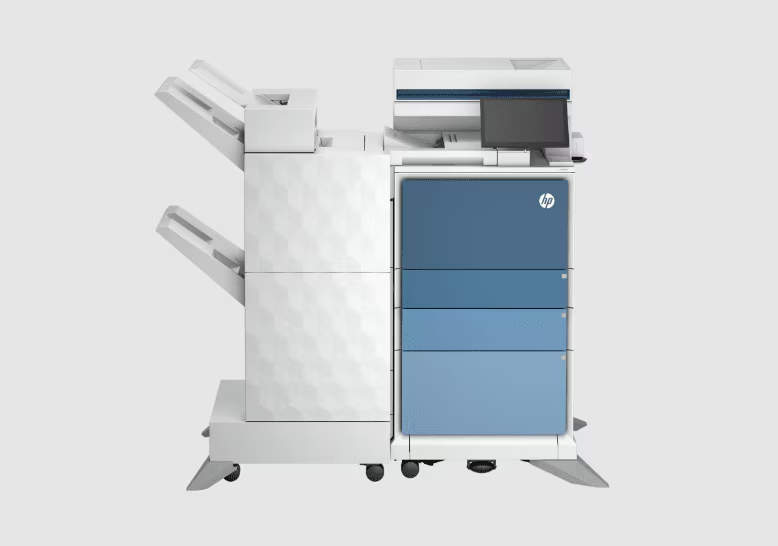
The design story here is also tied closely to the role HP wants the machine to play. This is not just about printing black-and-white pages. Once you start building a device around automatic two-sided scanning up to 200 images per minute, workflow shortcuts, OCR, guided redaction, and file processing, the machine becomes something closer to a front-end document station. That changes the way we think about the product. It no longer feels like a utility box that happens to scan. It feels like a device meant to sit at the beginning of a process.
That shift is important because it gives the 6000 Series more relevance than a lot of monochrome launches get. Plain monochrome printing is mature. Everyone knows what that job looks like. The real value now comes from what happens before and after the page is printed. HP has leaned into that reality, and the product is stronger for it.
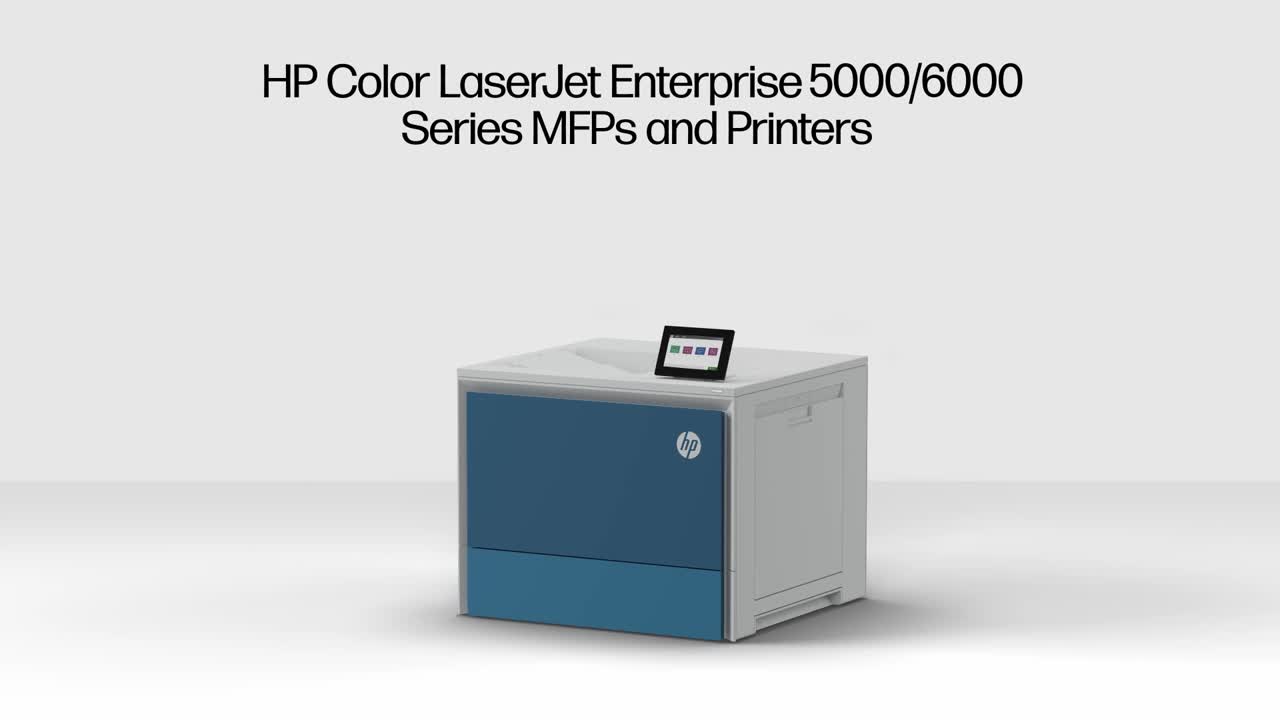
Setup and first deployment
The 6000 Series does not pretend to be plug-and-play simplicity for tiny offices, and we actually respect that. Too many business printers try to act universal when they clearly are not. HP is much more honest about where this lineup belongs.
From the way the series is positioned, it is obviously aimed at managed SMBs, self-managed enterprise environments, and public-sector organizations. That tells you a lot before the printer is even turned on. This is meant to fit into structured deployments, not improvised setups. It is meant to be rolled out with policy, security, and consistency in mind.
That is where features like HP FutureSmart firmware and optional HP Smart Device Services start to matter. These are not flashy consumer-facing talking points, but in real office environments they are the kinds of things that separate a device that behaves like part of the fleet from a device that becomes its own small headache.
In practice, that makes the 6000 Series reassuring for IT-led environments and less convincing for offices without that kind of structure. If your business has no real device-management strategy and just wants a dependable printer to sit in a corner, this lineup is probably a step beyond what you need. If your office already cares about firmware consistency, centralized oversight, and minimizing disruptions across multiple devices, the product makes much more immediate sense.
We liked that focus. The series knows its audience, and it does not waste much energy pretending otherwise.
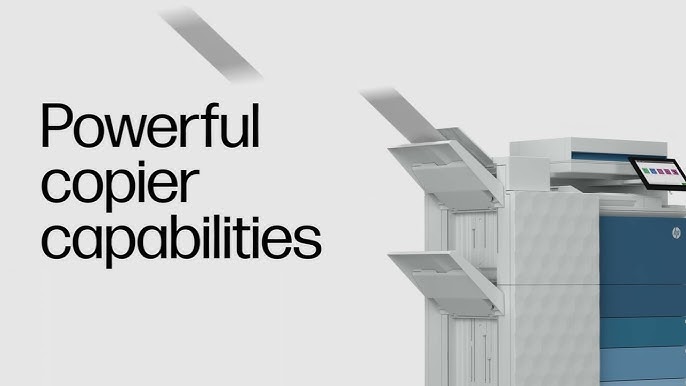
Real-world performance
This is where the 6000 Series earns attention quickly. Up to 57 ppm is real workgroup territory, and up to 200 ipm for automatic two-sided scanning gives the machine a level of document-handling credibility that many office printers simply do not have.
On the print side, the appeal is straightforward. A machine at this level is built to handle pressure from multiple users without feeling constantly behind. That matters more than a spec-sheet race. In busy offices, the point is not whether a printer sounds fast in marketing copy. The point is whether it still feels fast once several people rely on it throughout the day. The 6000 Series looks built for exactly that kind of demand.
The scanning side is where the product becomes more interesting. In a lot of offices, printing is not the real time sink. Scanning is. More specifically, scanning stacks of paperwork, getting them into the right format, routing them correctly, naming them properly, and making sure they are useful once they leave the machine. That is where slow or awkward office hardware wastes far more time than people realize.
This is why we kept coming back to the scan performance as one of the strongest parts of the 6000 Series. High-speed duplex scanning is not glamorous, but it has a huge effect on real productivity when paper-heavy departments are involved. Contracts, case files, administrative records, financial documents, intake forms, signed approvals, compliance paperwork—these jobs pile up fast, and they are exactly the kind of daily office friction that a serious MFP is supposed to reduce.
That said, the full value of those numbers will always depend on the environment around the machine. Network configuration, permissions, destinations, workflow setup, and software layer all affect the actual experience. This is not a criticism of HP so much as a reality of enterprise hardware. The machine can be fast, but whether it feels transformative depends on whether the rest of the office process is ready to take advantage of it.
Workflow features that actually matter
This is the most modern part of the 6000 Series, and it is also the section where HP feels more thoughtful than a lot of competitors.
We have become numb to vague “AI” language in office tech, so we were ready to be skeptical here. Instead, what stood out was that the workflow features are attached to practical jobs. HP Scan AI Enhanced, Editable OCR, Automated Guided Redaction, and access to HP for Microsoft 365 Copilot through supported workflow apps are all much easier to take seriously than the usual meaningless smart-office buzzwords.
The reason is simple: these features solve actual office problems.
Turning a scanned document into something editable matters. Making files searchable matters. Helping remove sensitive information before documents move further into a workflow matters. Organizing, naming, summarizing, and translating files in a practical office setting matters. These are not gimmicks when the office actually depends on document handling.
What we appreciated most is that the value proposition here is easy to understand. HP is not asking buyers to believe in some abstract future of AI printers. It is saying the machine can help cut down the clerical drag around document intake and preparation. That is a much smarter pitch, and for the right buyer it is genuinely compelling.
Where we felt less convinced was not in the idea itself, but in how dependent the value is on deployment quality. A well-run office with structured processes can benefit a lot from these tools. A smaller team that mostly scans to email or occasionally digitizes paperwork may never see enough return to care. That is the tradeoff. The workflow layer is one of the best reasons to buy into this family, but only if your office will actually use it with intention.
Security: one of the biggest reasons this series exists
Security is not a side note here. It is one of the pillars of the product.
HP is making an unusually strong case around protection, and that is not accidental. Enterprise printers sit on networks, handle sensitive documents, and often get less attention than they deserve until there is a problem. In that context, the 6000 Series feels deliberately built to reassure the buyers who worry about that blind spot.
The headline security angle is especially bold. HP says this family ships with protection against quantum computer-based attacks, alongside HP Wolf Enterprise Security, threat detection, isolation, recovery capabilities, and protection during memory code execution. That is a serious security pitch by printer standards, and it tells you a lot about the type of buyer HP is chasing.
What stood out to us is not just the language, but the timing. Security in print fleets is no longer something buyers are willing to treat as secondary, especially in public-sector, healthcare, legal, finance, and compliance-heavy environments. A printer is still a networked endpoint. It still touches sensitive information. It still sits inside the wider security posture of the organization. The 6000 Series clearly understands that reality.
We also think the guided redaction angle deserves more credit than it may get at first glance. This is one of those features that can sound like a nice extra until you picture how often offices deal with documents containing personal, financial, legal, or confidential information. In those settings, helping users remove the right information before files move onward is not just a convenience. It is part of good process.
Security is often where enterprise printers start to blur together in marketing copy. Here, HP has made it one of the most concrete and aggressive parts of the product story, and that gives the 6000 Series a stronger identity than many of its peers.
Uptime, serviceability, and the part buyers often underestimate
If there is one area where enterprise printer reviews should spend more time, it is this one.
Raw speed is easy to market. Uptime is what offices live with.
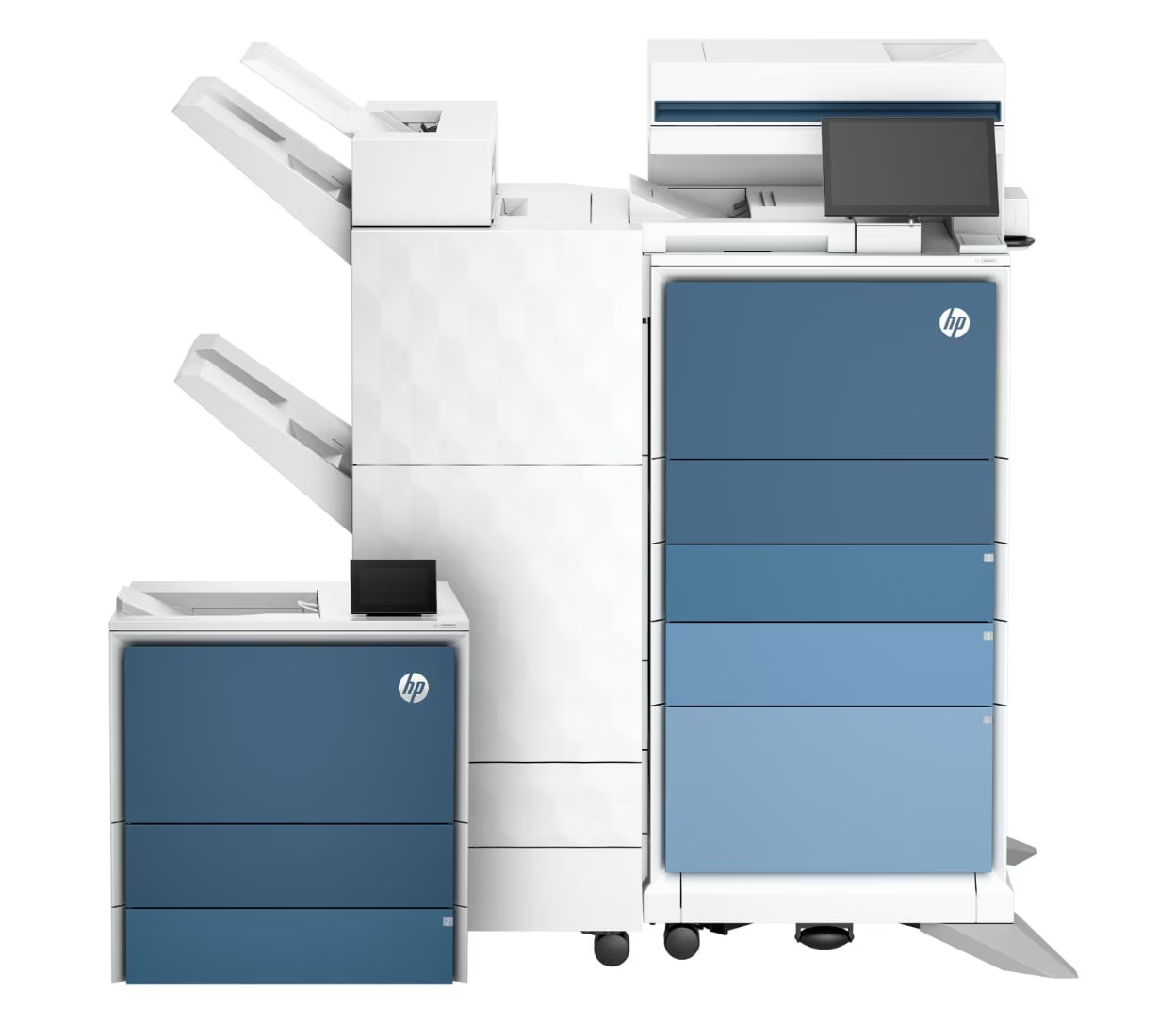
One of the strongest signals in the 6000 Series is HP’s emphasis on serviceability and maintenance. The company says 90% of serviceable parts can be replaced in under eight minutes, and that is exactly the sort of claim that matters once a printer becomes shared departmental infrastructure. In a busy office, downtime is often more expensive in frustration and lost time than buyers expect.
This is also where optional HP Smart Device Services fits neatly into the story. Monitoring devices proactively and dealing with issues before they become hallway complaints is not glamorous, but it is the kind of thing that separates well-run office equipment from “good enough” equipment.
We liked this aspect of the 6000 Series because it reflects the way real office value works. A slightly cheaper machine that becomes unreliable, difficult to monitor, or tedious to service can easily become the worse long-term buy. A machine that keeps working, is easy to maintain, and fits into a support structure usually ends up being the smarter investment, even if the entry cost is higher.
This is also why the 6000 Series feels like infrastructure rather than a simple hardware purchase. HP is clearly trying to sell continuity, not just output.

Running costs, toner, and sustainability
HP says the series uses next-generation Monochrome TerraJet Toner with 30% recycled plastic content, and the lineup carries EPEAT Gold, ENERGY STAR, and Blue Angel certifications. Those are the kinds of details that matter for procurement teams, but they also tell us something broader about the role of the product.
Enterprise buyers increasingly need devices that fit into sustainability requirements without sacrificing throughput. The 6000 Series appears built with that kind of checklist in mind. It is not enough now for a printer to be fast and secure; it also needs to align with broader organizational standards around energy use and procurement.
The harder part to judge right now is the cost story. Public pricing was not clearly laid out in the launch material, and that makes it harder to define the value proposition cleanly. We can say with confidence that this looks like premium enterprise hardware. We can also say that the feature set, security stance, and workflow depth suggest a machine that will make the most sense when bought as infrastructure, not as a bargain.
That is not necessarily a problem. It just means the value case is strongest when the office actually needs what the printer is offering.
Flaws and frustrations
The 6000 Series does not have the wrong priorities. It has narrow priorities. That is the difference.
The biggest weakness is also part of the product’s strength: it is clearly specialized. HP has built this family for organizations with heavier demands, more structured environments, and a greater need for scanning, control, and security. For the right office, that focus is excellent. For lighter users, it can make the whole product feel oversized.
The second issue is that the most interesting value here is not on the print side alone. It is on the MFP and workflow side. That means buyers who just want a fast black-and-white printer may end up paying for sophistication they will barely use. The 6000 Series makes its strongest argument when the scanning, routing, OCR, redaction, and management capabilities are part of daily work. Without that, the machine becomes harder to justify.
Then there is the format limitation. This is an A4 monochrome enterprise family. That is a very clear lane. If your office needs color presentation material, mixed-media output, or A3 flexibility, this is not your machine. There is no point pretending otherwise.
Finally, the launch left some uncertainty around price and broader availability. That does not change the strengths of the product, but it does make the overall recommendation slightly less straightforward for buyers who want immediate clarity before they commit.
Who should buy it
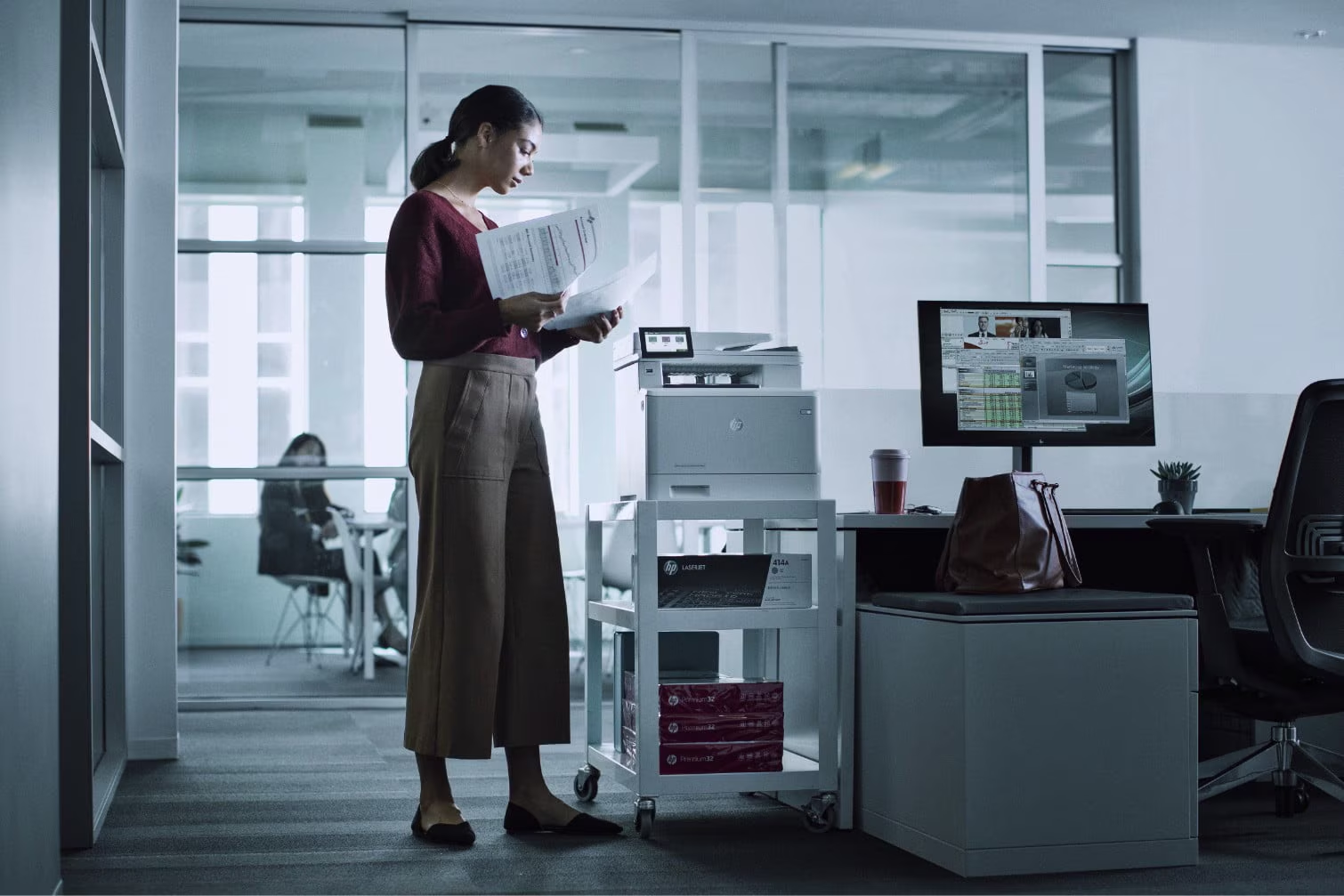
We think the 6000 Series makes the most sense for shared office environments where paper still moves constantly and getting that paper into digital workflows matters just as much as printing it in the first place.
Legal teams are an obvious fit. Finance departments are another. Healthcare administration, government offices, education back offices, compliance-heavy organizations, and larger administrative departments all feel like natural homes for this series. These are the kinds of environments where print speed helps, but scan speed, file preparation, redaction, security, and uptime often matter even more.
It also makes strong sense for organizations that already think in terms of device fleets, firmware consistency, proactive monitoring, and policy-driven deployment. In that context, the 6000 Series feels aligned rather than excessive.
Who should skip it
Small offices with simple needs should move on.
If your business mostly prints standard documents, rarely scans large batches, does not need advanced document handling, and has no reason to care about enterprise security language, the 6000 Series is simply more machine than you need. HP’s own product segmentation makes that clear enough.
You should also skip it if color is important or if your workflows extend beyond the A4 monochrome lane. This family is tightly focused, and while that focus is one of its strengths, it also limits who should seriously consider it.
Final verdict
The HP LaserJet Enterprise 6000 Series feels like a strong enterprise launch because it understands what office printing has become. The job is no longer just printing pages quickly. The real job is keeping document-heavy offices moving with minimal friction, strong security, dependable uptime, and smarter scan-to-digital workflows.
That is where this series makes its case.
We came away seeing it as a very capable monochrome platform for the exact kind of office HP has in mind: busy, structured, document-heavy, and IT-aware. The print speed is there. The scanning performance is there. The workflow layer is more practical than most. The security pitch is stronger than usual. And the serviceability story gives the lineup a kind of real-world credibility that matters more than glossy brochure claims.
The catch is not that HP aimed too high. It is that the 6000 Series only really shines when used in the environment it was built for. In a serious office, it looks like one of the more convincing monochrome enterprise options of 2026. In a lighter office, it is probably just too much printer.
FAQ
Is the HP LaserJet Enterprise 6000 Series a color printer?
No. This is an A4 monochrome enterprise family, so it is designed for black-and-white office output rather than color printing.
How fast is it?
HP rates the series at up to 57 ppm for printing and up to 200 ipm for automatic two-sided scanning, which puts it firmly in serious workgroup territory.
What is the biggest reason to choose it over a cheaper office laser?
The difference is not just print speed. It is the broader package: faster duplex scanning, workflow features, stronger security, better fleet-readiness, and more attention to uptime and serviceability.
Does it support AI features?
Yes. The lineup includes features such as HP Scan AI Enhanced, Editable OCR, Automated Guided Redaction, and support for HP for Microsoft 365 Copilot through supported workflow apps.
Is it a good choice for a small office?
Usually not. Unless that small office has unusually heavy document workflows or strict security needs, this series is likely more than necessary.
What security features stand out most?
The biggest talking point is HP’s push around quantum-resistant protection, along with HP Wolf Enterprise Security, attack detection, isolation, and recovery.
Is pricing clearly available?
At launch, pricing was not clearly posted in the public material, which makes the value conversation slightly harder to pin down right away.
What about warranty?
HP says the new printer portfolio is backed by a three-year warranty, with regional terms and registration requirements applying.
Explore the HP LaserJet Enterprise 6000 Series Gallery
Every image from this article, gathered in one clean place. Tap any photo to open it larger.