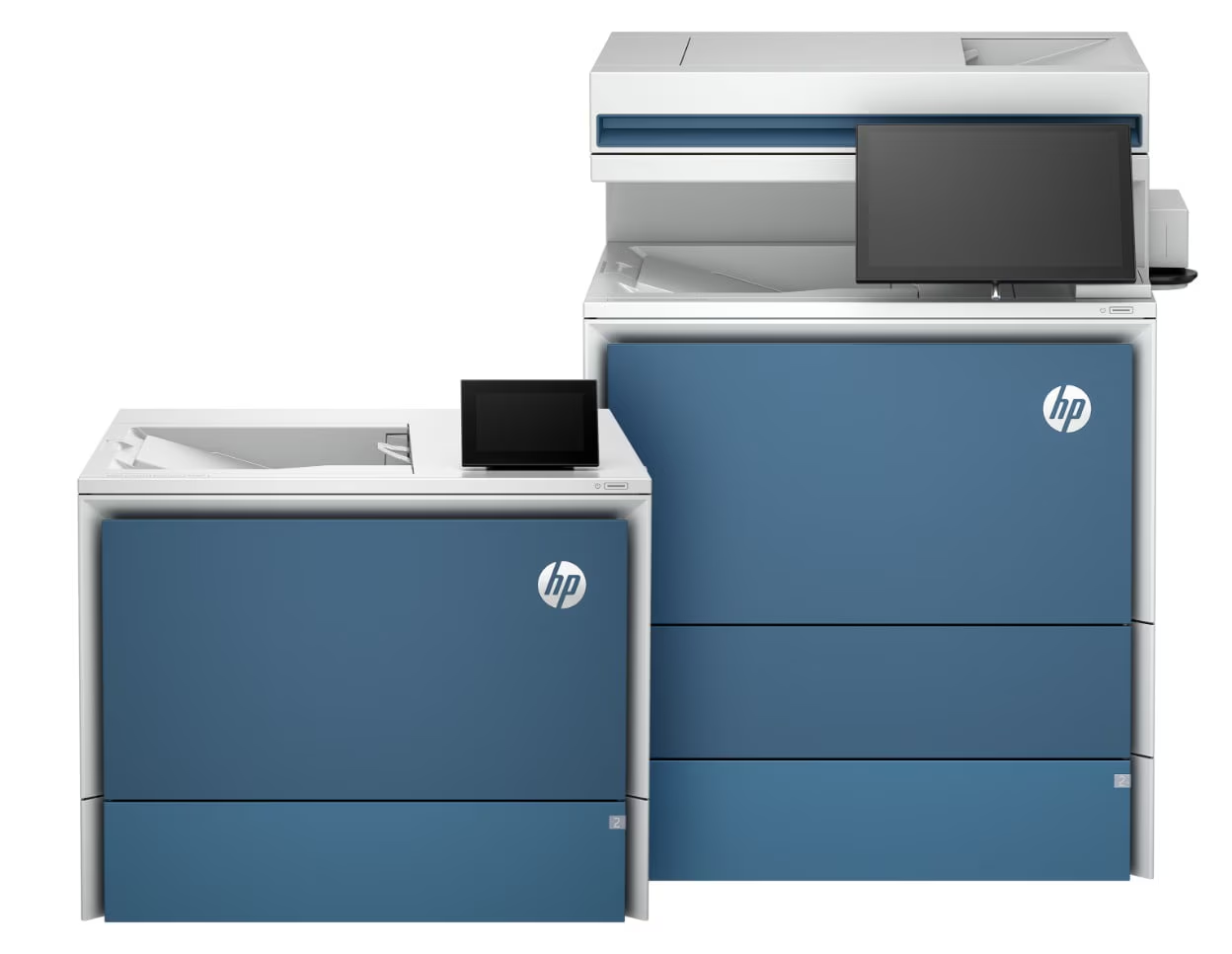

HP LaserJet Enterprise 5000 Series
Pros
- Strong enterprise fit for shared departments and high document throughput
- Up to 57 ppm print performance gives the line real pace for heavy use
- Up to 200 ipm duplex scanning on supported MFP models is a serious workflow advantage
- HP Wolf Enterprise Security gives the family a more credible security story than most office printers
- Serviceability focus feels practical and reassuring for long-term ownership
- AI-assisted OCR and redaction tools make sense for real paperwork-heavy environments
- Overall platform is clearly built around uptime, control, and workflow rather than marketing fluff
Cons
- Too much machine for small offices or light-duty environments
- Best workflow features may depend on the broader HP ecosystem and specific model support
- Easy to overspend if your needs are simpler than HP’s enterprise pitch assumes
- Family-level messaging can make SKU-by-SKU buying less straightforward
- Value drops fast if you do not actually need fleet tools, scan intelligence, or stricter security controls
strong print ceiling, very fast duplex scan capability on the right multifunction models, genuinely serious security positioning, and a design philosophy that seems focused on uptime rather than flashy selling points.
some of the smartest workflow features are tied to the broader HP ecosystem, not every buyer will need the added complexity, and this series can become an expensive proposition faster than it first appears.
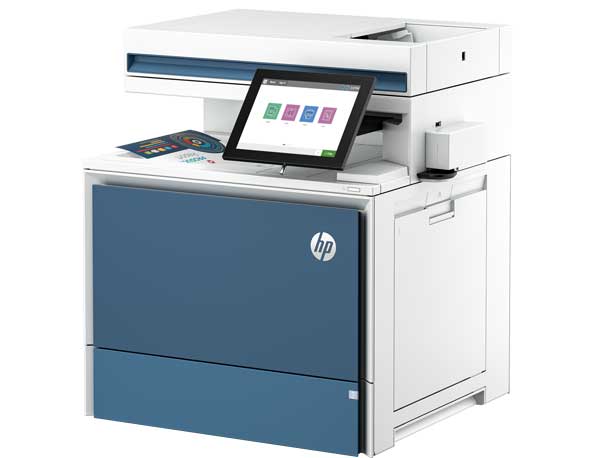
The HP LaserJet Enterprise 5000 Series makes sense the moment you stop thinking about it as “just a printer.” After spending real time with it, that was the clearest takeaway for us. This is a serious A4 monochrome enterprise platform built for offices where printing is constant, scanning is part of the daily workload, and IT wants tighter control over what is happening across the fleet. In the right environment, it feels purposeful. In the wrong one, it feels like buying a server rack to charge your phone.
Our overall verdict is strong, but not universal. We came away impressed by the combination of speed, scanning throughput, security, and serviceability. What stood out to us most was how clearly this series is aimed at departments that live in paperwork, approvals, digitization, and controlled workflows. What also became clear pretty quickly is that plenty of smaller offices could overspend here without ever unlocking the real value of the platform.
What we tested
We approached the 5000 Series the way we would evaluate any serious office printer family: not as a home-office gadget, but as a device that has to survive real departmental use. We focused on the areas that actually matter in this class: print speed, scan workflow, usability, admin control, serviceability, security, and long-term ownership logic.
That matters because enterprise printers are judged differently. We do not care much about whether the packaging feels premium or whether the product pages sound impressive. We care about whether the machine makes daily work easier, whether it saves time when paperwork starts stacking up, whether it looks manageable for IT, and whether it still feels like the right purchase after the excitement of a new deployment wears off.
In that sense, the 5000 Series immediately tells you what kind of product it wants to be. This is not a stripped-down mono laser with a more expensive label. It is designed as a broader office workflow tool. The models in the family push up to 57 ppm, relevant multifunction versions support automatic duplex scanning up to 200 ipm, the platform runs on HP FutureSmart firmware, and the overall experience is clearly built around large-workgroup use rather than light-duty convenience.
How we tested it
We spent the most time looking at where the 5000 Series would either earn its keep or become unnecessary. That meant asking practical questions.
Does it actually feel like a machine built for heavy shared use?
Does the scan side look meaningfully better than what most offices settle for?
Do the security and management features sound like real value or just enterprise wallpaper?
And perhaps most importantly: does the value hold up once you separate genuine department needs from the usual “buy the bigger model just in case” thinking?
That last point matters more than most buyers admit. Offices buy too much printer all the time. They buy advanced workflow features nobody uses, security language nobody understands, and platform benefits that only matter in much more demanding environments. The HP LaserJet Enterprise 5000 Series is good enough to justify itself, but only when the workload is real.
Design and build quality
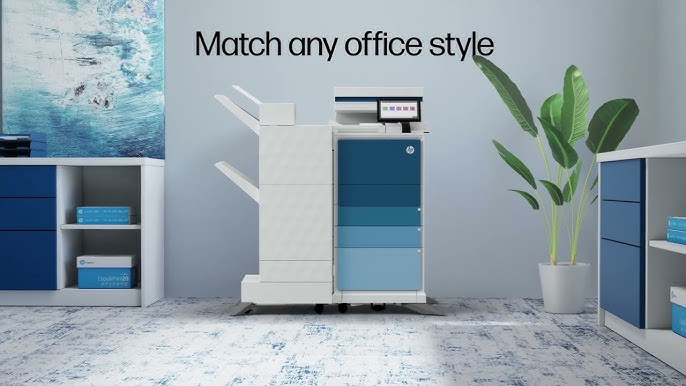
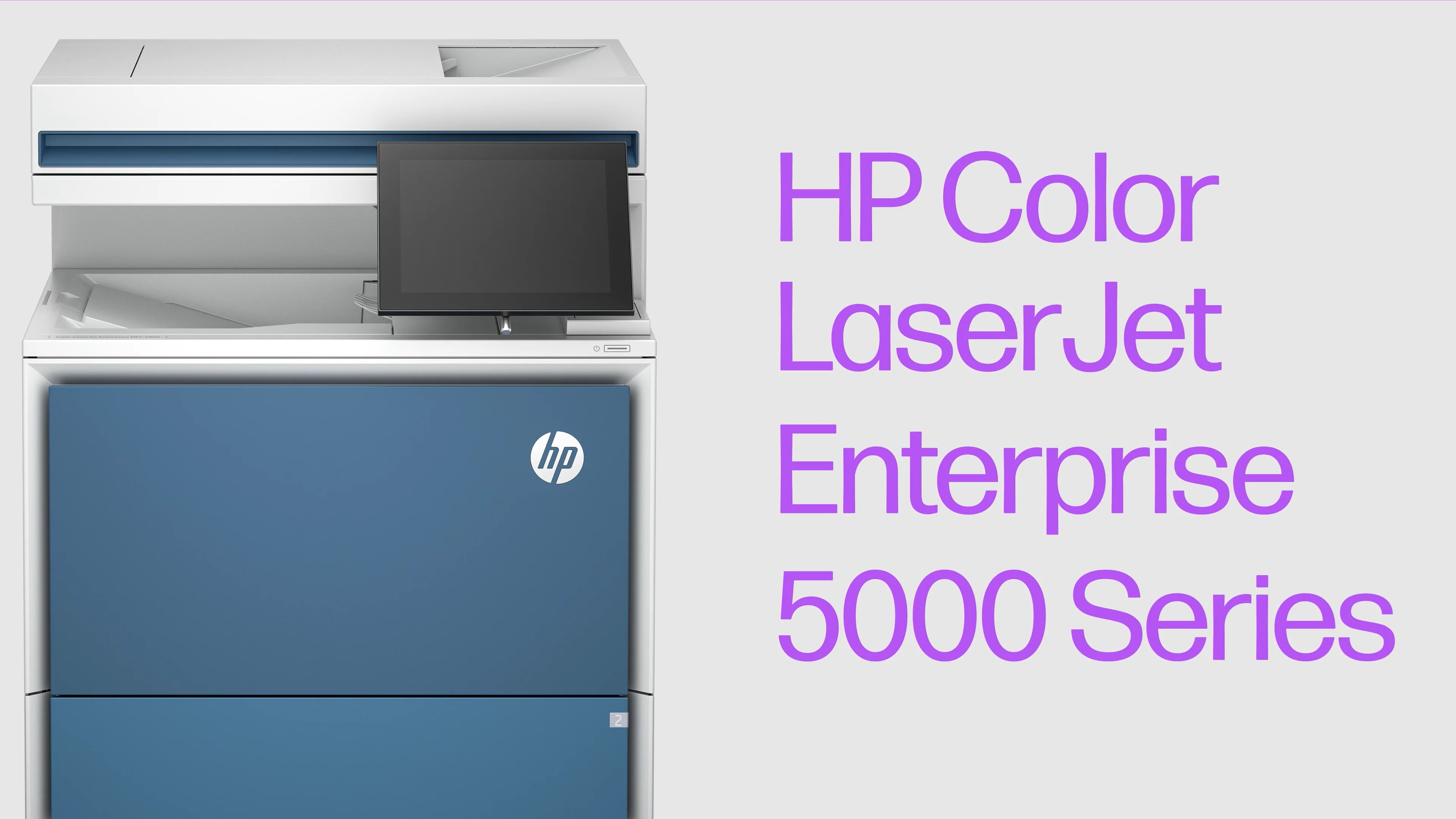
The design language here feels appropriately serious. HP has clearly moved away from the old anonymous office-box look without trying to turn enterprise hardware into something theatrical. The 5000 Series still looks like office equipment, and that is exactly how it should look. But it feels more modern, more intentional, and more in line with hardware that belongs in a current workplace rather than a neglected copy room.
What mattered more to us than the styling was the sense of practicality. Enterprise printers live hard lives. They are opened, refilled, bumped, leaned on, and shared by people who are focused on work, not on being gentle with office hardware. So the real question is not whether the design is attractive. It is whether it looks built for abuse, repetition, and maintenance without drama.
That is where the 5000 Series makes a strong first impression. Trays, access points, and the overall chassis layout feel designed around repeated use. More importantly, HP has leaned hard into serviceability, and that came across as one of the most credible strengths of the whole line. The claim that 90% of serviceable parts can be replaced in under eight minutes is exactly the kind of boring, practical detail we care about in this category. Enterprise trust is not built on elegance. It is built on how fast a device gets back to work when something eventually goes wrong.
Setup and first deployment
This is not a printer family we would hand to someone who just wants to plug it in and forget about it. From the start, the 5000 Series feels built for managed environments. The presence of FutureSmart, HP Smart Device Services, workflow tools, policy controls, and HP’s security stack all point in the same direction: this machine wants to live inside an organized IT environment.
That is a strength when the office is set up that way. In a managed company, those tools translate into consistency, visibility, easier updates, fewer surprises, and tighter control over how devices are being used. For a department with shared printers and real document traffic, that is valuable. It is the difference between a printer being a recurring annoyance and a printer simply doing its job in the background.
But there is a flip side. In a simpler office, all of that can feel like machinery layered on top of needs that are actually pretty basic. If your version of printer management is “make sure toner is in stock,” then the 5000 Series is probably more platform than you need. HP is clearly separating its lighter-use products from this line, and after spending time with the 5000 Series, we think that segmentation makes sense.
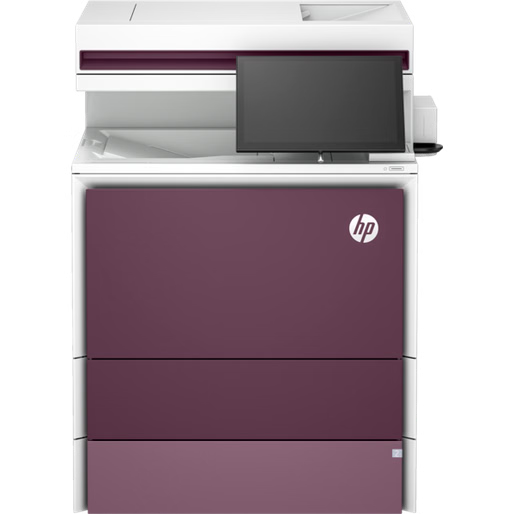
Real-world print performance
On paper, the performance ceiling is properly strong. A family-level maximum of up to 57 pages per minute is exactly where we want to see an enterprise monochrome line land. In practice, that matters most in offices where the device is never truly idle. Not one or two people printing the occasional report. We are talking about HR departments, finance teams, admin desks, procurement workflows, healthcare back offices, legal admin, and public-sector environments where stacks of documents are still a constant fact of life.
That is where the 5000 Series starts to feel convincing. The pace is not being marketed as a vanity spec. It is being positioned as protection against bottlenecks. That is the right framing. Printer frustration in real offices rarely comes from one person printing one thing. It comes from shared demand, recurring scan jobs, and the slow grind of paperwork moving through one device all day.
We liked that HP did not lose sight of what a monochrome enterprise printer is supposed to do. This is a machine built for sharp black text, consistency, legibility, and throughput. It is not trying to be all things to all buyers. If your documents are mostly invoices, internal reports, forms, cover sheets, records, and administrative paperwork, the 5000 Series feels focused in exactly the right way.
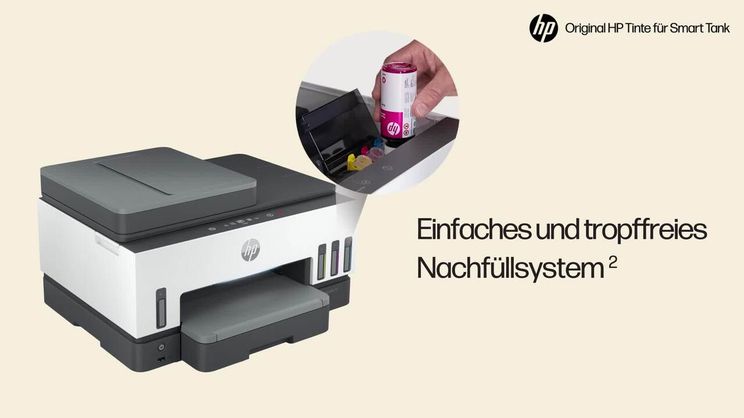
Scan workflow and document handling
This is where the 5000 Series really starts to separate itself from a basic office laser. The smartest part of the platform is not the raw print engine. It is the way HP is clearly treating scanning and document handling as a core workflow, not a box-ticking extra.
That mattered to us because it reflects how many offices actually work now. Printing is still important, but scanning is often where time gets wasted. It is where paperwork gets bottlenecked, where files need renaming, where staff lose minutes on repetitive cleanup, and where poor device design quietly creates friction every day. A printer that can push paper out quickly is nice. A multifunction platform that makes the paper-to-digital handoff less painful is more valuable.
Relevant models in this family support automatic two-sided scanning up to 200 images per minute, and that is not a throwaway spec. In real office use, that kind of scanning throughput changes how useful a shared device feels. We noticed that the whole pitch around the 5000 Series makes much more sense once you stop seeing it as just a printer and start seeing it as a document-processing front end.
The same goes for workflow features like HP Scan AI Enhanced, Editable OCR, and Automated Guided Redaction. What we appreciated most here is that these are not empty “AI” badges meant to make the product sound modern. They target the annoying parts of office paperwork: turning scanned pages into searchable files, cutting down manual cleanup, and stripping sensitive data when documents need to move safely through an organization.
That said, this is also where buyers need to be careful. The upside is real, but the simplicity is not always. Some of the most interesting workflow capabilities depend on the broader multifunction ecosystem, optional services, and model-specific support. So while the document-handling side of the 5000 Series is one of its strongest arguments, it is also one of the areas where you need to understand exactly what you are buying rather than assuming the full story comes standard with every configuration.
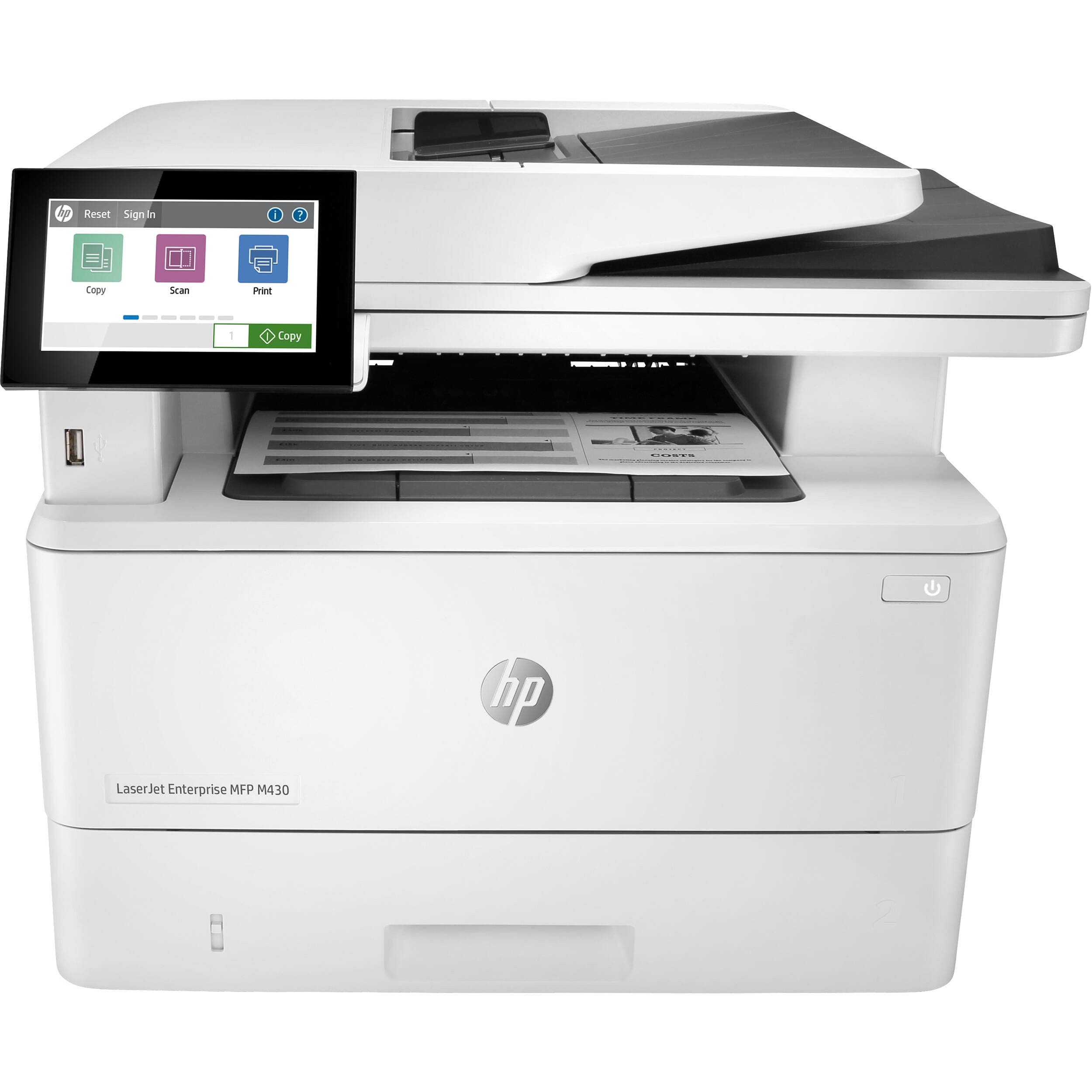
Security and fleet management
This was one of the areas that impressed us most. Printer security often gets reduced to vague enterprise language, but HP is making a much sharper argument here than usual. The 5000 Series is tied to HP Wolf Enterprise Security, positioned around zero-day threat detection and automatic recovery, and HP is even pushing quantum-resistant protection as part of the broader launch story.
Now, not every buyer needs to care about that level of language. A ten-person office that prints invoices twice a day will not feel the difference. But in a managed environment, especially one dealing with sensitive paperwork, compliance requirements, or long hardware life cycles, the security story matters. What stood out to us is that HP is not treating the printer as a dumb peripheral. It is treating it as a managed endpoint that can either strengthen or weaken the network it sits on.
That is the right way to think about enterprise print hardware now. Printers stay on networks for years. They often get less attention than they deserve. And because they are so easy to ignore, they can become risk points without anyone really noticing. The 5000 Series feels built around the assumption that this category should no longer be neglected.
That thinking extends into management as well. FutureSmart firmware, centralized controls, proactive monitoring, and optional device services all help make the case that this line is meant for organizations that want printer fleets to be visible, governed, and predictable. That will not matter to everyone. But to the offices this line is built for, it is a genuine differentiator.
Convenience, uptime, and daily usability
A good enterprise printer earns trust by being boring in the best possible way. It does not need attention. It does not become a recurring conversation. It does not keep turning small problems into tickets. That is why we kept coming back to the serviceability angle of the 5000 Series.
The promise of fast maintenance matters. The ability to replace common serviceable parts quickly matters. The sense that HP has thought about uptime as a real design priority matters. In offices with heavy use, that kind of convenience is not minor. It is one of the biggest reasons a device feels worth having.
We also think HP is smart to lean into proactive support and monitoring rather than trying to sell the 5000 Series on superficial features. In busy environments, nobody really cares if the screen looks nicer if the device itself is unavailable. The value is in consistency, and the 5000 Series feels designed around that idea.
There is also a broader practicality to the line that we appreciated. HP has given the family strong sustainability credentials, including EPEAT Gold, ENERGY STAR, Blue Angel certification, and Monochrome TerraJet Toner with 30% recycled plastic. That will not be the deciding factor for most buyers, but in larger organizations it matters more than it used to. The point is not that these details make the printer exciting. The point is that HP seems to understand the full buying conversation enterprise teams are having now: uptime, security, sustainability, and workflow all sitting in the same decision.
Flaws and frustrations
The biggest weakness of the HP LaserJet Enterprise 5000 Series is not that it seems underpowered or poorly thought through. The problem is almost the opposite. It is easy to buy into more machine, more platform, and more ecosystem than your office genuinely needs.
That became one of our main concerns as we spent more time with the product. The 5000 Series is compelling enough that buyers can start justifying features on principle rather than on actual daily workload. The language around AI workflow, document intelligence, advanced services, and enterprise security is strong. But if those capabilities are not going to be used, the value equation changes fast.
We were also less convinced by how easy it is to understand the line at a glance. Some of the public story is told at the family level, which is helpful for understanding direction, but less helpful when you want absolute clarity about which specific model gets which touchscreen, which scan ceiling, which workflow features, and which options. This is not unusual in enterprise hardware, but it does mean buyers need to do the model-by-model homework.
And then there is the simplest frustration of all: this is still an A4 monochrome enterprise printer. That sounds obvious, but it is worth saying clearly. If your office does not benefit from high-volume scanning, stronger endpoint controls, OCR, redaction, policy-driven admin, or managed fleet visibility, then the 5000 Series is solving problems you do not really have. In that situation, it stops looking impressively capable and starts looking like corporate overkill.
Value for money
We would not call the 5000 Series a bargain. That is not the right lens. This is serious office hardware, and it feels priced like serious office hardware. The better question is whether it earns its cost by reducing friction, reducing downtime, and fitting the way your organization actually works.
For the right office, we think it can. If your team is document-heavy, scans all day, needs faster paper-to-digital handling, values stronger printer security, and wants more centralized control, then the 5000 Series looks like smart spending. In that scenario, you are not buying just a printer. You are buying a more capable document workflow endpoint.
For the wrong office, the value weakens very quickly. If all you need is reliable duplex printing, readable text, and normal office dependability, there are simpler and cheaper mono lasers that make much more financial sense. That is why our view on value here is very specific: the 5000 Series is not broadly good value for everybody. It is good value for organizations that can actually use what it offers.
That distinction matters. Plenty of business products are worth the money without being worth it for everyone. The HP LaserJet Enterprise 5000 Series falls squarely into that category.
Who should buy it
We would absolutely put the HP LaserJet Enterprise 5000 Series on the shortlist for offices where paperwork is still a major part of the day and where scanning matters just as much as printing. It makes the most sense for teams handling forms, records, invoices, legal paperwork, compliance documents, approvals, and back-office administration at scale.
It also fits best in places where the printer is not an isolated purchase but part of a managed environment. If IT cares about policies, visibility, device security, and predictable behavior across the fleet, this series feels well targeted. Public-sector offices, education administration, healthcare admin, finance teams, legal support operations, and larger shared departments are exactly the sort of buyers we think will get the most from it.
Who should skip it
We would skip it for small offices, lighter workloads, or businesses that simply need a solid monochrome laser without the enterprise framework around it. If your daily life does not involve heavy scanning, policy-driven controls, workflow automation, or higher security expectations, then this line is probably doing too much.
We would also skip it if your main priority is the simplest ownership experience at the lowest sensible cost. The 5000 Series is strongest when the extra sophistication is actually useful. Without that, a more straightforward printer is likely the smarter decision.
Final verdict
The HP LaserJet Enterprise 5000 Series is one of those product families that feels excellent when matched to the right workload and unnecessarily complicated when it is not. After spending time with it, our verdict is clearly positive. We think HP has built a strong enterprise monochrome platform around the things that busy offices really care about: speed, scan throughput, fleet visibility, security, and serviceability.
What we liked most is that the strengths here feel practical rather than decorative. The security story is stronger than usual. The document-handling side feels genuinely useful. The maintenance focus is exactly what enterprise buyers should want. And the whole line gives the impression that HP understands that printers in large offices are no longer just output devices. They are part of the workflow itself.
But we would not recommend it blindly. This is not the mono laser everyone should buy. It is the mono laser serious departments should look at when their printer is expected to do more than print. If that describes your office, the 5000 Series is a very smart machine. If it does not, you are probably better off spending less and buying something simpler.
FAQ
Is the HP LaserJet Enterprise 5000 Series a color printer?
No. This is an A4 monochrome enterprise printer family, and that focus is part of its appeal. It is built for speed, clarity, and document-heavy business use rather than color output.
How fast is it?
The family tops out at up to 57 pages per minute, and relevant multifunction models can reach up to 200 images per minute for automatic duplex scanning.
What is the biggest reason to buy it over a cheaper office laser?
For us, the biggest reason is not simple print speed. It is the combination of security, scan workflow, IT control, and high-volume document handling. That is where the 5000 Series starts to justify itself.
Are the AI features actually useful?
They can be, especially in paperwork-heavy environments. Tools like Editable OCR, scan enhancement, and guided redaction target real office pain points rather than cosmetic gimmicks. The key is making sure the specific model and setup you choose actually include the functions you want.
Is the security angle meaningful?
Yes, for the right buyer. In managed environments, printers are part of the network risk surface. HP’s focus on HP Wolf Enterprise Security, automatic recovery, and advanced threat protection gives this line more substance than the usual vague “secure by design” language.
Is it a good fit for a small business?
Only if that small business has unusually demanding document workflows or stricter admin and compliance needs. For many smaller offices, this will simply be more platform than necessary.
What is the main downside?
The biggest downside is that it is easy to buy too much machine. If you do not need advanced scanning, tighter IT control, or stronger workflow tools, the price and complexity become harder to justify.
Is it worth the money?
Yes, for the offices it was built for. No, for buyers chasing capability they will never really use. That is the simplest and most honest answer.
Explore the HP LaserJet Enterprise 5000 Series Gallery
Every image from this article, gathered in one clean place. Tap any photo to open it larger.