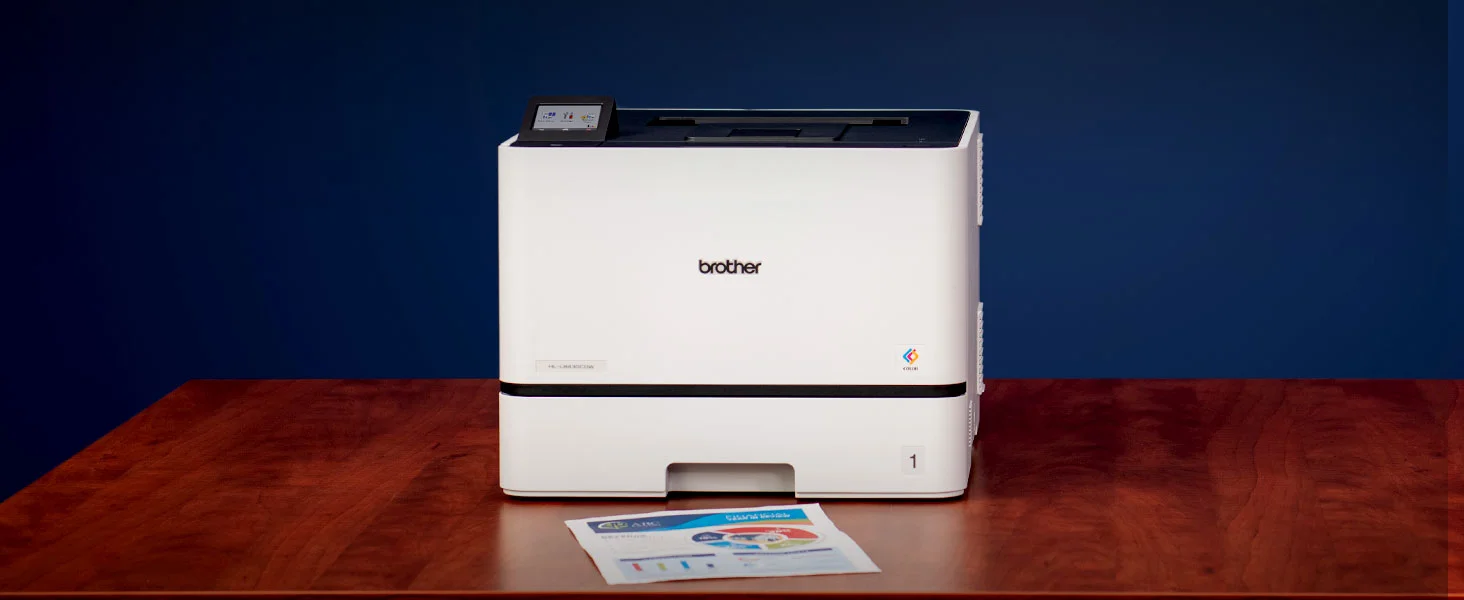

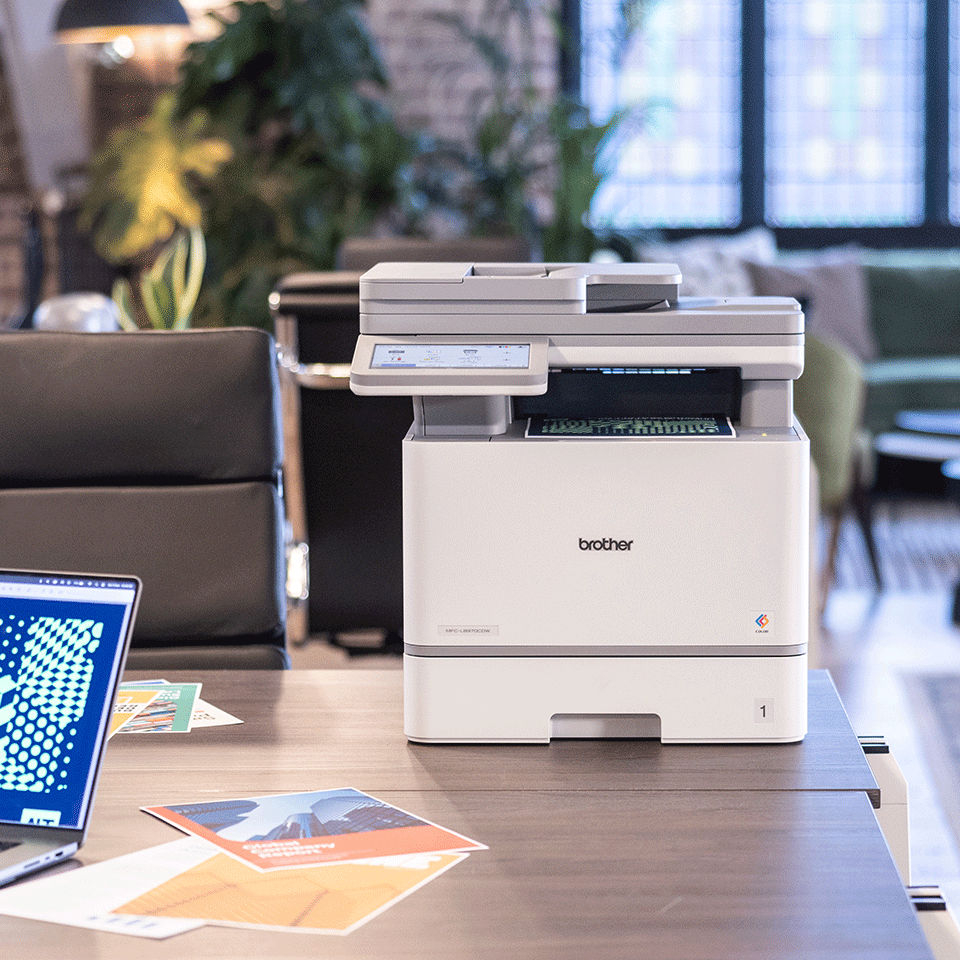
The Brother MFC-L8970CDW is the kind of printer that looks easy to justify on paper: color laser printing, multifunction convenience, business-focused features, and the promise of handling office work without turning every print job into a small personal crisis. Lovely. Finally, a machine that says, “I am here to be useful,” instead of “please reinstall me for the third time this week.”
But before you click buy, this is not the product to treat like a casual desk accessory. It is a serious office machine, and that means the buying decision should be based less on the headline features and more on the boring details that decide whether you love it after unboxing — or immediately wonder why it feels too big, too expensive to feed, or too complex for your actual needs.
“The Brother MFC-L8970CDW makes the most sense when you already know your office print habits. If you are guessing, the wrong assumption can become expensive very quickly.”
The Big Question Before Buying the Brother MFC-L8970CDW
Before anything else, ask yourself this:
Do you need a business-class color laser multifunction printer, or do you just want one because it sounds more capable?
That distinction matters. A machine like the Brother MFC-L8970CDW is built around productivity, volume, shared access, and document handling. It is not mainly about being cute on a desk, producing glossy photo-style prints, or being the cheapest way to print the occasional school form.
If your printing needs are light, irregular, or mostly photo-based, you should pause. If your workflow includes regular documents, scanning, copying, reports, invoices, forms, presentations, and shared office use, then this type of printer starts to make much more sense.
Before You Order: Verify These Details First
| What to Check | Why It Matters | Possible Regret If Ignored |
|---|---|---|
| Printer size and weight | Business laser printers are not small desktop toys | It may dominate the desk or require a dedicated stand |
| Toner replacement cost | The purchase price is only the beginning | Long-term ownership may feel more expensive than expected |
| Paper tray capacity | Office convenience depends on fewer refills | Frequent refilling becomes annoying fast |
| Duplex printing/scanning details | Not all “duplex” workflows feel equally smooth | Scanning stacks of documents may be slower than expected |
| Wireless and network setup | Shared office use depends on stable connectivity | Setup frustration can ruin day-one satisfaction |
| Device compatibility | Your laptops, phones, and office systems need to cooperate | Printing from one device may be easy while another becomes a headache |
| Available space around the printer | You need room for trays, ventilation, and access | It may technically fit but be unpleasant to use |
| Exact included supplies | Starter toner and full toner are not always the same thing | You may need replacement toner sooner than expected |
The Assumption That Could Lead to the Wrong Purchase
The dangerous assumption is this:
“Because it is a laser printer, it will automatically be cheaper and better for everything.”
Not always.
Laser printers are usually strong for sharp text, office documents, speed, and reliability over regular use. But if your main priority is rich photo printing, creative color work, or occasional home use, a color laser multifunction printer may not feel like the perfect match.
The Brother MFC-L8970CDW should be judged as an office productivity tool, not as an all-purpose creative printer.
“The mistake is not buying a powerful printer. The mistake is buying a powerful printer for a weak reason.”
Marketing Makes It Sound Easier Than It Is
The product page may make the experience sound simple: print, scan, copy, connect, done.
In reality, the first few hours matter. You may need to configure wireless access, install drivers or software, connect multiple computers, set up scan destinations, adjust default paper sizes, manage security permissions, and teach everyone in the office how not to select the wrong tray like it is a sacred tradition.
This is not difficult if you are comfortable with office equipment. But it is also not the same as plugging in a tiny home printer and printing one page from your phone.
The easier the marketing sounds, the more you should verify the practical setup conditions.
The Setup Condition That Decides Whether It Works Properly
The most important setup condition is your office network environment.
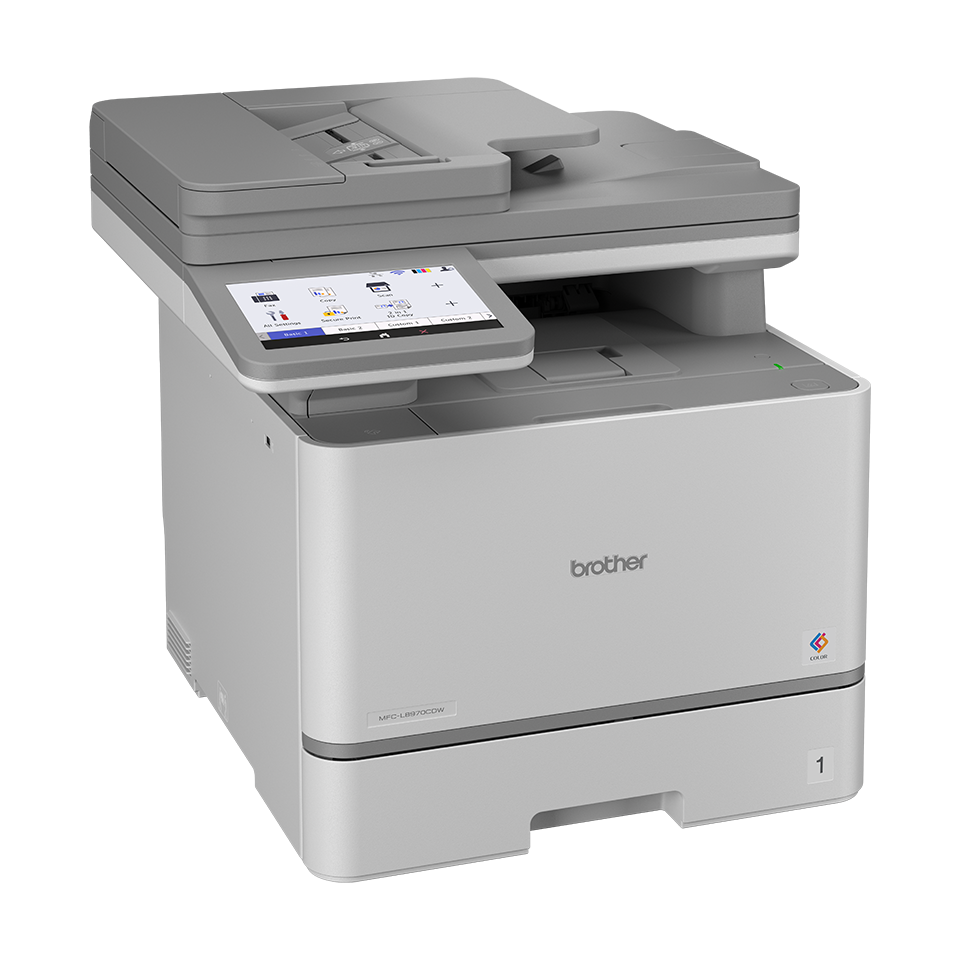
A printer like this becomes far more useful when it is connected properly to a stable network and shared between users. If the Wi-Fi signal is weak, the router is unreliable, or the printer is placed too far from the network source, the experience can feel worse than it should.
For best satisfaction, plan the setup before delivery:
- Decide where the printer will physically live.
- Confirm whether you will use Wi-Fi or Ethernet.
- Make sure the printer location has power access.
- Check that there is room to open trays and scanner lids.
- Prepare the computers or devices that need access.
- Know who will manage toner, paper, and maintenance.
Small offices often underestimate this. Then everyone blames the printer when the real villain is a weak router hiding behind a wall like a coward.
The Physical Requirement Buyers May Miss
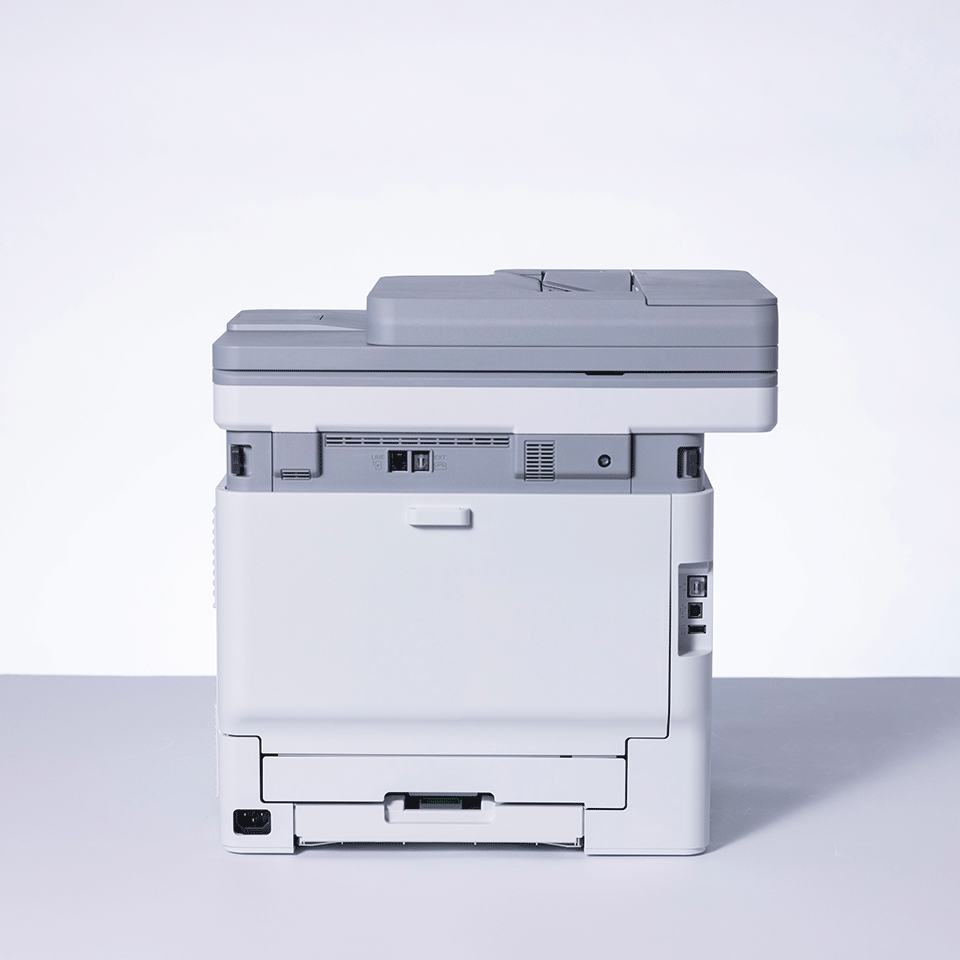
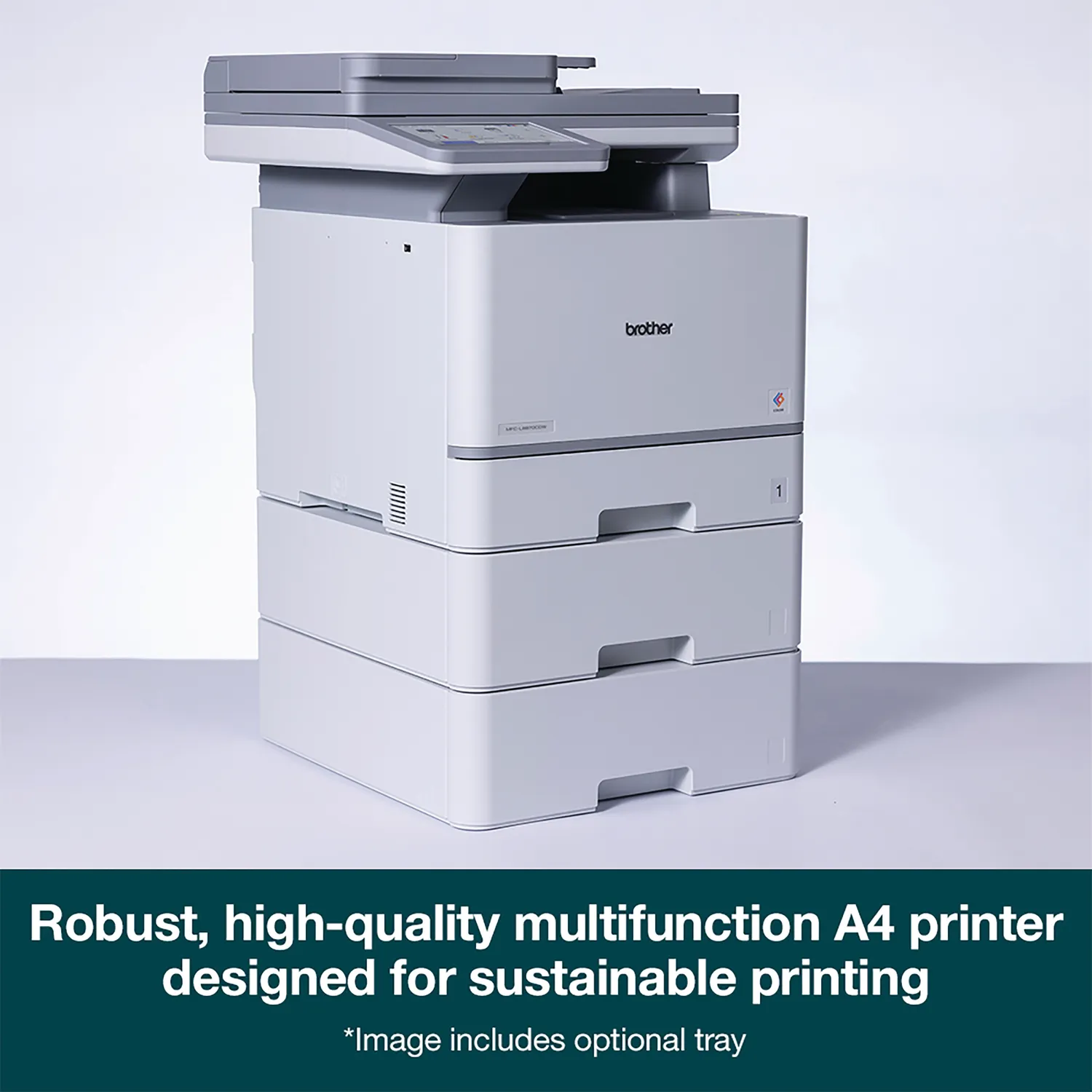
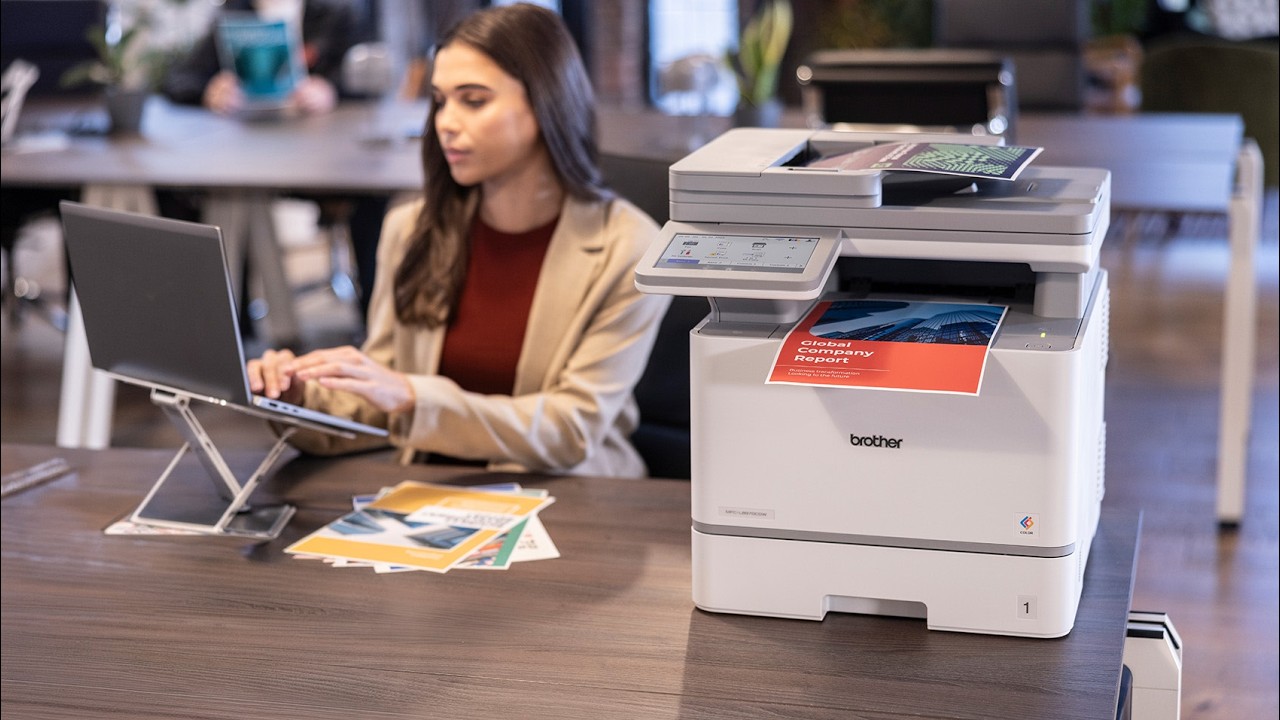
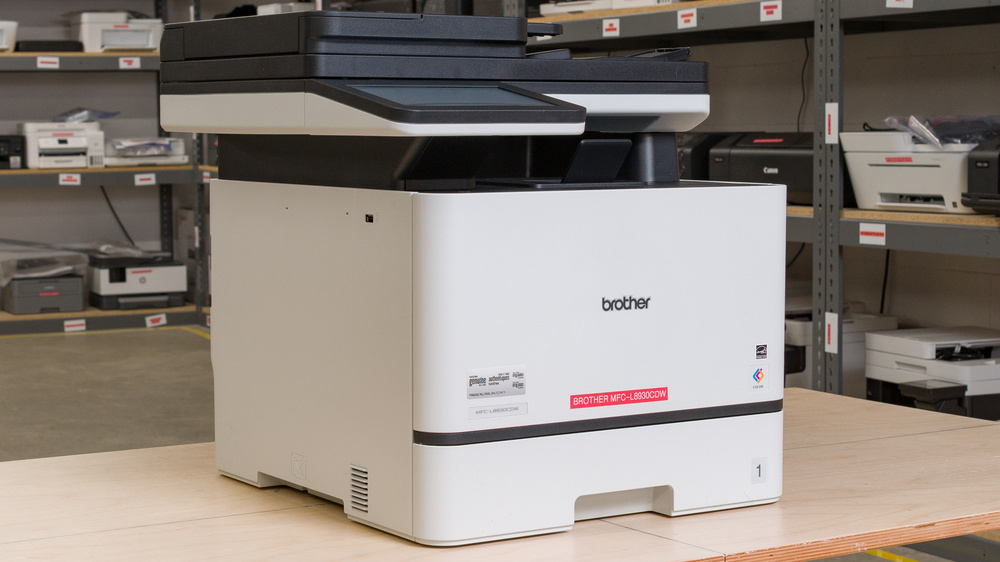
The Brother MFC-L8970CDW is not something you casually tuck beside a monitor and forget about.
It needs space.
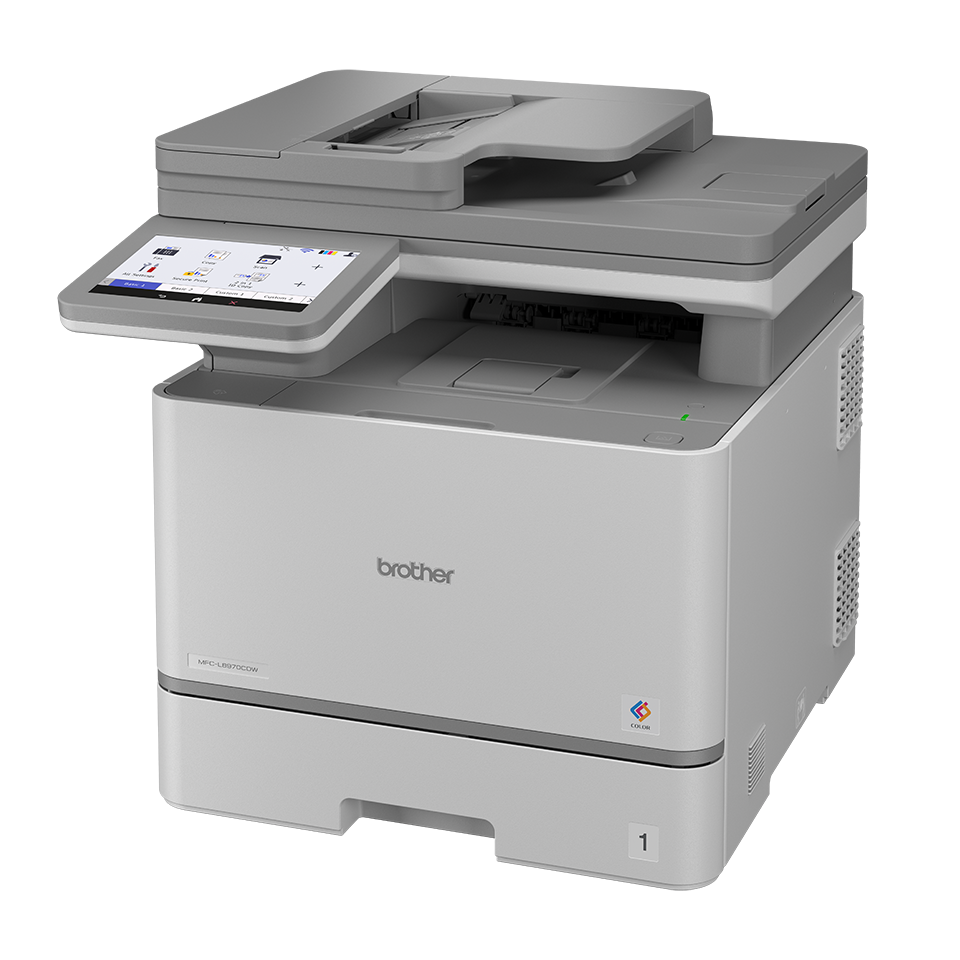
Not just footprint space. Real working space. You need clearance for paper handling, scanning, access panels, ventilation, and regular supply changes. If you plan to place it on a narrow shelf, under a low cabinet, or in a tight corner, think again.
A good printer position should allow:
- Easy paper loading
- Easy access to output pages
- Comfortable scanning and copying
- Room for opening panels
- Good airflow
- A stable surface that can handle the weight
“A printer can fit mathematically and still feel wrong physically.”
That line matters. Measure the space like an adult. Future-you will be less annoyed.
Toner Is the Detail That Affects Satisfaction From Day One
The printer itself is only part of the cost. The real ownership question is toner.
Before buying the Brother MFC-L8970CDW, check:
- The price of black toner
- The price of color toner
- Whether high-yield options are available
- Whether the included toner is starter-size or standard
- The expected page yield
- Whether your office prints mostly black text or heavy color pages
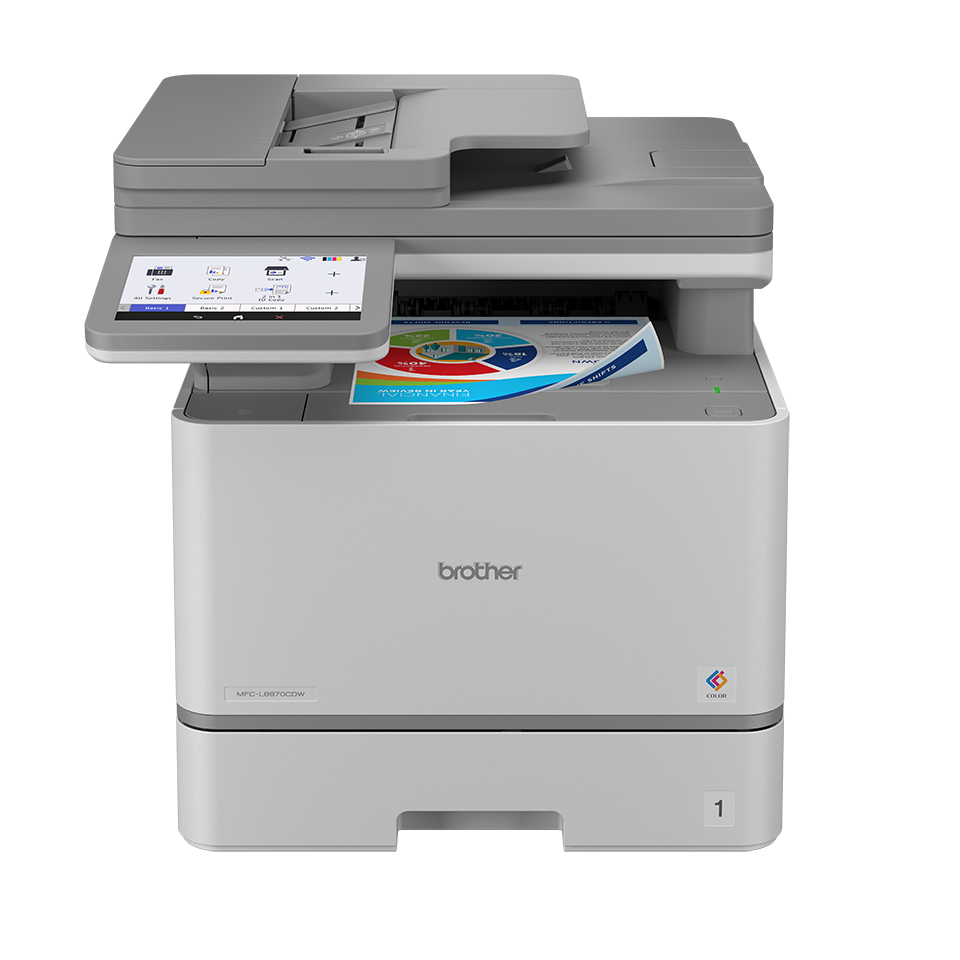
Color laser printers can be efficient for business use, but color toner replacement can feel painful if you did not plan for it. This is especially true if users print large color documents casually because “the printer can handle it.”
Yes, it can handle it. Your wallet may file a complaint.
Are Extra Parts, Accessories, or Adjustments Needed?
You may not need accessories immediately, but you should check whether your ideal setup requires anything extra.
Possible extras include:
- Additional toner cartridges
- Extra paper trays
- Printer stand or cabinet
- Ethernet cable
- Surge protector
- Replacement drum or maintenance parts over time
- Better paper for sharper business output
- Admin setup time for shared office use
This is why the advertised price should not be treated as the full ownership price. The better question is:
What will it cost to run this printer comfortably for one year?
That answer is much more useful than simply asking whether the purchase price looks attractive.
Expectations to Lower Before Purchase
Lower this expectation:
Do not expect a business color laser printer to behave like a premium photo printer.
Color documents, charts, reports, and business graphics are the natural zone. Photo-heavy output is a different conversation. If your goal is office polish, good. If your goal is gallery-style image printing, pause before buying.
Also lower the expectation that setup will be magical for every device in your office. Some systems may connect quickly. Others may need driver installation, permissions, or manual configuration.
That is normal. Annoying, yes. But normal.
Expectations That May Be Exceeded
The pleasant surprise is usually how much smoother office work feels once the machine is properly installed.
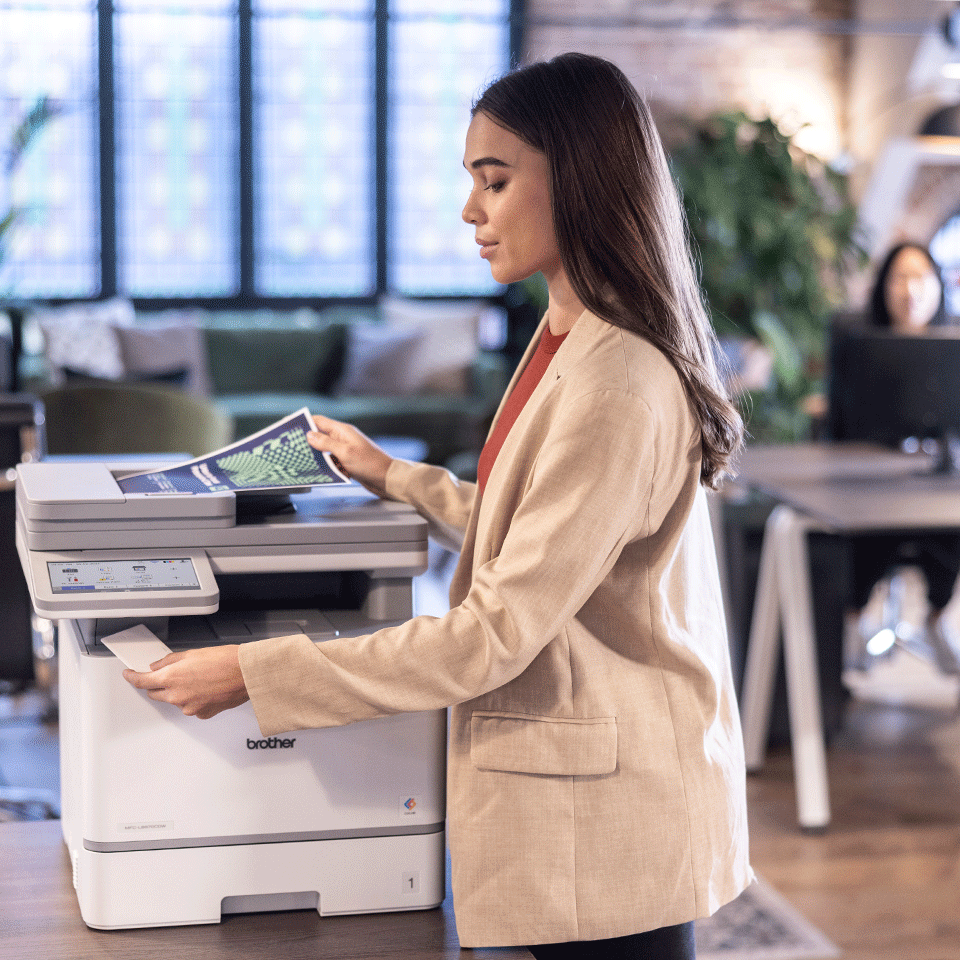
A well-matched multifunction laser printer can reduce small daily frictions:
- Fewer trips to copy shops
- Faster document handling
- Better shared access
- Cleaner text output
- More reliable office printing
- Easier scanning workflows
- Less dependence on fragile home-grade printers
For teams or heavy home-office users, that convenience can feel more valuable than the specification sheet suggests.
“The headline feature gets attention. The daily reduction in friction is what makes the purchase feel justified.”
What Matters More Than the Headline Feature
The headline feature may be speed, color, wireless printing, scanning, or multifunction convenience. But the real decision should come down to this:
Does the Brother MFC-L8970CDW match your monthly workload?
That is the practical heart of the purchase.
If you print regularly, scan often, share the machine between people, and need dependable office output, it becomes easier to justify. If you print a few pages per month, the machine may feel oversized and overqualified — like hiring a security team to guard a sandwich.
Who Should Pause Before Checking Out?
You should pause before buying if you are:
- A casual home user with very low print volume
- Mainly printing photos or creative color images
- Working in a tiny space with no room for a large printer
- Sensitive to toner replacement costs
- Uncomfortable with printer/network setup
- Looking for the cheapest possible printing solution
- Buying only because “laser sounds better”
- Expecting a compact, silent, invisible device
The Brother MFC-L8970CDW is better suited to buyers who see printing and scanning as regular work tools, not occasional emergencies.
What Deserves a Second Look on the Product Page
Before ordering, reread the product page carefully and pay attention to the less exciting sections.
Look closely at:
- Exact model number
- Included toner details
- Supported paper sizes
- Print and scan speed claims
- Duplex printing and scanning wording
- Connectivity options
- Mobile printing compatibility
- Warranty terms
- Return policy
- Box contents
- Dimensions and weight
- Replacement supply model numbers
Do not skim the boring parts. The boring parts are where future regret likes to hide.
The Warning Sign Behind Attractive Selling Points
The biggest warning sign is when the product looks attractive because of everything it can do, but you have not confirmed what you actually need it to do.
A multifunction printer can sound like a complete office solution. But if you only need one function, the rest may become unused bulk and cost.
Ask yourself honestly:
- Will I scan often?
- Will I print color often?
- Will multiple people use it?
- Do I need fax functionality?
- Do I need fast multi-page document handling?
- Do I have space for it?
- Am I prepared for toner costs?
If most answers are “not really,” you may be buying capability instead of value.
“A feature you never use is not a bonus. It is just a more expensive box.”
The Question Buyers Should Answer About Themselves
The most important self-check is simple:
Am I buying this for the work I actually do every week, or for the work I imagine I might do someday?
That question cuts through the fantasy.
If you regularly print, scan, copy, and manage documents, the Brother MFC-L8970CDW can make practical sense. If you are buying it for a future office workflow that does not exist yet, you may want to slow down.
Buying ahead of your needs can work. Buying far beyond your needs usually becomes clutter with a toner bill.
What Would Make It Feel Wrong Immediately After Unboxing?
The Brother MFC-L8970CDW may feel like the wrong purchase immediately if:
- It is much larger than expected
- The setup feels more technical than you wanted
- You realize toner costs are higher than planned
- You do not have a good location for it
- Your actual print volume is too low
- You expected photo-printer quality
- You bought it for one feature and ignore the rest
- Your office network is unstable
- The included toner does not last as long as you assumed
Most of these regrets are preventable. That is the point of slowing down before purchase.
Quick Buyer Fit Table
| Buyer Type | Should You Commit? | Why |
|---|---|---|
| Small office with regular printing and scanning | Yes, likely | The multifunction design makes practical sense |
| Home user printing a few pages per month | Probably not | It may be more machine than you need |
| Business user printing invoices, reports, forms | Yes | Strong match for document-heavy workflows |
| Photo-focused user | Pause | Color laser is not the same as photo printing |
| Shared office with multiple users | Yes, if network setup is ready | Shared access is one of the biggest benefits |
| Buyer with very limited space | Pause | Size and placement matter a lot |
| Budget-sensitive buyer | Check toner first | Running costs matter more than the initial price |
Final Verdict Before You Commit
The Brother MFC-L8970CDW is not the kind of printer you should buy just because it looks powerful. It is the kind you buy when your workflow actually deserves a serious multifunction color laser machine.
The best buyer is someone who knows they need dependable office printing, frequent scanning, shared access, and business document handling. The wrong buyer is someone hoping this will be a compact, cheap, occasional-use printer that also happens to do everything beautifully with no setup friction.
Before committing, verify the space, toner costs, included supplies, network setup, and your real monthly workload. If those details line up, the Brother MFC-L8970CDW can feel like a smart office investment. If they do not, it may feel oversized from the moment the box lands at your door.
“Buy it because it fits your workflow, not because the feature list looks impressive. That is the difference between a useful office tool and an expensive reminder that printers still enjoy humbling humanity.”
Explore the Brother MFC-L8970CDW Gallery
Every image from this article, gathered in one clean place. Tap any photo to open it larger.