
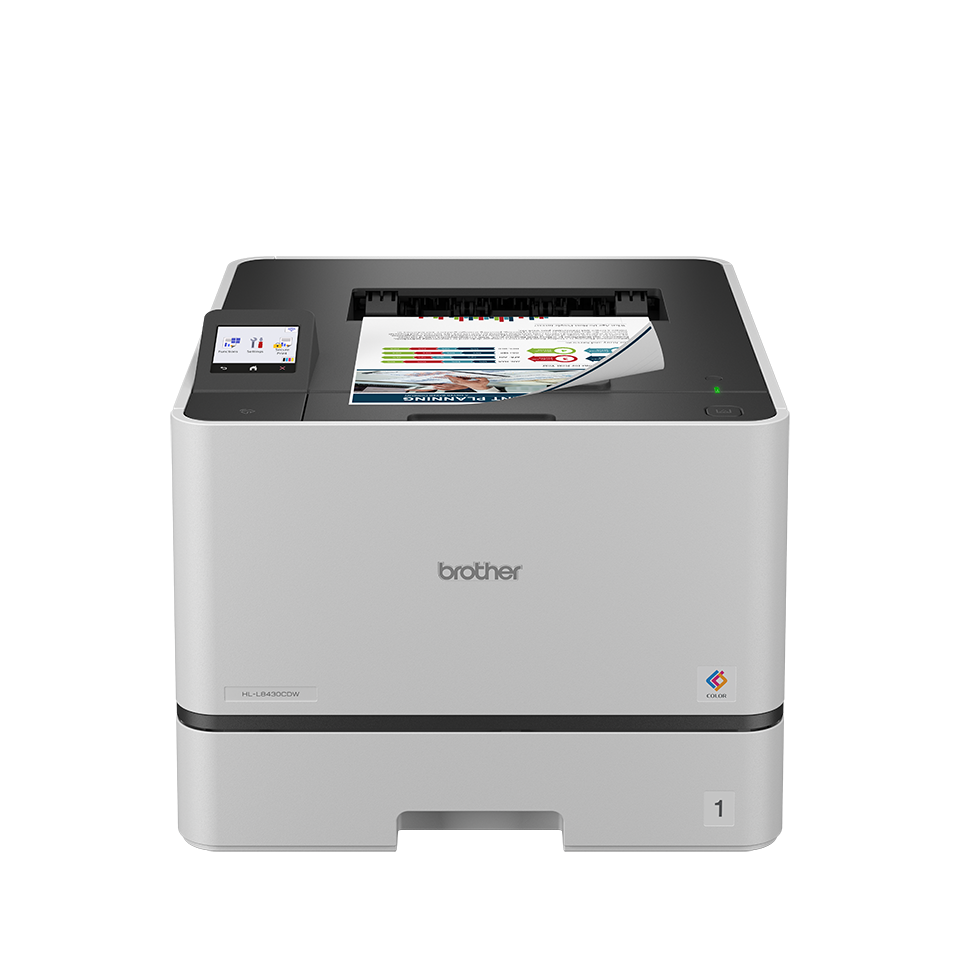
The Brother HL-L8430CDW looks like the kind of office printer that makes the buying decision feel simple: color laser, wireless, duplex printing, business-friendly design, and the Brother name behind it. On paper, that sounds like a safe purchase.
But this is exactly the type of printer where buyers can make the wrong decision by focusing on the headline features and ignoring the daily realities.
This is not a printer you buy because it is “nice to have.” It is a printer you buy because your home office, small team, or business actually prints enough to justify a serious color laser machine.
Our honest position: the HL-L8430CDW can make a lot of sense for the right buyer, but it can feel like overkill very quickly if your real needs are lighter, more occasional, or more scan-heavy than you admit before ordering.
Before Buying the Brother HL-L8430CDW, Verify These First
| What to check | Why it matters before money changes hands |
|---|---|
| Printer-only design | This is not the right choice if you need scanning, copying, or faxing built in. |
| Toner replacement cost | Color laser printers can be economical long-term, but full toner sets are not cheap. |
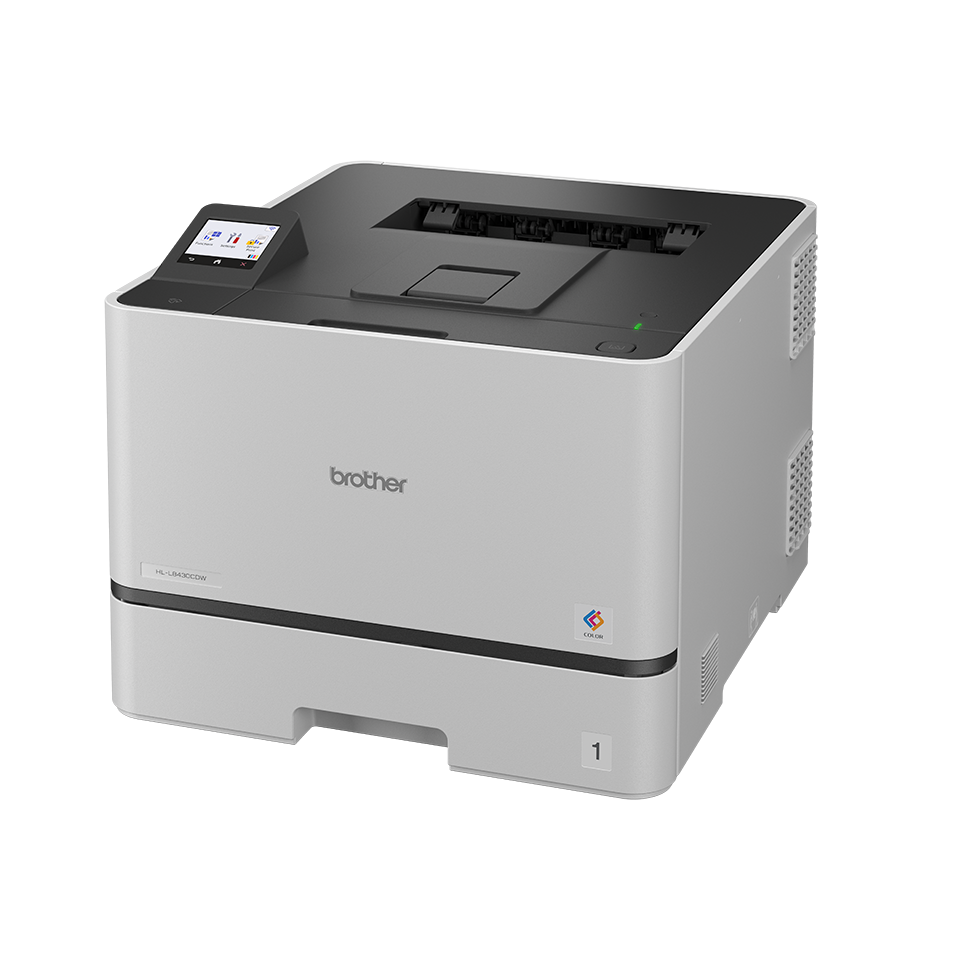
| Physical space | This is not a tiny desk printer. Make sure it has a proper home. |
| Wi-Fi/network setup | Wireless printing sounds simple, but office networks can still create friction. |
| Paper size and media needs | Check the product page carefully if you need specific paper types, envelopes, labels, or heavy stock. |
| Monthly print volume | The printer makes more sense when used regularly, not occasionally. |
| Duplex expectations | Auto two-sided printing is useful, but not every media type or workflow behaves equally smoothly. |
The Biggest Mistake: Assuming “Color Laser” Means “Perfect for Everyone”
A color laser printer sounds like the grown-up choice. It feels more professional than an inkjet. It promises cleaner documents, faster output, and fewer dried-ink nightmares.
That assumption is partly fair.
But it can also push the wrong buyer into the wrong machine.
The Brother HL-L8430CDW is best understood as a document-focused color laser printer, not a creative photo printer, not a scanner hub, and not a compact family all-in-one.
If your main goal is beautiful photo printing, this is probably not the machine you are imagining. If your main goal is sharp business documents, proposals, reports, letters, forms, invoices, and everyday office color, now the conversation makes more sense.
That difference matters.
A buyer who prints school photos, glossy images, art, stickers, and occasional forms may feel disappointed. A buyer who prints business pages every week may feel relieved.
What Marketing Makes Sound Easier Than It Really Is
Wireless printing always looks effortless in product descriptions. In real life, it depends on your setup.
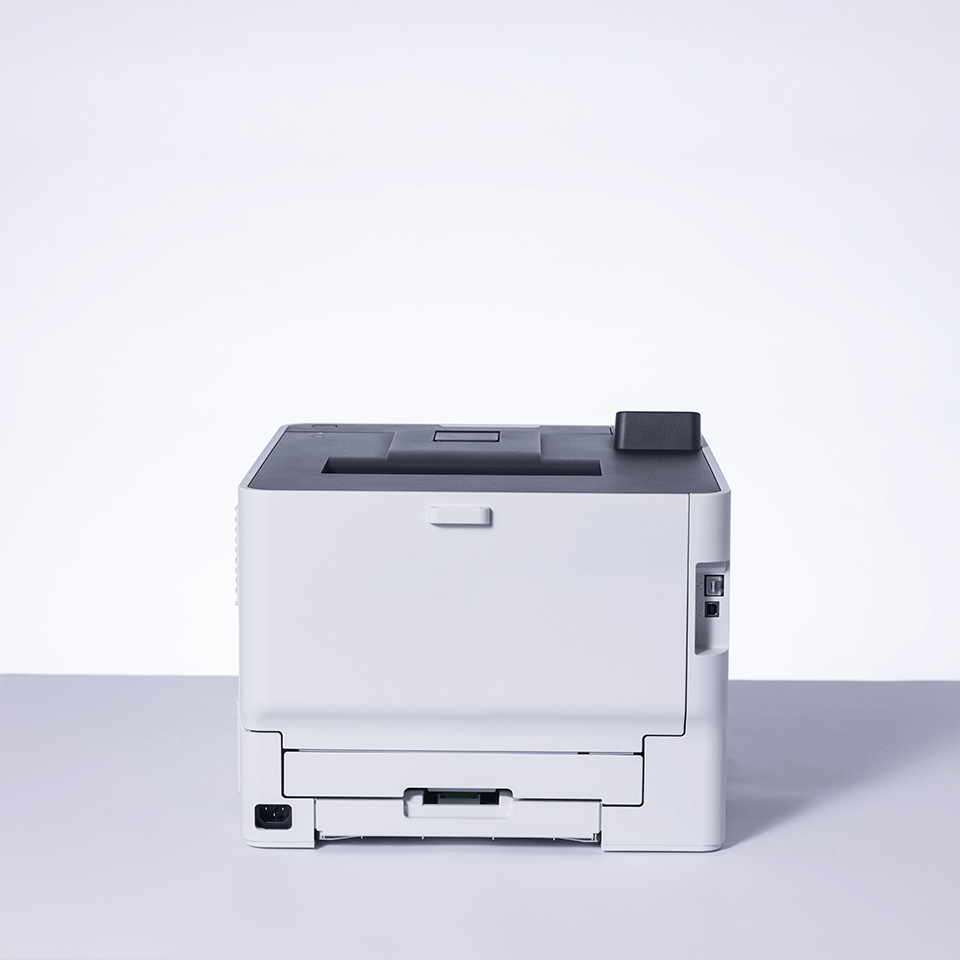
The HL-L8430CDW may support modern office-friendly connectivity, but the experience still depends on your router, Wi-Fi signal, device ecosystem, drivers, firmware, and whether the printer is placed somewhere with reliable network access.
The setup can feel easy when:
- The printer is close enough to a stable Wi-Fi signal.
- Your computers are on the same network.
- You are comfortable installing printer drivers.
- You do not have complicated guest networks, VPNs, or office restrictions.
- Your team uses predictable devices and workflows.
The setup can become annoying when:
- The printer is far from the router.
- Multiple people need access from different devices.
- Your office network separates devices for security.
- Someone expects mobile printing to “just work” without setup.
- You are replacing an old printer and expect every old workflow to transfer perfectly.
The printer may be wireless, but your buying decision should still include one boring question: where exactly will it live, and how exactly will each person print to it?
That question prevents a lot of post-unboxing irritation.
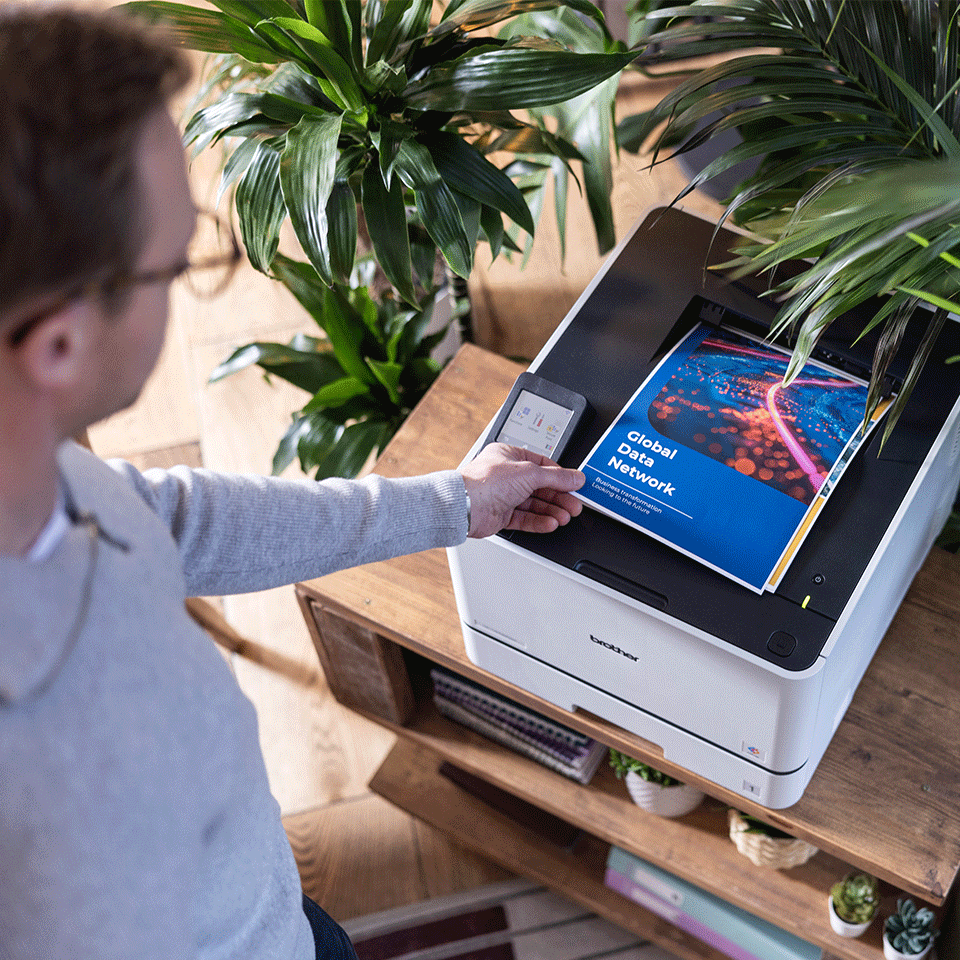
The Setup Condition That Determines Whether It Works as Intended
The Brother HL-L8430CDW makes the most sense when it is treated like an office device, not a random accessory sitting wherever there is leftover desk space.
It needs a stable location, stable power, stable network access, and enough clearance to handle paper loading, output, and maintenance.
| Setup condition | Good sign | Warning sign |
|---|---|---|
| Placement | Dedicated printer table, cabinet, or office shelf | Trying to squeeze it beside a monitor |
| Network | Reliable Wi-Fi or wired Ethernet available | Weak signal, shared building Wi-Fi, unstable router |
| Users | A few regular users with repeated print needs | Many occasional users with mixed devices |
| Print style | Documents, reports, invoices, presentations | Mostly photos, crafts, or rare emergency printing |
| Maintenance comfort | Buyer accepts toner, drums, and consumables | Buyer expects “buy once and forget forever” |
This is the difference between a printer that feels professional and a printer that becomes “that big thing we bought and now everyone avoids touching.”
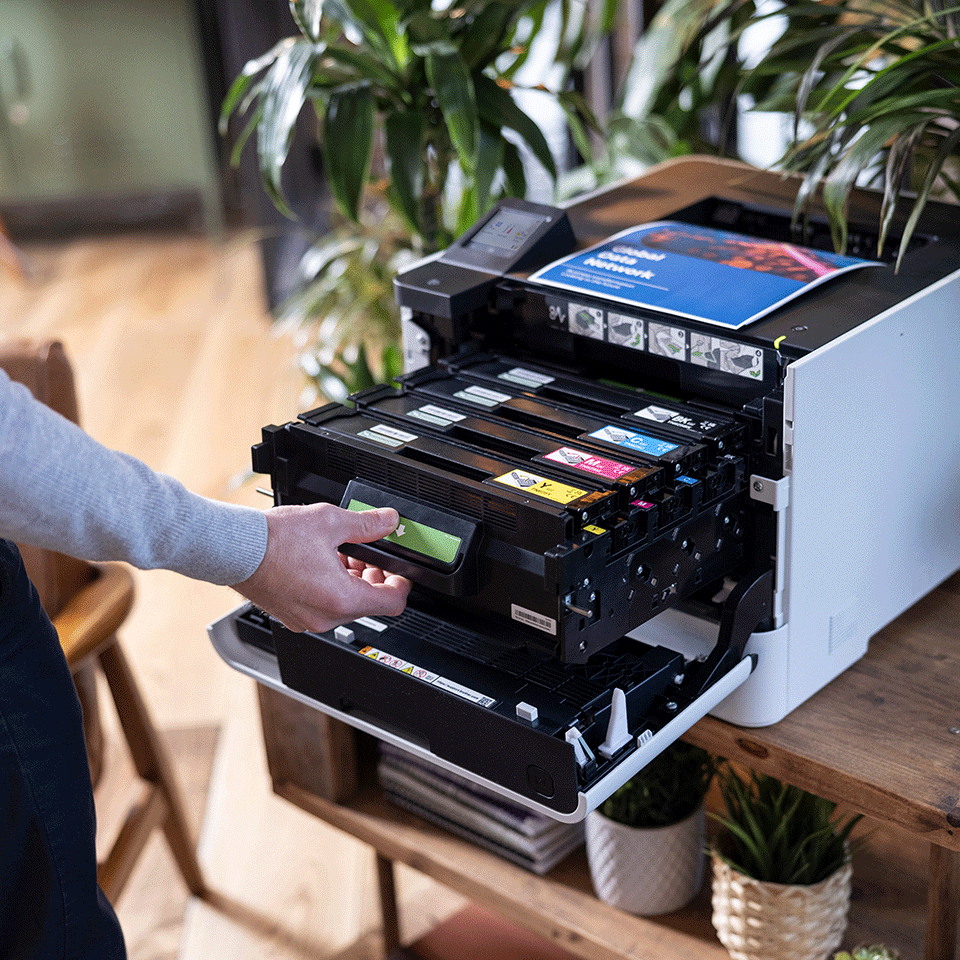
The Physical Requirement Buyers May Miss
The HL-L8430CDW is not the kind of printer you should buy first and measure later.
Color laser printers are naturally bulkier than basic inkjets because they need room for toner cartridges, paper handling, internal print mechanisms, cooling, and output flow.
Before ordering, verify:
- The width and depth of the space where it will sit.
- The clearance needed to open trays and access consumables.
- Whether the surface can comfortably support the printer.
- Whether the output tray is easy to reach.
- Whether the printer will be near enough to power and network access.
- Whether the noise level is acceptable for the room where it will operate.
A printer can have excellent output and still feel like a bad purchase if it physically dominates the room you place it in.
For a small apartment desk, this may feel excessive. For a proper office corner, it may feel perfectly normal.
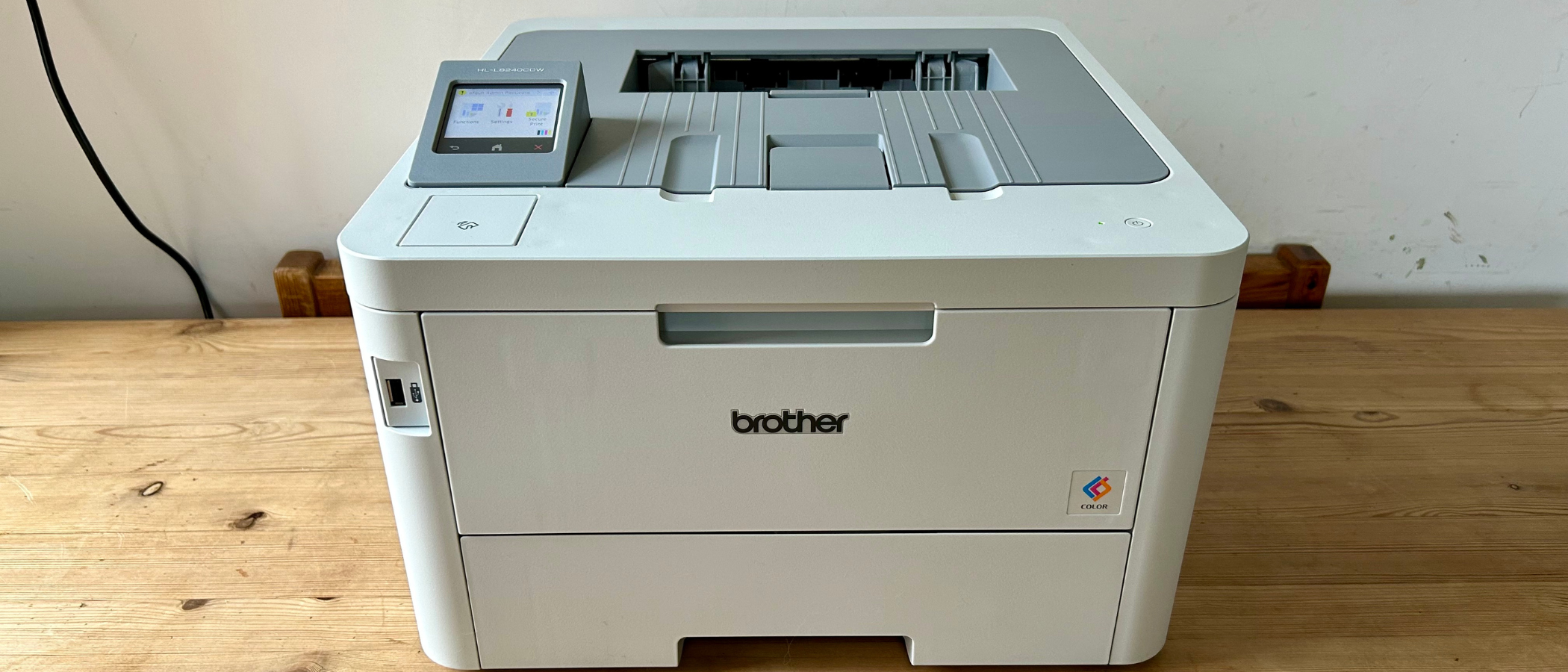
The Overlooked Detail That Affects Satisfaction From Day One
The most overlooked detail is not speed. It is not wireless. It is not even print quality.
It is what comes in the box and what you will need next.
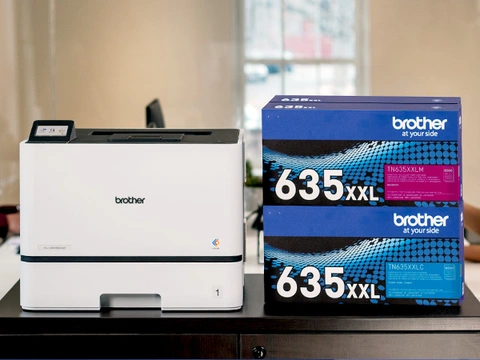
Many buyers look at the printer price and forget that color laser ownership is really a consumables equation. Toner, drums, waste toner components, paper, and replacement cycles all shape the real experience.
Check these before buying:
| Detail | Why it deserves a second look |
|---|---|
| Inbox toner type | Starter toner may not last as long as buyers expect. |
| Replacement toner pricing | A full color set can be a serious expense. |
| High-yield cartridge availability | Important if you print frequently. |
| Drum or maintenance parts | Not always top of mind during purchase. |
| Paper tray capacity | Matters if multiple users print regularly. |
| Warranty and support region | Especially important if buying from marketplace sellers. |
A printer can be fairly priced at checkout and still feel expensive six months later if you did not check toner economics.
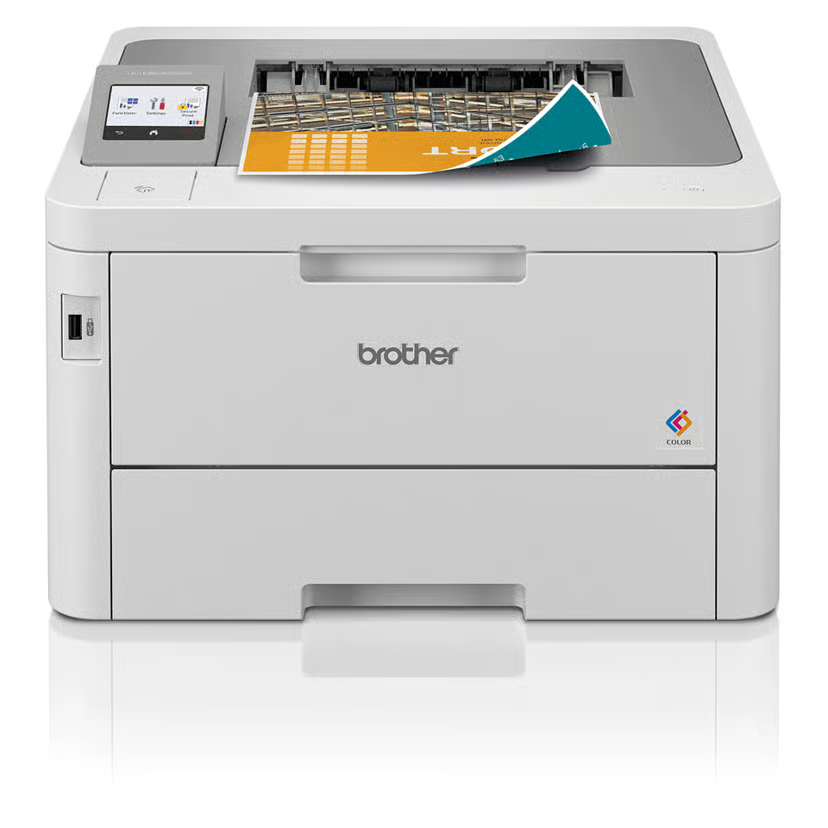
Do You Need Extra Parts, Accessories, or Subscriptions?
For many buyers, the Brother HL-L8430CDW should work without needing a subscription-style commitment. That is one reason office buyers often like Brother machines.
But “no subscription required” does not mean “no ongoing costs.”
You may still need:
- Replacement toner cartridges.
- Better quality paper for sharper business output.
- Network cable if you prefer wired Ethernet.
- Extra paper handling options, depending on configuration and availability.
- A dedicated stand or shelf.
- Label-compatible or specialty media only if supported by the printer’s specifications.
Do not treat toner like an afterthought. With a color laser printer, toner is part of the purchase decision, not a future surprise.
This is where careful buyers usually save themselves from regret.
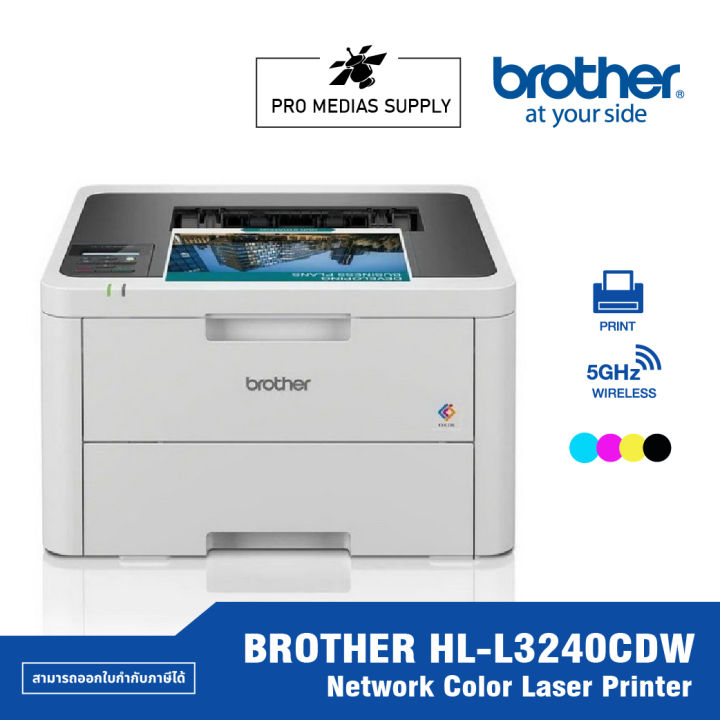
The Expectation You Should Lower Before Purchase
You should lower the expectation that the HL-L8430CDW will behave like a perfect all-purpose printer for every household and office situation.
It is not trying to be that.
It is not the best answer if you want:
- Built-in scanning.
- Compact size.
- Cheap occasional color printing.
- Photo-lab-style image output.
- A printer that disappears on a tiny desk.
- The lowest possible upfront cost.
- A casual once-a-month printer.
This is a productivity printer. That is the cleaner way to judge it.
The buyer who expects “professional document machine” will probably understand it faster than the buyer who expects “everything printer.”
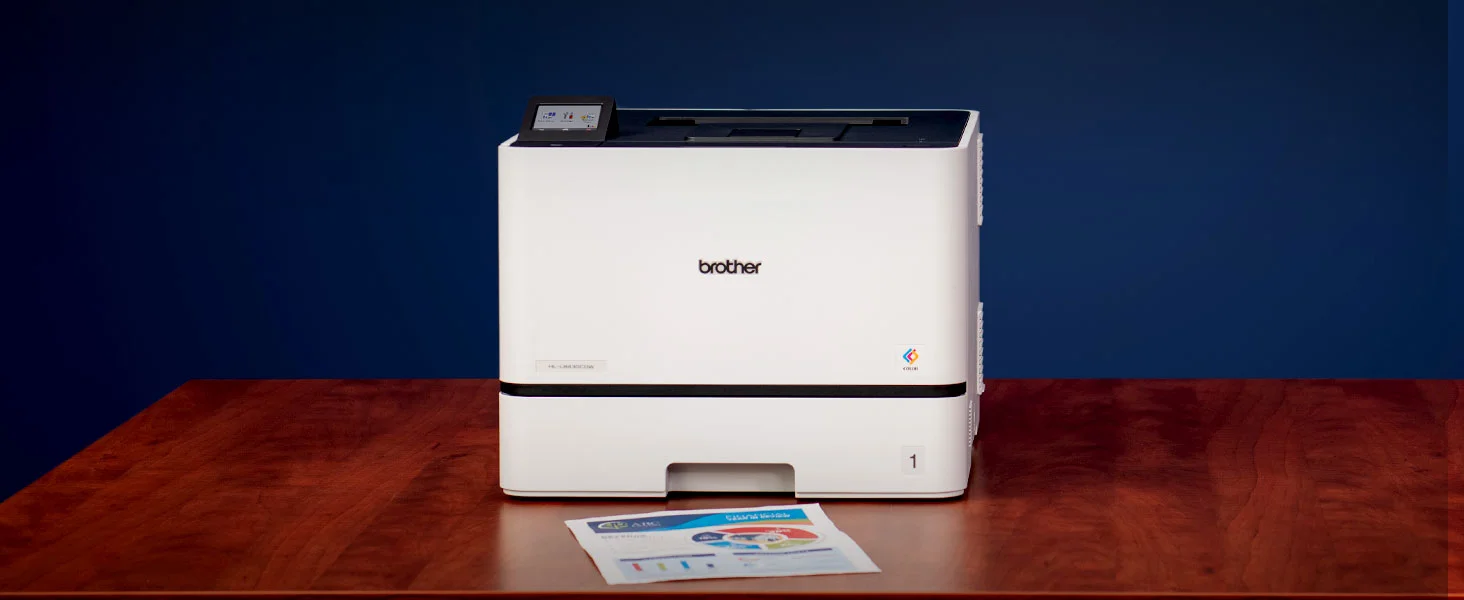
The Expectation That May Be Pleasantly Exceeded
Where the HL-L8430CDW can pleasantly surprise buyers is in the feeling of consistency.
Inkjet printers often make light users anxious: clogged heads, dried ink, cleaning cycles, faded output, and unpredictable results after sitting unused. A color laser printer changes that rhythm.
For the right user, the pleasant surprise is not dramatic. It is practical:
- Documents come out looking clean.
- Text looks sharp.
- Color charts and office graphics look professional enough.
- Two-sided printing saves paper.
- The printer feels better suited to repeated office work.
- It does not feel as fragile or fussy as many consumer inkjets.
That is the emotional benefit: less printer drama. And yes, printer drama is a real category of suffering, because apparently civilization needed one more small daily punishment.
What Matters More Than the Headline Feature
The headline feature is color laser printing.
But the better buying question is this:
Will this printer reduce friction in your weekly workflow?
That matters more than whether it has impressive specs on a product page.
| Buyer priority | What matters most |
|---|---|
| Small office | Reliability, toner cost, network stability, paper capacity |
| Home office | Space, noise, duplex printing, cost per page |
| Student household | Upfront price, color needs, scanning needs |
| Creative user | Media handling, photo quality expectations |
| Admin-heavy business | Sharp text, speed, tray capacity, consumable planning |
| Occasional printer user | Total ownership cost and whether laser is overkill |
The HL-L8430CDW is more convincing when printing is part of your routine. It is less convincing when printing is only an emergency task.
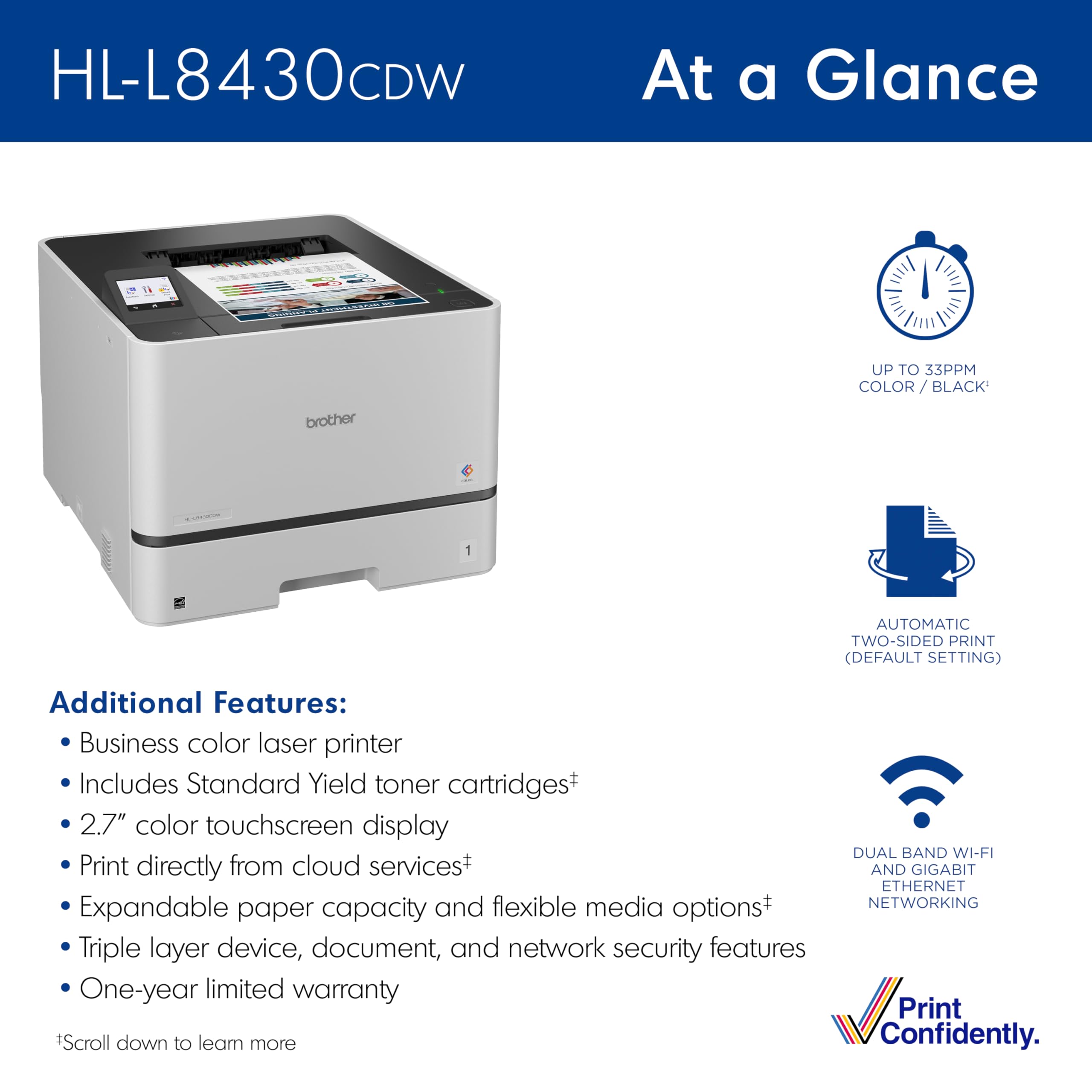
Who Should Pause Before Checking Out?
Some buyers should slow down before ordering this printer.
Pause if you:
- Need an all-in-one printer with scanning and copying.
- Print mostly photos or creative visuals.
- Have very limited space.
- Print rarely and only need basic documents.
- Hate dealing with consumables.
- Are choosing it only because “laser sounds better.”
- Have not checked toner replacement prices.
- Need guaranteed compatibility with specific specialty media.
- Want the cheapest possible color printing setup.
This does not mean the printer is bad for those people. It means the match may be wrong.
And with printers, a wrong match becomes visible very quickly.
What Deserves a Second Look on the Product Page
Before buying, open the product page and look again at the boring sections. Not the glossy hero image. Not the speed claim. Not the nice office lifestyle photo where the printer sits peacefully beside a plant like it has never jammed a page in its life.
Look at the practical details.
Re-check these sections carefully:
- Functions
- Confirm it is printer-only if that matters to you.
- Dimensions and weight
- Make sure your desk or shelf makes sense.
- Included toner
- See whether the cartridges are starter or standard yield.
- Replacement consumables
- Check toner availability and price in your region.
- Connectivity
- Confirm Wi-Fi, Ethernet, USB, mobile printing, and OS compatibility.
- Paper handling
- Review tray capacity, supported sizes, and media limits.
- Duplex printing
- Confirm automatic two-sided printing fits your workflow.
- Warranty
- Check whether seller and region support are legitimate.
The product page usually tells you what you need to know. The problem is that buyers often read the exciting parts and skip the parts that prevent regret.
The Warning Sign Hidden Behind Attractive Selling Points
The attractive selling point is that the HL-L8430CDW sounds powerful and office-ready.
The warning sign is that “office-ready” can also mean larger, more serious, and more expensive to maintain than a casual buyer expects.
That is not a flaw. It is the nature of the category.
A color laser printer is not just a printer. It is a small office machine. It brings better document confidence, but it also brings a different ownership rhythm.
| Attractive point | Hidden reality |
|---|---|
| Fast color printing | Only valuable if you print enough to care about speed. |
| Wireless convenience | Still depends on your network setup. |
| Business-class feel | Usually means bigger size and heavier build. |
| Laser reliability | Consumables still need planning. |
| Color capability | Not the same as photo-printer color richness. |
| Duplex printing | Great for documents, but not magic for every paper type. |
The buyer who understands those trade-offs will probably be happier than the buyer who only sees “color laser printer” and clicks buy.
The Question Buyers Should Answer About Themselves
Before committing, answer this honestly:
Do I need a reliable color document printer, or am I trying to buy one machine to solve every printing-related problem I have?
If the answer is reliable color documents, the HL-L8430CDW belongs on your shortlist.
If the answer is scanning, copying, photos, occasional home printing, creative projects, and low-cost convenience, pause. You may be asking the wrong product to do the wrong job.
A printer should match your real behavior, not your imagined future productivity personality.
Because yes, many of us buy office equipment as if next week we become a disciplined corporate department. Then reality arrives, wearing slippers.
What Would Make It Feel Like the Wrong Purchase Immediately?
The HL-L8430CDW may feel wrong immediately after unboxing if:
- You realize it is bigger than expected.
- You needed scanning or copying.
- You do not have a stable place to put it.
- Your Wi-Fi setup is messy.
- You check toner prices only after buying.
- You expected photo-quality color.
- You print too rarely to justify the machine.
- You wanted a simple family printer, not an office printer.
- You bought it because it looked “professional” but did not match your workflow.
This is why the best time to be strict is before buying, not after opening the box.
Buyer Fit: Who the Brother HL-L8430CDW Makes Sense For
| Buyer type | Fit level | Why |
|---|---|---|
| Small office printing reports, invoices, forms, and color documents | Strong fit | The machine’s strengths align with repeated business printing. |
| Home office user who prints often and wants sharper documents | Good fit | Especially if space and toner cost are acceptable. |
| Family needing scan/copy/print in one device | Weak fit | Printer-only design may disappoint. |
| Photo-focused buyer | Weak fit | Color laser is not the same as photo printing. |
| Occasional user printing a few pages monthly | Questionable fit | Upfront size and cost may be hard to justify. |
| Buyer replacing an inkjet because of dried ink frustration | Potentially strong fit | Laser may feel more dependable for document use. |
The Pre-Purchase Checklist
Before clicking buy, make sure you can answer yes to most of these:
- I mainly need printing, not scanning or copying.
- I print enough documents to justify a color laser printer.
- I have checked the toner replacement cost.
- I understand that laser color is not photo-lab color.
- I have enough physical space for the printer.
- My network setup is reliable enough for shared printing.
- I know what paper sizes and media types I need.
- I am comfortable with a more office-style printer experience.
- I have checked what is included in the box.
- I am buying from a seller with proper warranty support.
If you cannot answer yes to these, the HL-L8430CDW may still be a good product — just not the cleanest fit for you.
Bottom Line: Commit Only If You Need the Kind of Printer This Really Is
The Brother HL-L8430CDW should not be judged as a casual home printer with extra power. It should be judged as a serious color document printer for people who print regularly and want a cleaner, more reliable office-style workflow.
Its appeal is not that it does everything. Its appeal is that it can handle the kind of printing many small offices and home offices actually depend on: sharp text, useful color, duplex documents, and repeatable output without the usual inkjet anxiety.
But the purchase only makes sense if you accept the trade-offs before ordering: size, toner cost, printer-only functionality, setup realities, and realistic expectations around color output.
Buy it because you need a dependable color laser printer for documents. Do not buy it because you vaguely want “a good printer” and hope it will cover every possible use case.
That distinction is where buyer satisfaction begins.
Explore the Brother HL-L8430CDW Gallery
Every image from this article, gathered in one clean place. Tap any photo to open it larger.