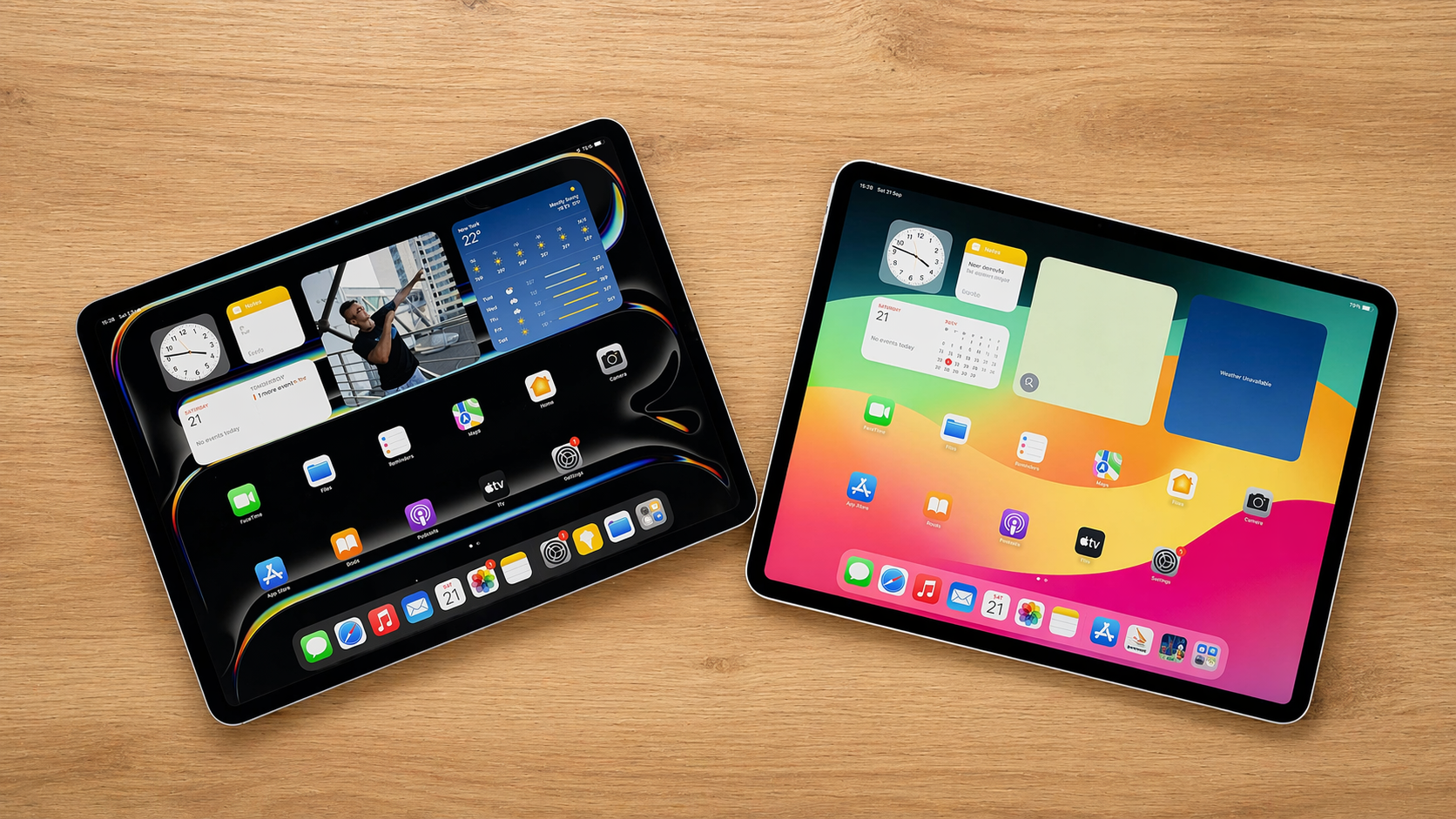

The iPad Air with M4 is exactly the kind of Apple product that can look boring on paper and feel very smart once you actually think about who it is for. It is thinner than it needs to be, faster than most people will ever require, more polished than the average buyer strictly needs, and still deliberately held back just enough to protect the iPad Pro above it. That sounds cynical, but it is also the truth of the Air lineup. Apple knows where this tablet sits, and this year’s version leans into that role with unusual confidence.
Our take is simple: this is the iPad most people should buy if they want something clearly better than the base model without stepping into full Pro pricing. The M4 chip gives it far more headroom than most buyers need today. The 11-inch and 13-inch size options make the lineup much easier to match to real lifestyles. The build quality is excellent, the accessory support is strong, and the whole package feels like it was designed for people who want one premium tablet to do almost everything well.
It is not for everyone. If you care deeply about having the best screen Apple makes, if you want Face ID, or if you already know you are about to pile on expensive accessories until the price stops making sense, the story changes. But for the majority of buyers, the iPad Air with M4 hits the sweet spot better than anything else in Apple’s tablet range. It is not the most exciting iPad. It is the most sensible one, and that matters more.
Quick verdict
Best for:
students, professionals, note-takers, travelers, digital artists, and anyone upgrading from an older iPad who wants a premium tablet that should stay fast for years.
Avoid if:
you specifically want a 120Hz OLED display, Face ID, or the kind of fully loaded setup that drifts dangerously close to laptop money.
What we liked:
the M4 performance, the polished design, the stronger long-term value, the excellent app ecosystem, the useful 13-inch option, and the fact that it feels meaningfully more premium than the regular iPad without becoming ridiculous on price.
What disappointed us:
the familiar 60Hz LCD still feels like a strategic compromise, Touch ID now feels old-fashioned at this level, and the official accessories remain expensive enough to complicate the value story.
Final verdict:
the iPad Air with M4 is the best iPad for most people. It is not the one with the fewest compromises, but it is the one with the right compromises.
What we reviewed
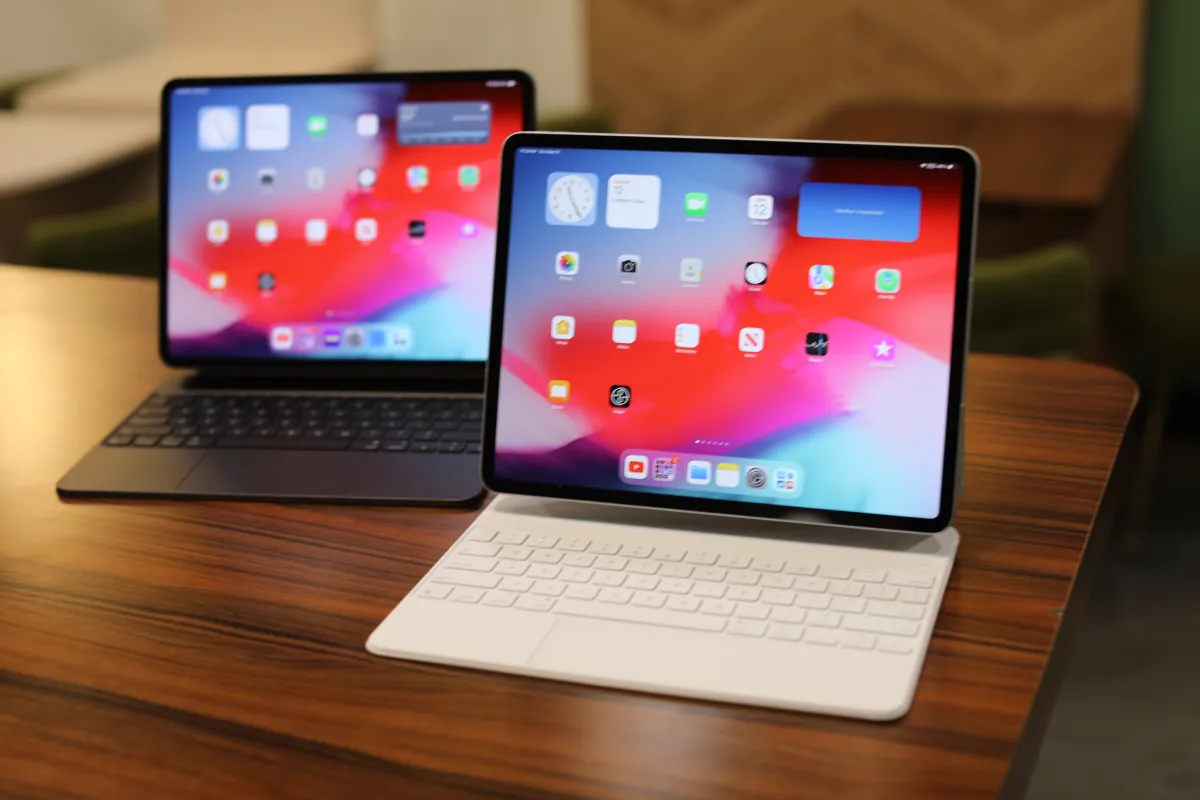
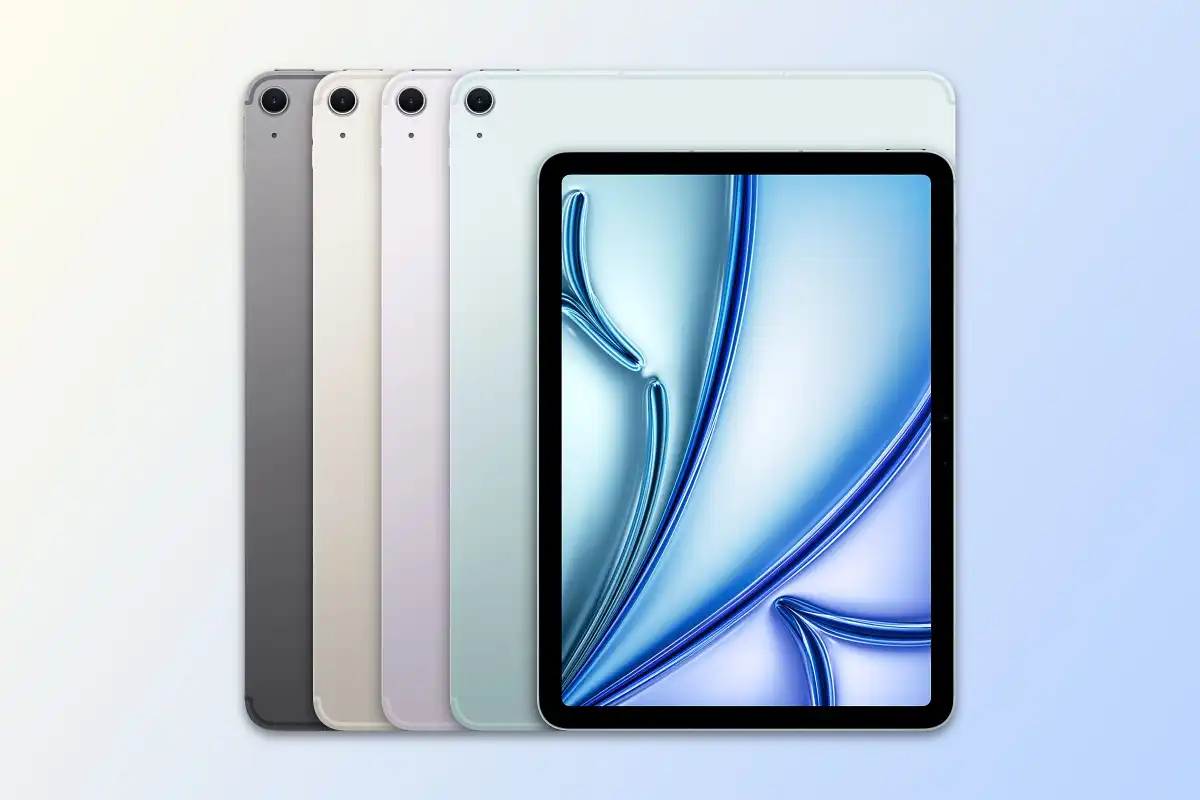
We looked at the iPad Air with M4 as a full lineup, because that is how most buyers will actually approach it. Apple offers it in 11-inch and 13-inch versions, both built around the same core idea: give buyers a premium iPad experience without pushing them all the way into Pro territory.
Both sizes use the M4 chip, both support Apple Pencil Pro, both work with Apple’s Magic Keyboard for iPad Air, and both sit in that very deliberate middle ground between mainstream and flagship. Storage starts at 128GB and goes up to 1TB, which gives the Air enough range to serve casual users, students, and more demanding buyers without completely changing its identity.
That identity matters. The iPad Air is not trying to be Apple’s most advanced tablet. It is trying to be the one that makes the most sense to buy. Once you understand that, the rest of the review becomes easier to frame. This is not a story about extremes. It is a story about balance.
How we judged it
We approached the iPad Air with M4 as the tablet most people will cross-shop when they want something better than the base iPad but cannot justify, or simply do not want, the full iPad Pro experience. That means its real competition is not just other tablets. It is also buyer hesitation. It is the question people ask themselves when they want to spend smartly: how much iPad do we actually need?
That is why the Air lives or dies on the details. It has to feel premium enough to justify the step up. It has to perform well enough to stay relevant for years. It has to make sense as a productivity device without becoming absurd once you start adding accessories. And it has to avoid the common trap of feeling like a watered-down Pro that exists mainly to frustrate people into spending more.
In our view, the iPad Air with M4 gets most of this right. It does not erase the gap between Air and Pro, but it narrows that gap where it matters most for mainstream buyers: speed, longevity, flexibility, and everyday usefulness.
Design and build quality
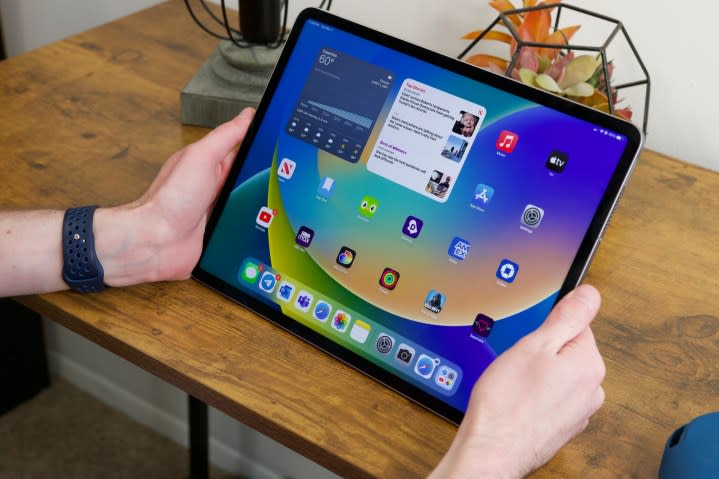
Apple has been refining this hardware formula for long enough that the design now feels less like something new and more like something settled. That is not a complaint. The iPad Air with M4 looks clean, sharp, and premium in exactly the way people expect an Apple tablet to look. The flat edges, slim chassis, and minimal front design still work. More importantly, they still feel current.
The 11-inch model is the more naturally appealing version for many people. It is portable, light, comfortable to hold, and easy to slip into daily life without ever feeling like too much device. This is the version that still feels like a true tablet first. It is the one we would lean toward for buyers who mainly want reading, browsing, streaming, note-taking, messaging, light work, and casual creativity.
The 13-inch model is where the Air lineup becomes more serious. Bigger tablets always sound slightly excessive until you actually imagine how people use them: split-screen documents, note-taking alongside PDFs, sketching, editing, presentations, multitasking, travel work, and long reading sessions that benefit from extra breathing room. On a larger canvas, the Air feels less like a consumption device and more like a productivity tool that happens to remain very sleek.
Build quality is one of the Air’s easiest wins. There is no midrange wobble here. It feels dense, precise, and expensive in the best way. The body is slim, the fit and finish are exactly where they should be, and the overall impression is that of a mature product that has very little left to prove in hardware terms. This remains one of Apple’s strongest advantages over the wider tablet market. The Air does not just look premium in photos. It feels composed as a product.
The downside is that the design is now so familiar that it no longer creates any excitement on its own. If you were hoping for a visual rethink or some fresh sense of personality, you will not find it here. Apple is clearly not trying to reinvent the Air. It is refining a template that already works, and that makes this a confident but conservative design update.
Setup and first use
One of the reasons the iPad Air remains so easy to recommend is that Apple still understands friction better than most. Setup is straightforward, the ecosystem integration remains excellent, and the device settles into everyday use very quickly. That sounds obvious, but it matters. Tablets often succeed or fail based on whether they become part of your routine or end up as an expensive object that spends too much time sitting untouched.
The Air does not feel like that kind of product. It feels immediately usable. The interface is familiar, the app ecosystem is mature, and the whole device gives off the impression of being ready for anything from the moment you start using it. That matters more than people sometimes admit. The best premium tablets are not just powerful. They are inviting.
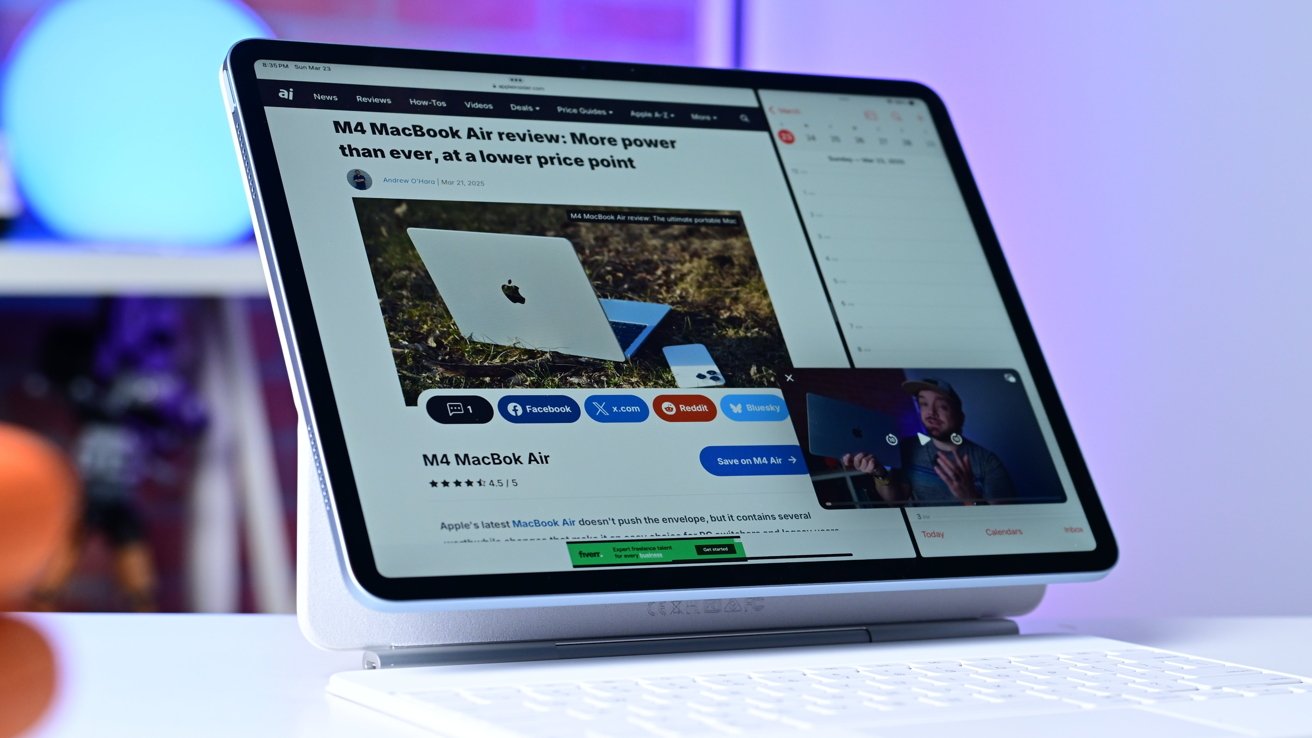
This is also where the Air benefits from being clear about what it is. It is not trying to replace every computer for every person. It is trying to be a premium tablet that can also handle a lot of real work. That distinction helps. It keeps expectations grounded and makes the first-use experience feel coherent instead of compromised.
The bigger 13-inch version especially benefits from this. It makes multitasking feel more plausible. It gives apps room to breathe. It reduces the cramped feeling that smaller tablets can sometimes create once you start asking them to behave like light work machines. The 11-inch remains the easier casual device, but the 13-inch is the one that makes the Air feel more ambitious.
Real-world performance
The headline feature here is the M4 chip, and it is genuinely important even if many buyers will never come close to stressing it. Apple has made the Air extremely fast. Not “fast for an iPad Air.” Just fast, full stop. Everyday use should feel effortless, heavy apps should open quickly, multitasking should remain fluid, and the device should have the kind of long-term performance ceiling that makes it a comfortable multi-year purchase.
That is the real value of the M4 in a product like this. Most buyers are not shopping for benchmark bragging rights. They are shopping for confidence. They want to know the tablet will still feel snappy two or three years from now. They want enough power for creative apps, schoolwork, editing, productivity, and whatever new software demands appear during the device’s life. The M4 gives the Air that confidence in a way that feels meaningful rather than merely promotional.
The extra headroom changes how we think about the Air. This is no longer a tablet that feels like the “good enough” option beneath the Pro. It feels like a deliberately strong machine with a few carefully chosen limitations. That is a very different position. The processor is not where Apple is holding back. In fact, the chip is good enough that it throws the remaining compromises into sharper focus.
For normal tasks, the iPad Air with M4 is almost comically overqualified. Web browsing, video streaming, note-taking, messaging, email, document work, casual editing, and general app use should feel effortless. More demanding workloads such as photo editing, illustration, creative apps, and multi-app workflows also sit comfortably within its range. The Air feels like a device that wants to be used broadly rather than cautiously.
That is what makes the M4 such a smart upgrade. It future-proofs the Air in a way that matters. Even buyers who never push it hard will benefit from the fact that the ceiling is so high. The iPad Air is no longer powerful enough. It is more powerful than it strictly needs to be, and that is exactly where a premium product like this should land.
Use-case performance
The iPad Air with M4 is at its best when you think about real buyer types rather than abstract specs.
For students, it makes a lot of sense. The combination of performance, Pencil support, long-term relevance, and strong portability is exactly what this audience tends to need. The 11-inch model is the safer recommendation because it stays light and easier to carry all day. The 13-inch earns its place for those who constantly work with split screens, notes, lecture slides, PDFs, and multitasking-heavy study habits.
For note-taking and handwriting, the Air continues to feel like one of the strongest mainstream options. Pencil support remains a major advantage in the iPad ecosystem, and the overall experience still feels polished and mature. If your daily routine involves annotation, sketching ideas, marking up documents, or replacing paper notebooks, the Air remains easy to justify.
For creative work, the Air is more capable than many people need, but not quite indulgent enough for those who obsess over the very best display experience. It is a strong tablet for drawing, photo work, content planning, light video editing, and general creative tasks. But it also reminds you that Apple still protects the Pro where screen quality is concerned. The power is there. The display, while good, does not fully match the promise of the chip.
For office and productivity use, the Air is convincing as long as your expectations are sensible. Writing, research, presentations, communication, light spreadsheet work, browsing, meetings, and day-to-day digital organization all fit well here. The larger model especially helps, because the extra screen space makes the device feel more comfortable as a work companion rather than just a bigger entertainment slab.
For media consumption, the Air remains extremely easy to like. Streaming, reading, browsing, and general casual use all benefit from the sharp, vibrant display and excellent overall hardware polish. Even here, though, there is a small caveat: the screen is very good, but it is not the kind of screen that makes you forget there is a more luxurious option sitting above it.
Convenience and comfort
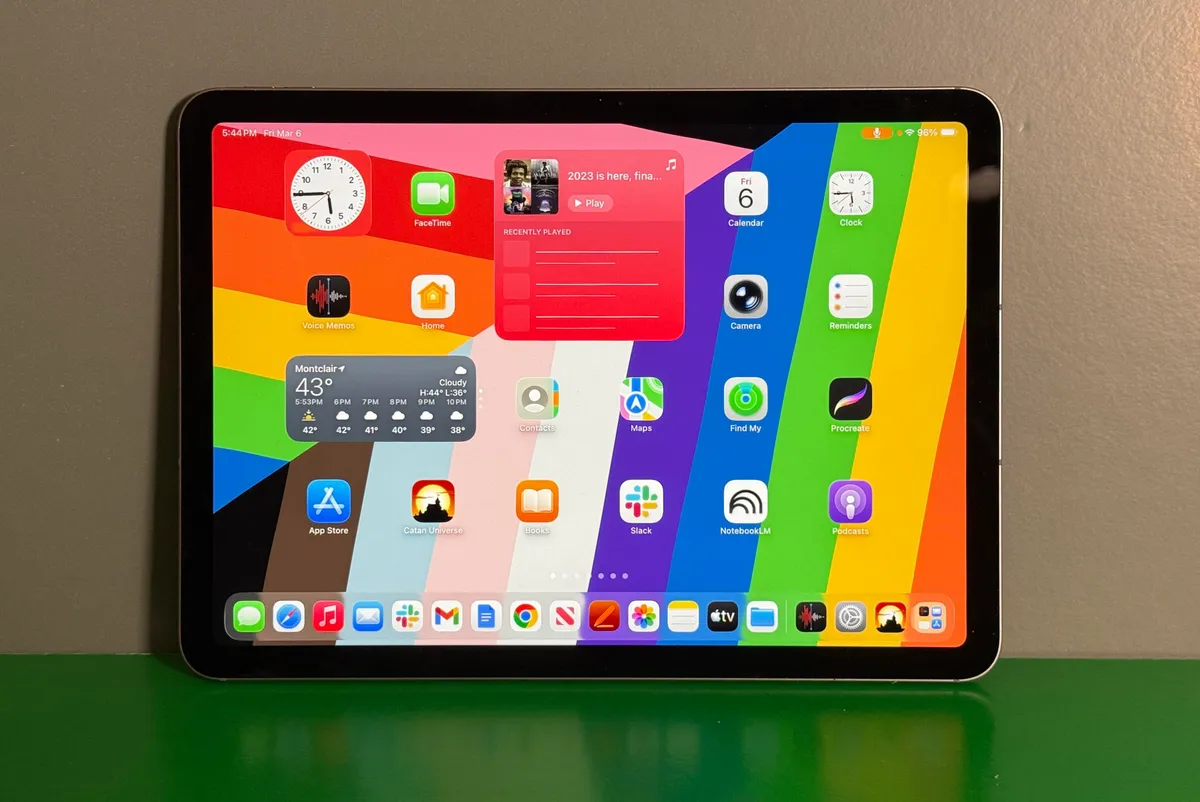
This is where the Air quietly wins harder than many spec sheets can explain. Great tablets are not just about power. They are about how often you want to pick them up. The iPad Air still excels at that. It feels light enough, slim enough, and polished enough to fit into everyday life without effort.
The 11-inch version is the comfort pick. It is easier to hold, easier to use on a sofa, easier to carry, and easier to treat like a genuine tablet. If what you want is a premium device that disappears into your routine and never feels like too much, this is the model that makes the most immediate sense.
The 13-inch version trades some of that casual ease for better productivity. It is still thin and portable by laptop standards, but it is a more deliberate device. You are less likely to treat it as an always-in-hand companion and more likely to treat it as a portable workspace. That is not a flaw. It is simply a different personality.
The Air also benefits from stronger connectivity and a current wireless spec sheet, which helps it feel future-facing. That matters because the Air is clearly designed as a long-term purchase. Buyers are not just paying for what the device can do today. They are paying for how comfortable it should remain over several years.
Battery life lands in the dependable category rather than the wow category. That is fine. We would rather have predictable battery behavior than grand claims that fail to match real use. The Air feels like a device you can trust through normal daily routines, and that is enough for most buyers. It does not need to dominate the category here. It just needs to avoid anxiety, and it does.
The one part of daily comfort that now feels dated is Touch ID. It still works, and it is still functional, but it no longer feels especially premium. On a tablet this polished, Face ID would have made the whole experience feel more effortless. Its absence is not ruinous, but it is a reminder that Apple is still drawing a very visible line between Air and Pro.
Flaws and frustrations
The iPad Air with M4 does not suffer from dramatic failures. Its frustrations are subtler than that. The problem is not that Apple got the Air wrong. It is that Apple knows exactly how much to hold back, and the user can feel that strategy in a few key places.
The most obvious one is the display. The screen is sharp, laminated, colorful, and perfectly enjoyable for most uses. But it is still a 60Hz LCD, and that now feels like the most calculated compromise in the entire product. The Air is fast enough to feel premium, expensive enough to invite scrutiny, and polished enough to make that screen decision stand out more than it used to.
This is not a bad display. It is simply not an ambitious one. That distinction matters. Once the processor reaches this level, buyers naturally start expecting the full experience to rise with it. The M4 feels modern and generous. The display feels more careful and selective.
Touch ID is the next frustration. Again, it works. Again, it is not a disaster. But it no longer feels like the right answer for a device that sits so confidently in the premium tier. Face ID would have made the Air feel more complete. Without it, the product remains just slightly less smooth than it could be.
Storage can also become a pressure point. The base configuration is serviceable, but the moment you start thinking in long-term ownership terms, it becomes easier to justify moving up. That is exactly the kind of decision Apple has always been good at nudging, and the Air is no exception.
Then there is the accessories issue. The iPad Air makes excellent sense at its starting point. The more you add, the shakier that logic becomes. A Pencil is easy enough to defend for the right buyer. A keyboard can also make sense. But once you start combining those costs with bigger storage and perhaps cellular, the Air stops feeling like the lineup’s smart buy and starts feeling like an expensive compromise.
Value for money
This is the section that decides the whole product, and the iPad Air with M4 still comes out well.
At its core price, the Air is a strong value in Apple terms. You are getting a premium build, an excellent processor, long-term relevance, strong accessory support, and a more refined overall experience than the base iPad. For a lot of people, that is exactly the right place to spend. It feels like a device you can buy with confidence rather than apology.
The reason it works is that Apple has not made the Air feel cheap, weakened, or temporary. It feels substantial. It feels like the version of the iPad that many people actually want once they move past the most affordable option. It is the product for buyers who care about quality but still want a sense of restraint.
That restraint is important, because the Air’s value depends heavily on how you configure it. The smart Air purchase is one that preserves the Air’s original logic. Buy the size you truly need. Buy the storage you can justify. Add a Pencil or keyboard only if your use case makes that decision obvious. The moment the purchase turns into an attempt to recreate the iPad Pro experience on a budget, the value starts to erode.
So yes, the Air is good value. But it is smart value, not unlimited value. It rewards discipline. Buy it with a clear role in mind, and it looks excellent. Buy it emotionally, pile on accessories, and suddenly it becomes much harder to call sensible.
Pros and cons
Pros
- M4 performance gives the iPad Air more headroom than most buyers will need for years
- Premium design and excellent build quality
- Available in both 11-inch and 13-inch sizes, which makes the lineup much more flexible
- Strong Pencil support and a mature app ecosystem
- Feels meaningfully better than the regular iPad without becoming absurd at the base price
- Easy to recommend as a long-term purchase
- Still the most balanced iPad in the lineup for mainstream buyers
Cons
- 60Hz LCD now feels like a very deliberate limitation
- Touch ID feels dated at this level
- Base storage is fine, but not especially generous once you think long term
- Battery life is dependable rather than standout
- Apple’s accessories can quickly undermine the value story
Who should buy it
The iPad Air with M4 is for buyers who want one excellent tablet that can cover almost everything. If you want a premium device for school, work, entertainment, travel, note-taking, sketching, reading, browsing, and light creative work, this is the easiest iPad to recommend.
It is especially strong for people upgrading from an older iPad, people who know the regular iPad feels a little too basic for what they want, and people who appreciate quality but do not need the prestige or display tech of the Pro. It is also a very smart buy for those who care about longevity. The M4 gives this device a reassuring amount of future-proofing.
The 11-inch model is the default recommendation for most people. It captures the Air at its best: portable, practical, premium, and easy to live with. The 13-inch model makes sense if your workflow genuinely benefits from more space. That includes artists, multitaskers, students with heavy document use, and buyers who want the Air to do more real work.
Who should skip it
You should skip the iPad Air with M4 if the display is your top priority. The screen is good, but it is not the reason to spend big. If you know you care about refresh rate, richer contrast, or the most luxurious visual experience Apple offers, the Air will always feel like the almost-choice rather than the right one.
You should also skip it if you already own a recent iPad Air and were hoping for something transformative. This is a smart refinement, not a dramatic reinvention. The M4 is great, but the overall product philosophy remains familiar.
And you should think twice if you already know you are going to add everything. Large storage, cellular, keyboard, Pencil, the bigger model, all at once. That kind of shopping turns the Air from a smart premium tablet into something far less elegant financially. At that point, the simple value story disappears.
Final verdict
The iPad Air with M4 gets the hard part right. It does not try to be everything. It tries to be the iPad that most people can buy without regret, and in our view, it succeeds.
The design is polished, the performance is excellent, the lineup now makes more sense with both 11-inch and 13-inch options, and the overall experience still feels far more premium than the average tablet buyer truly needs. Apple has made the Air powerful enough to feel confidently future-proof, but restrained enough to protect the Pro. That tension is visible throughout the product, especially in the screen and biometrics, but it never fully derails the package.
Our verdict is clear: if you want the best balance of performance, portability, polish, and long-term value in Apple’s tablet range, the iPad Air with M4 is the one to buy. It is not the boldest iPad. It is not the most luxurious iPad. It is the smartest iPad for most people, and that makes it the easiest one to recommend.
FAQ
Is the iPad Air with M4 worth buying over the regular iPad?
Yes, for many buyers it is. The Air gives you a more premium design, a much stronger chip, better long-term confidence, better accessory support, and a more refined overall experience. The regular iPad still makes sense for lighter use and tighter budgets, but the Air is the one that feels built to age well.
Should we buy the 11-inch or 13-inch iPad Air with M4?
Buy the 11-inch if you want the best all-around tablet experience. It is easier to carry, easier to hold, and better suited to casual everyday use. Buy the 13-inch if your priorities include multitasking, drawing, document work, or using the iPad more like a light productivity machine.
Is the screen good enough?
Yes, for most people it absolutely is. It is sharp, colorful, and enjoyable to use. The issue is not that the screen is bad. The issue is that it is no longer especially ambitious for the price tier. If you are sensitive to refresh rate or want the most premium display Apple offers, this is where the Air reminds you it is still not a Pro.
Does the iPad Air with M4 have Face ID?
No, it uses Touch ID in the power button. It works well enough, but it does not feel as seamless or as premium as Face ID would.
Is the M4 overkill in an iPad Air?
For many people, yes. But that is not a bad thing. It means the Air should stay fast for a long time, handle heavier apps more comfortably, and feel less likely to age badly. In a premium tablet, useful overkill is better than cutting it too close.
Is the Magic Keyboard worth it?
It depends entirely on how often you will type on the iPad. If the Air is replacing a large part of your note-taking or writing routine, the keyboard can make real sense. If not, it is one of the easiest ways to make the Air feel worse value than it really is.
Should owners of an older iPad upgrade?
In many cases, yes. If your current iPad is starting to feel limited, slow, or simply too basic for what you now do, the iPad Air with M4 is exactly the kind of upgrade that should feel worthwhile. It gives you a premium step up without forcing you into the most expensive part of Apple’s lineup.
Explore the Full Gallery
Every image from this article, gathered in one clean place. Tap any photo to open it larger.